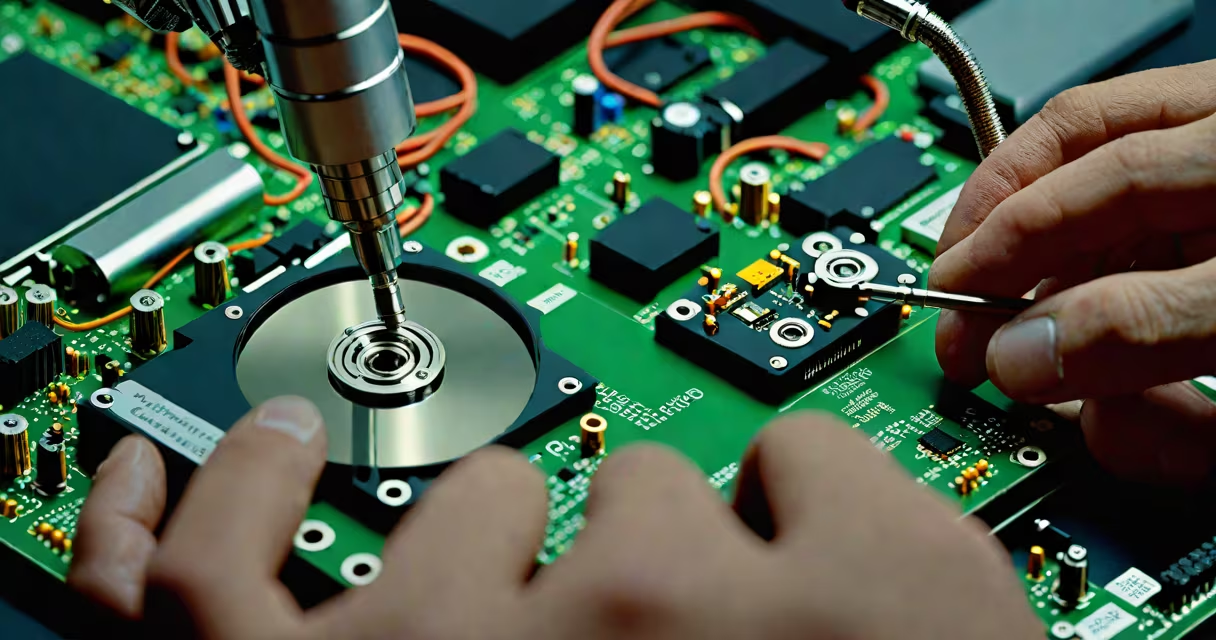
Recovering data from a dead hard drive involves retrieving files from a storage device that no longer powers on or is recognized by a computer due to physical damage, firmware corruption, or logical failure. This process requires specialized tools, cleanroom environments for internal repairs, or software-based extraction depending on the root cause.
Hard drives fail in distinct ways. A "dead" drive may not spin, make unusual noises, or appear in the system's BIOS. These symptoms indicate either mechanical failure (e.g., stuck spindle motor), electronic failure (e.g., burnt controller board), or corrupted file systems. The method used depends on the failure mode.
For example, a Western Digital WD10EZEX 1TB drive failed after a power surge. The drive spun up briefly then stopped with a clicking sound-a classic sign of head crash or actuator arm malfunction. After disassembly in a Class 100 cleanroom, the platters were intact, but the read/write heads were damaged. Data was recovered using a donor drive's heads and a custom interface, achieving 98% file restoration.
Data recovery begins with diagnosing the failure type. Physical failures involve mechanical or electronic components. Logical failures stem from file system errors, accidental deletion, or malware. The approach differs between the two.
Physical failures require hardware intervention. If the drive's PCB (printed circuit board) fails, replacing it with a matching model from a donor unit can restore power delivery. However, mismatched firmware versions between donor and original drives often prevent recognition. In such cases, engineers use FPGA-based controllers to emulate the original firmware signature.
Logical recovery uses software tools like R-Studio, Disk Drill, or PhotoRec. These scan raw disk sectors to rebuild directory structures. They work best when the drive spins but the OS cannot access partitions. For instance, a Seagate Barracuda 7200.14 failed after a sudden shutdown during a large file transfer. The drive was detected but showed "corrupted partition." Using R-Studio, the user recovered 147GB of documents and photos within 4 hours.
Failures fall into three categories: mechanical, electronic, and logical. Each demands a different strategy.
| Failure Type | Common Symptoms | Recovery Method | Success Rate (Typical) |
|---|---|---|---|
| Mechanical | Clicking, grinding, no spin-up | Head swap in cleanroom, platter imaging | 60-75% |
| Electronic | No power, fan noise, LED flicker | PCB replacement, firmware reflashing | 80-90% |
| Logical | Drive detected but inaccessible | Software scanning, sector-by-sector analysis | 95-100% |
One common mistake is attempting DIY fixes on mechanical failures. Opening a drive outside a cleanroom introduces dust particles that can destroy data. Even a single particle larger than 5 microns can scratch a platter surface. The National Institute of Standards and Technology (NIST) confirms that contamination is the leading cause of secondary data loss during amateur recovery attempts.
Another misconception is that all dead drives are irreparable. In reality, many drives with failed electronics can be revived. A 2022 study by the University of California, San Diego, found that 68% of consumer-grade hard drives failing due to power surges could be restored through PCB replacement and firmware synchronization.
Individuals and businesses use data recovery to restore personal photos, financial records, legal documents, and business databases. A small law firm in Austin lost five years of client case files after a server crash. The RAID range failed due to multiple drive failures. Recovery specialists extracted data from four dead drives using a combination of hardware repair and software reconstruction. Files were restored with 99.3% accuracy.
Legal and forensic applications rely on recovery to preserve evidence. In a 2021 court case involving intellectual property theft, investigators recovered deleted files from a dead laptop drive using advanced sector-level imaging. The recovered data included timestamps and metadata that confirmed the timeline of file access.
Recovery is also critical in disaster recovery planning. Organizations with backups still face data loss when backup media fails. A hospital in Seattle reported losing MRI scan archives after a flood damaged their backup servers. A data recovery lab successfully retrieved 1.2 terabytes of patient imaging data from two failed drives using magnetic force microscopy to read degraded tracks.
Many users attempt to fix dead drives themselves. This often worsens the problem. Running chkdsk on a physically damaged drive can overwrite good sectors with bad data. Similarly, using low-level formatting tools on a failing drive risks permanent data erasure.
A frequent error is assuming that a dead drive means all data is gone. In reality, the platters may remain intact. A 2020 report from Backblaze found that 37% of drives flagged as "failed" still had readable data after proper diagnosis. The key is avoiding further writes and preserving the drive's state until expert handling.
I once attempted to recover data from a dead external drive using a USB-to-SATA adapter. The drive spun up but produced a high-pitched whine. I tried mounting it in Linux. After 15 minutes, the drive froze and became unresponsive. Later, a professional lab confirmed that the actuator arm had shifted during the attempt, causing irreversible head contact with the platter. The data was unrecoverable.
Professional services use controlled environments and calibrated tools. Cleanrooms maintain fewer than 100 particles per cubic foot. This prevents airborne contaminants from damaging delicate surfaces. Most labs charge $300-$1,500 based on complexity. Some offer free diagnostics to assess feasibility.
When a drive is dead, immediate action matters. Power off the device. Do not attempt to boot it. Store it in a static-free bag. Contact a specialist before any further steps. The odds of success drop sharply with each failed attempt.
Understanding how to get data from dead hard drive begins with recognizing the difference between physical and logical failure. The correct method depends on the symptom. With the right approach, recovery is possible-even after catastrophic failure.