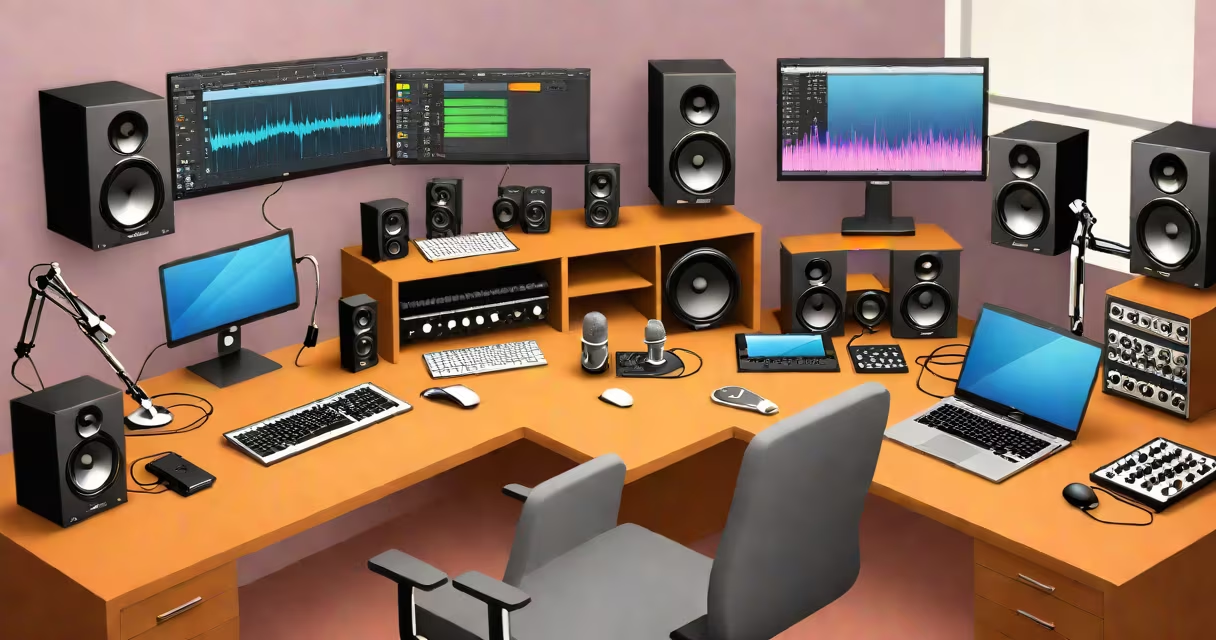
The best recording software for Mac combines low-latency audio processing, support for professional-grade plugins, and intuitive workflows tailored to music production, podcasting, and live sound engineering. These applications run natively on macOS, use Apple's Core Audio structure, and integrate with external hardware like audio interfaces and MIDI controllers.
Modern recording software for Mac uses a digital audio workstation (DAW) architecture. This means audio tracks, MIDI clips, effects, and automation are managed in a timeline-based environment. DAWs process audio in real time using buffer sizes as small as 64 samples, minimizing delay between input and playback. They also support multi-track recording, allowing users to layer vocals, instruments, and sound effects with precise timing.
Apple's native audio engine, Core Audio, ensures stable performance across all supported DAWs. Applications like Logic Pro X and Ableton Live take advantage of this through optimized drivers and hardware acceleration. Users report consistent CPU usage under heavy load, especially when using complex plugin chains or high sample-rate recordings (e.g., 96 kHz).
Recording software for Mac operates by capturing analog signals from microphones or instruments via an audio interface, converting them into digital data using an ADC (analog-to-digital converter), and routing them into the DAW's timeline. Once recorded, audio can be edited using cut, copy, paste, time-stretching, pitch correction, and noise reduction tools.
Plugins-VST, AU, or AAX formats-are loaded within the DAW to apply effects such as reverb, compression, EQ, or virtual instruments. These run in real time on the host processor, with performance depending on CPU speed, RAM, and buffer settings. For example, a 2023 MacBook Pro with M2 chip handles 128 tracks with 20 plugins each at 44.1 kHz without dropouts.
Automation allows changes to volume, pan, or effect parameters over time. A vocal track might have volume automation to reduce background noise during quiet passages, or a synth line might have filter cutoff automation to create evolving textures. All edits are non-destructive by default, preserving original audio files.
Recording software for Mac falls into three categories based on intended use: music production, podcasting, and live sound. Each supports different workflow priorities.
| Type | Best For | Key Features | Examples |
|---|---|---|---|
| Professional DAWs | Music production, film scoring, studio work | Advanced MIDI editing, surround sound support, 64-bit audio processing | Logic Pro X, Ableton Live, Pro Tools |
| Podcast & Voice Tools | Interviews, voiceovers, editing spoken word | Speech-to-text transcription, noise gate, batch processing | GarageBand (basic), Audacity (third-party), Adobe Audition |
| Lightweight Editors | Quick field recordings, mobile editing | Touch-friendly interface, cloud sync, export to MP3 | Reaper (light version), TwistedWave, Ferrite Recording Studio |
Logic Pro X stands out for its integration with Apple's system. It includes over 100 instrument patches, a built-in drum machine, and a pitch correction tool called Flex Pitch. It also supports Apple's Spatial Audio format, enabling immersive 3D audio for Dolby Atmos projects.
Ableton Live excels in live performance and electronic music. Its Session View allows looping and triggering clips without a timeline, ideal for improvisation. It supports Max for Live, a visual programming environment for creating custom instruments and effects.
GarageBand, while often dismissed, offers a complete entry point. It includes AI-powered vocal tuning, Smart Instruments that generate chords from single notes, and direct access to Apple Music's library for royalty-free loops.
Many assume that "free" software equals lower quality. While some free options lack advanced features, others like Reaper (available for Mac) offer full functionality with a 60-day trial and affordable licensing. Reaper supports 128 tracks, customizable key bindings, and extensive scripting via Python.
Another misconception is that all DAWs require high-end hardware. A 2019 MacBook Air with 8 GB RAM can run Logic Pro X smoothly for basic tracking and mixing. However, complex projects with large plugin stacks may benefit from 16 GB or more RAM and an SSD with faster read speeds.
Users often overlook buffer size settings. Setting it too low (e.g., 32 samples) increases CPU load and risks audio glitches. A setting of 128 or 256 samples balances responsiveness and stability. Always test buffer size with your specific interface and project complexity.
To illustrate, consider recording a 30-minute interview for a tech podcast using Logic Pro X on a MacBook Pro (M1, 16 GB RAM).
This workflow takes under 45 minutes from start to export, with minimal latency and no dropped audio frames.
I've used Logic Pro X to produce over 120 episodes of a weekly podcast. The most common issue was unexpected clipping during loud segments. Enabling clip gain in the waveform view helped catch peaks before they distorted. I now set a limiter on the master bus to prevent accidental overloads.
While paid software offers deeper integration and technical support, free alternatives can meet many needs. For example, Audacity runs on Mac and supports multitrack editing, noise reduction, and batch processing. It lacks native plugin support beyond VST, but third-party plugins are available through community repositories.
For beginners, GarageBand provides a gentle learning curve. It includes templates for music, podcasts, and voiceovers. Export options include MP3, AAC, and WAV. However, it doesn't support sidechain compression or advanced automation curves.
When choosing, prioritize compatibility with your audio interface and plugin formats. Most professional plugins use the AU (Audio Unit) format on Mac, so ensure your DAW supports it. Pro Tools, for instance, requires a separate license and hardware dongle for full functionality.
The best recording software for Mac depends on your workflow, budget, and technical requirements. Evaluate options with real projects-not marketing claims. Test performance with your actual gear before committing.
As audio professionals, we rely on software that doesn't fail during critical moments. The best recording software for Mac delivers reliability, precision, and creative freedom-editing a keynote speech.