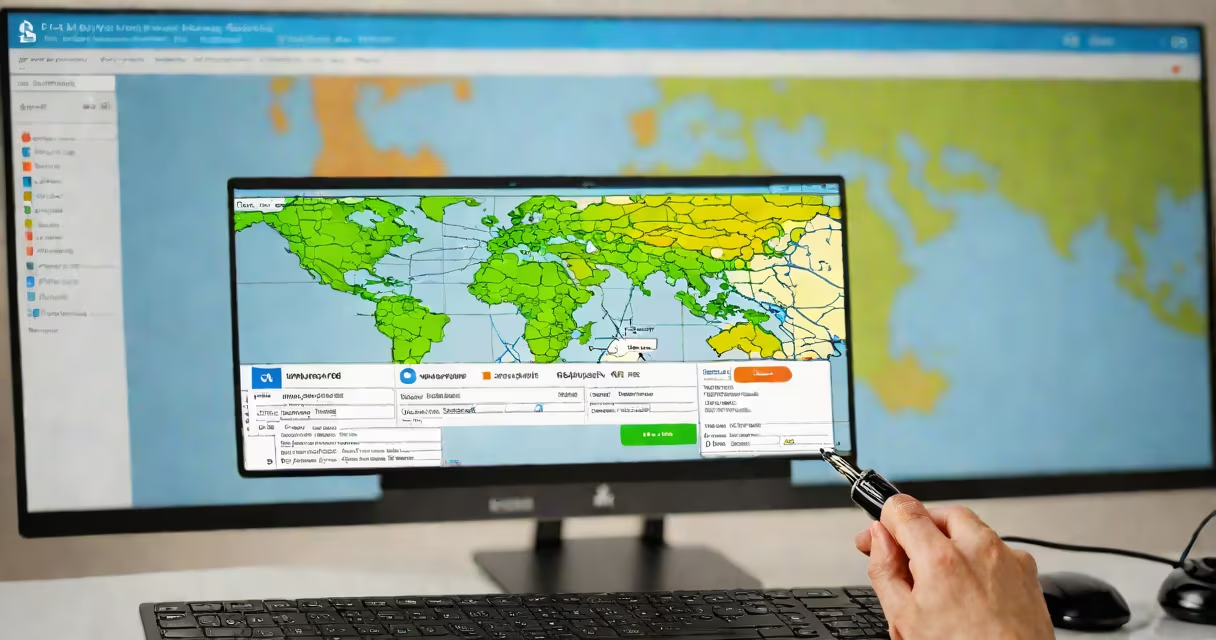
Check ip information is the process of retrieving details about a public IP address, including geographic location, internet service provider (ISP), network type, and potential security risks. This data helps diagnose connectivity problems, assess online threats, and verify device authenticity.
When you connect to the internet, your device is assigned a public IP address. This unique identifier allows data routing between devices across networks. Check ip information tools analyze this address using databases maintained by regional internet registries (RIRs) and third-party threat intelligence providers. The results include physical location, ISP name, connection type (e.g., mobile or residential), and whether the IP appears on known blocklists.
For example, entering 142.250.180.46-the public IP of Google's servers-into an IP lookup tool returns: United States, Google LLC, data center network, and no known blacklist status. This confirms the IP is legitimate and safe for outbound connections. In contrast, an IP listed on Spamhaus's SBL (Spamhaus Block List) may trigger email rejection or firewall blocks.
Check ip information relies on querying multiple global databases. The primary source is the Internet Assigned Numbers Authority (IANA), which allocates IP ranges to regional registries like ARIN (North America), RIPE NCC (Europe), and APNIC (Asia-Pacific). These organizations maintain records of who owns each IP block.
Tools then cross-reference the queried IP against public databases such as MaxMind GeoLite2 for geolocation, and private threat feeds like AbuseIPDB or Project Honey Pot. A single IP may appear in dozens of datasets. For instance, an IP used in botnet activity may show up on 12 different blocklists, each with varying thresholds for inclusion.
Accuracy depends on database freshness. Some free tools update their data monthly; commercial services refresh hourly. A 2023 study by the University of California, Berkeley, found that 17% of free IP geolocation tools placed IPs in incorrect countries due to outdated routing tables.
Check ip information returns four core categories of data:
For example, checking 203.0.113.1-a test IP reserved by IANA-shows "Reserved for documentation" and no ISP. This prevents accidental misuse in real-world queries.
Network administrators use check ip information to troubleshoot access issues. If a user cannot reach a website, verifying the client's public IP helps determine if the problem lies in routing, blocking, or configuration. A failed connection to a server in Tokyo may stem from a misconfigured NAT or a blocked IP in Japan's national firewall.
Security teams rely on this data to detect compromised systems. An internal server reporting traffic from a known malicious IP-such as one associated with ransomware command-and-control servers-can trigger immediate investigation. According to the FBI's Internet Crime Complaint Center (IC3), 62% of phishing attacks in 2022 originated from IPs listed on at least one public blocklist.
Individual users check ip information to confirm their privacy settings. If a home IP shows up in a public leak database, it may indicate a router vulnerability. Running a check on your public IP through a trusted tool can reveal if your network is exposed to unauthorized access.
Check ip information is often mistaken for IP masking or anonymization tools. While both involve IP addresses, they serve opposite purposes. Masking hides your real IP behind a proxy or VPN; check ip information reveals details about a visible IP.
Another confusion arises with IP address validation. Validating an IP format (e.g., ensuring it follows IPv4 syntax) is a basic syntax check. Check ip information goes further-it interprets the address's context and behavior.
A non-obvious distinction: public IP addresses are not static. Most residential ISPs assign changing IPs that change periodically. A check performed today may return different results tomorrow. This changing nature means historical data must be interpreted carefully. For example, an IP that was flagged for spam last month may have been reassigned to a new user and no longer poses a risk.
Suppose a user reports they cannot access a banking portal. The error message says "Access denied due to suspicious activity." The IT team runs a check ip information on the user's public IP (198.51.100.1).
The result shows:
| Field | Value |
|---|---|
| Country | United States |
| City | San Francisco |
| ISP | Comcast Cable Communications |
| ASN | AS7018 (Comcast) |
| Blacklist status | Detected on 3 lists: Spamhaus SBL, Spamhaus PBL, and Barracuda Reputation Blocklist |
Further analysis reveals the IP was previously used by a botnet operator. Even though the current user is legitimate, the bank's firewall blocks all IPs listed on Spamhaus. The team advises the user to contact their ISP for a new IP assignment. After switching, access is restored.
On a personal note, I once ran a check ip information on my home IP during a network outage. The tool showed it was flagged on a minor blocklist due to a past malware infection. Rebooting the router resolved the issue-proof that even clean devices can inherit reputational baggage from previous assignments.