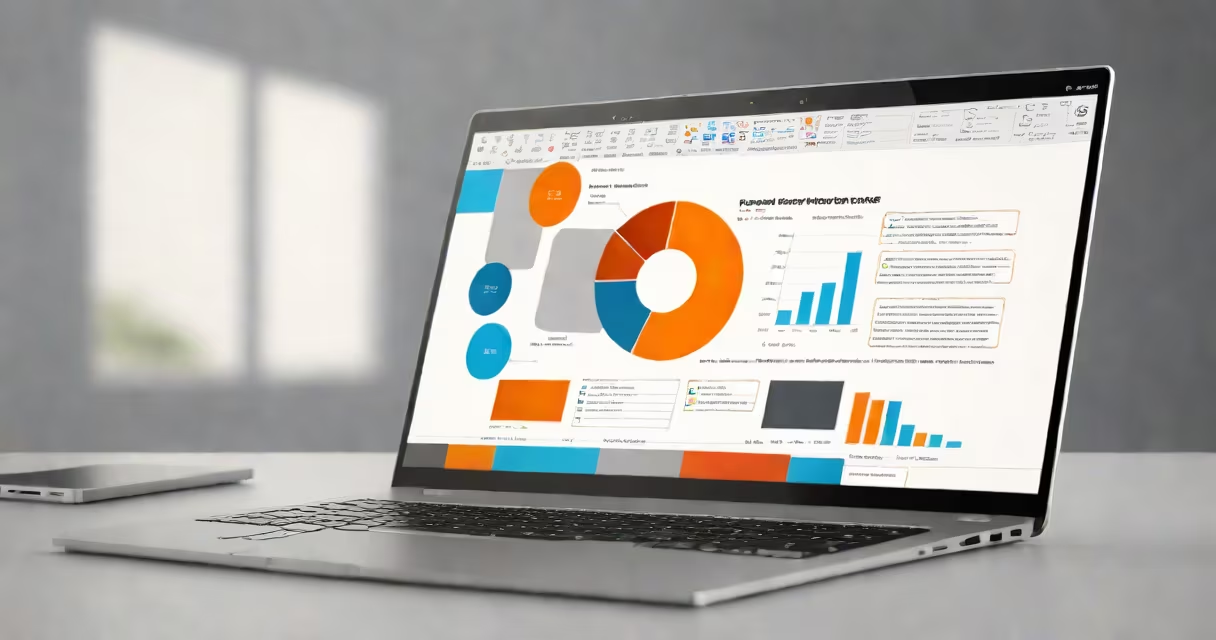
Yes, PowerPoint is a Microsoft product. It is a presentation software application developed and distributed by Microsoft as part of the Microsoft Office set. First released in 1984, it runs on Windows and macOS and is used globally for creating visual presentations.
PowerPoint was originally created by Robert Gaskins and Dennis Austin, who founded a company called Forethought Inc. In 1986, Microsoft acquired Forethought and integrated the software into its growing office productivity lineup. Since then, PowerPoint has evolved into a core component of Microsoft 365, available through subscription and standalone licenses.
Microsoft owns the intellectual property, distributes updates, and controls all major features. The software is included in Microsoft 365 subscriptions, sold separately as part of Office Home & Student or Office Professional editions, and embedded in enterprise licensing agreements. Its integration with other Microsoft tools like Word, Excel, and Outlook makes it central to business workflows.
PowerPoint enables users to create changing slide decks using text, images, videos, animations, and interactive elements. Each presentation consists of individual slides that can be arranged in a sequence. Users apply themes, layouts, and transitions to maintain visual consistency and improve audience engagement.
Behind the scenes, PowerPoint stores content in a proprietary file format (.pptx) based on XML and ZIP compression. This structure allows efficient storage and cross-platform compatibility. The software supports real-time collaboration via Microsoft 365, letting multiple users edit a single presentation simultaneously.
For example, a marketing team at a tech startup uses PowerPoint to build a pitch deck for investors. They insert charts from Excel, embed a video demo, and apply animated transitions between sections. All changes sync instantly across devices when saved to OneDrive.
PowerPoint exists in several forms, each tailored to different user needs and environments:
| Version Type | Platform | Use Case | Access Method |
|---|---|---|---|
| Desktop App | Windows, macOS | Full feature set for complex presentations | Installed software |
| Web App | Browser-based | Quick edits, sharing, remote access | PowerPoint Online |
| Mobile App | iOS, Android | On-the-go viewing and basic editing | Downloadable app |
| PowerPoint for iPad | iPad only | Touch-optimized design, limited to Apple system | App Store download |
The desktop version offers advanced tools like morph transitions, presenter view, and integration with AI-powered design suggestions. The web version lacks some animation features but supports real-time co-editing. Mobile apps are optimized for touch input and simplified navigation.
A non-obvious fact: PowerPoint's "Morph" feature, introduced in 2018, uses computer vision to analyze slide content and automatically generate smooth animations between frames. This tool relies on machine learning models trained on thousands of presentation patterns and is exclusive to the desktop version.
Some users assume PowerPoint is a free tool because it's often bundled with Microsoft 365 subscriptions. However, it requires a valid license to install and use legally. Unauthorized copies violate Microsoft's software agreement and can introduce security risks.
Another misconception is that PowerPoint is only for business or academic use. In reality, it's widely used in education, entertainment, religious services, and personal events. A wedding planner might use PowerPoint to organize timelines, seating charts, and photo montages during rehearsal.
PowerPoint is sometimes confused with Google Slides, especially due to similar interface designs. While both support collaborative editing and cloud storage, they differ in file format (.pptx vs .gsheet), offline capabilities, and advanced animation options. Google Slides lacks native support for certain audio triggers and complex motion paths.
I once observed a university professor use PowerPoint to teach quantum physics. He layered animations to show electron orbitals shifting over time. The visual clarity helped students grasp abstract concepts faster than traditional diagrams alone.
PowerPoint's value lies in its deep integration with other Microsoft products. For example, inserting a live Excel chart into a slide ensures data stays updated when the source file changes. Exporting a presentation to PDF preserves formatting across devices.
According to Microsoft's 2023 annual report, over 1 billion people use PowerPoint monthly. The software powers 40 million meetings daily on Microsoft Teams, where presenters share slides in real time. This scale underscores its role not just as a tool, but as a standard for communication in professional and educational settings.
PowerPoint remains a Microsoft product. It is developed, maintained, and distributed under Microsoft's control. Its evolution reflects broader shifts in workplace communication, from static overheads to interactive, data-driven storytelling.