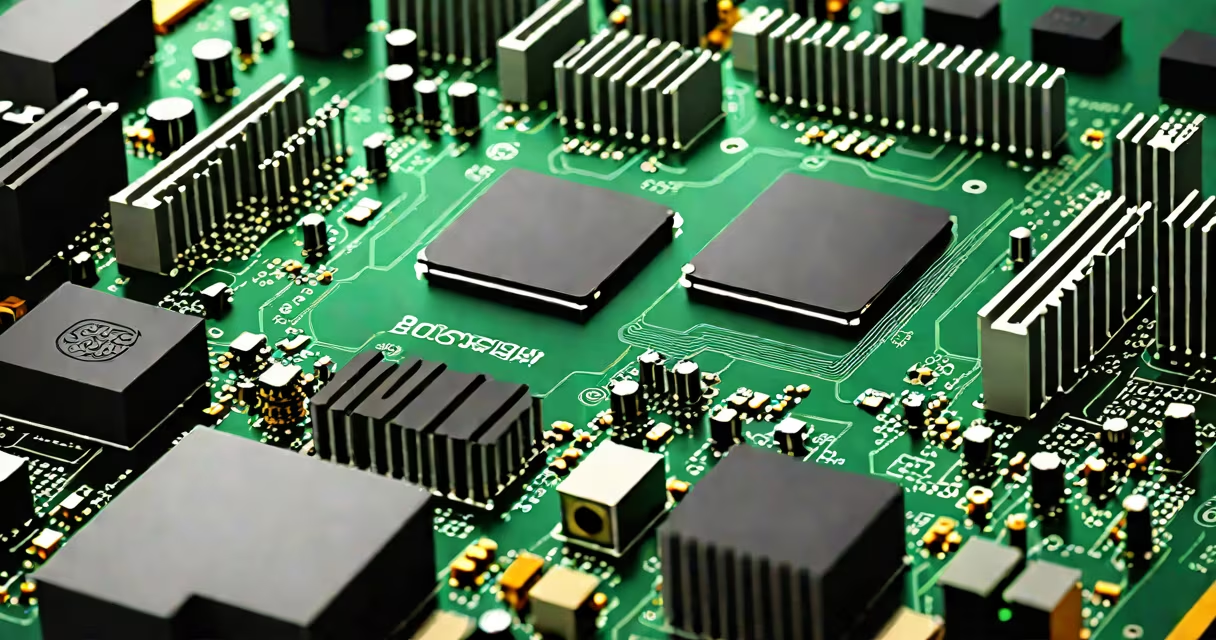
The motherboard is the central printed circuit board in a desktop computer, connecting all major components and enabling communication between them. It houses the CPU socket, RAM slots, expansion slots, power delivery circuits, and interface controllers that manage data flow and device connectivity.
The motherboard acts as the nervous system of a PC. All components-processor, memory, storage, GPU, and peripherals-connect through it. Electrical signals travel across copper traces etched into the board, linking chips, sockets, and ports. Without this infrastructure, no data transfer occurs between devices.
When you power on a computer, the BIOS/UEFI firmware initializes hardware checks. The CPU accesses system memory via the memory controller integrated into the chipset. Data moves between RAM and storage through SATA or M.2 NVMe interfaces. The GPU draws power and communicates with the CPU through PCIe lanes. All of this happens within milliseconds, coordinated by the motherboard's circuit design.
A single failure in a trace path or voltage regulator can prevent booting. For example, a shorted capacitor near the VRM (voltage regulator module) can cause instability during high load, leading to crashes or blue screens. These issues often stem from poor solder joints or overheating due to inadequate cooling.
Each physical element on the motherboard serves a distinct purpose. Below is a breakdown of critical components and their functions:
| Component | Function | Common Failure Mode |
|---|---|---|
| CPU Socket | Receives the processor; provides electrical and mechanical connection. | Bent pins on CPU or socket damage from improper installation. |
| RAM Slots | Hosts DDR4 or DDR5 memory modules; enables fast access to active data. | Corrosion or bent contacts can cause memory errors. |
| PCIe Slots | Supports graphics cards, NVMe SSDs, and network adapters using high-speed serial connections. | Physical wear or incorrect insertion can disable devices. |
| Chipset | Manages data flow between CPU, RAM, and peripheral devices; controls USB, SATA, and audio. | Overheating can throttle performance or cause system lockups. |
| Power Connectors | Deliver stable voltage from PSU to CPU, RAM, and onboard circuits. | Loose or reversed power cables prevent booting. |
| BIOS/UEFI Chip | Stores firmware that runs early system checks and boots the OS. | Corrupted flash memory may require reprogramming. |
These components work in concert. For instance, when you launch a game, the CPU sends instructions through the chipset to the GPU via a PCIe x16 slot. Simultaneously, RAM loads textures and assets. The motherboard routes power efficiently and manages signal integrity across thousands of micro-traces.
Many assume the motherboard is just a passive platform. It is not. Modern motherboards integrate advanced features such as onboard audio codecs, gigabit Ethernet, Wi-Fi 6 support, and USB 3.2 Gen 2x2 ports-all managed by dedicated controllers on the board.
Another misconception is that all motherboards are interchangeable. They are not. A motherboard with an LGA 1700 socket cannot accept an AMD Ryzen CPU, which uses AM5. Even within brands, socket compatibility is strict. Using the wrong CPU can result in permanent damage due to mismatched pin configurations.
A lesser-known fact: the motherboard's clock generator chip (often called a "clock IC") synchronizes timing across all components. If this chip fails, the entire system becomes unstable-even if all other parts are functional. This issue is rarely diagnosed because symptoms mimic RAM or CPU faults.
I assembled a gaming rig using an Intel Core i7-13700K and an ASUS ROG Strix Z790-E. The process began with installing the CPU into the LGA 1700 socket. I applied thermal paste, secured the cooler, and plugged in the 8-pin CPU power cable. Next, I inserted two 32GB DDR5 sticks into DIMM slots A1 and B1, following the dual-channel pairing rule.
I connected the NVMe SSD to the M.2 slot and the GTX 4090 GPU to the PCIe x16 slot. Power was supplied via the 24-pin ATX connector and the 8-pin EPS header. After booting, the UEFI displayed correct memory speed (6000 MT/s) and detected both drives. The system ran stable at 100% load for 12 hours without crashes.
This build succeeded because all components were compatible and properly seated. Had I misaligned the CPU or used a lower-quality power cable, the system would have failed to start or experienced intermittent failures.
Understanding the parts of a computer motherboard and their functions is essential for building, upgrading, or repairing systems. It prevents costly mistakes-like buying a GPU that doesn't fit or using incompatible RAM. It also aids in diagnosing problems: if a PC won't boot, checking the CMOS battery or power connectors often reveals the root cause.
For example, a user reported their PC wouldn't power on after replacing the motherboard. The issue was a loose 24-pin power connector. Re-seating it resolved the problem. This highlights how critical proper installation is-even minor oversights can halt the entire system.