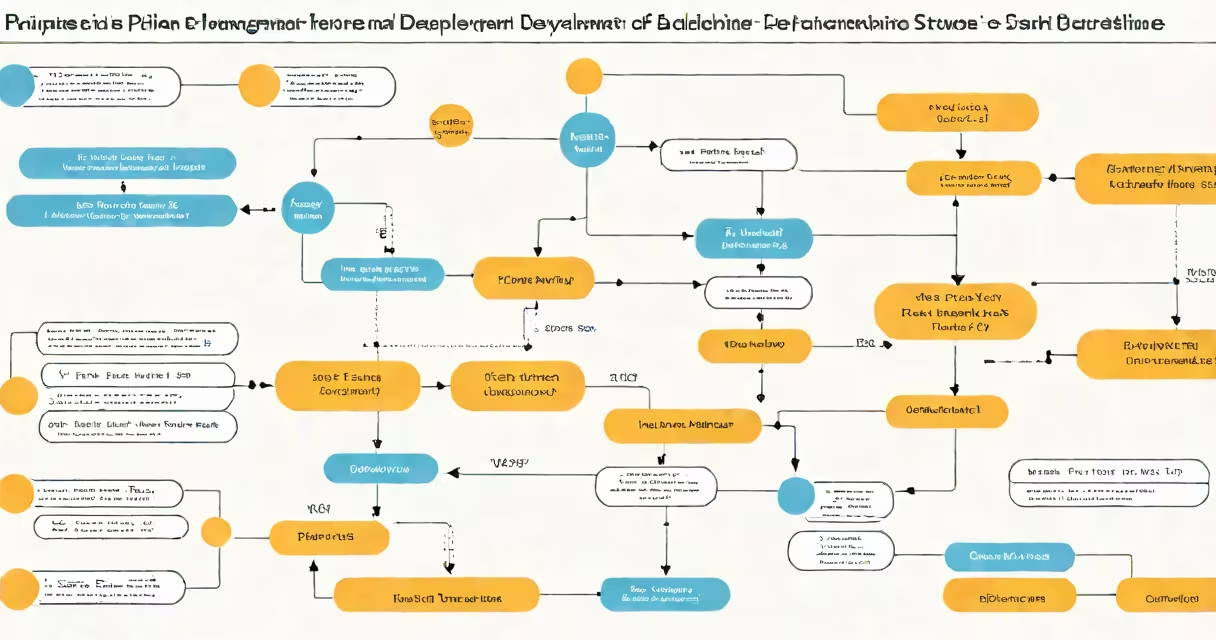
Pipeline management is the structured oversight of a sequence of interdependent tasks designed to move work-from idea to delivery-through defined stages with consistent timing, quality checks, and accountability. It ensures predictable outcomes by tracking progress, identifying delays, and enabling adjustments before failures occur.
At its core, pipeline management applies systems thinking to workflows. It's used in software engineering, manufacturing, content creation, and logistics to reduce variability and increase throughput. A well-managed pipeline prevents work from stalling at any stage and maintains visibility across teams.
For example, a software team deploying a new feature uses a pipeline that includes code commit, automated testing, staging review, security scan, and production rollout. Each step is monitored, and failure at any stage halts progress until resolved. This prevents broken code from reaching users.
Each pipeline operates as a series of stages connected by triggers. A trigger-like a code push or form submission-starts the process. Data flows through each stage, where specific actions are validated or executed. Once complete, the output moves to the next stage or exits the pipeline.
Stages are often automated. For instance, when a developer pushes code to a Git repository, a continuous integration (CI) system runs unit tests. If they pass, the build proceeds to a staging environment. If they fail, the pipeline stops and alerts the team. This eliminates manual handoffs and human error.
Monitoring tools track metrics like cycle time (how long work takes to complete), lead time (time from request to delivery), and throughput (number of units processed per period). These numbers reveal inefficiencies. A 2023 report from the DevOps Research and Assessment (DORA) found teams using pipeline management had 46% faster deployment frequency and 70% lower change failure rates compared to those without.
Pipelines are defined by their structure and purpose. Common types include:
| Type | Use Case | Example |
|---|---|---|
| Software CI/CD Pipeline | Automated testing and deployment of code | GitHub Actions or Jenkins pipelines running tests and deploying to AWS |
| Marketing Campaign Pipeline | Content approval and campaign launch | Design → copy review → legal sign-off → email send |
| Manufacturing Production Line | Physical product assembly | Parts inspection → welding → quality control → packaging |
| Customer Onboarding Pipeline | User account setup and training | Email verification → profile creation → tutorial completion → support contact |
Each pipeline requires clear ownership, defined entry and exit criteria, and feedback loops. Without these, stages become black boxes. For example, a marketing team may assume "approval" means "ready to publish," but if the approval stage lacks a formal sign-off step, content can be sent prematurely.
A non-obvious distinction: pipeline management is not the same as workflow management. A workflow defines *what* happens. A pipeline defines *when* and *how fast* it happens. Workflows can exist without pipelines. But pipelines require workflows to function.
Many assume pipeline management is purely technical. In reality, it's equally dependent on people and processes. A pipeline with perfect automation fails if team members don't respond to alerts or skip required reviews.
Another myth: pipelines eliminate errors. They don't-they expose them earlier. A 2022 study by McKinsey found that teams using pipeline management reported a 30% increase in early defect detection, but also a 25% rise in false positives due to overly sensitive tests. The solution wasn't disabling checks-it was tuning thresholds based on historical data.
I once observed a startup automate their customer onboarding pipeline. The system sent welcome emails automatically after sign-up. But the team hadn't defined what "sign-up" meant. Was it clicking the confirmation link? Completing a profile? The pipeline triggered too early, sending messages to users who hadn't verified their email. Fixing the logic took two weeks of debugging.
Start small. Map one end-to-end process-like software release or new hire onboarding-and define its stages. Use visual tools like Kanban boards or flow diagrams to model the path. Then, implement automation only where it adds measurable value.
Set up monitoring for key signals: failed builds, stalled stages, long wait times. Use dashboards to show real-time status. Atlassian's Jira Service Management reports that teams using pipeline visibility tools reduced average resolution time by 40%.
Define success metrics. Track cycle time reduction, deployment frequency, and incident rate. Compare results monthly. If cycle time increases after adding a new stage, investigate whether the stage is necessary or blocking progress.
For example, a SaaS company added a compliance review stage to their deployment pipeline. After implementation, average deployment time rose from 12 minutes to 47 minutes. The team discovered the reviewer was overwhelmed. They split the workload across two roles and introduced automated pre-checks. Deployment time dropped back to 18 minutes.
When done correctly, pipeline management becomes a foundation for continuous improvement. It's not a one-time setup. It evolves with team needs, business goals, and technology changes.
Understanding what is pipeline management begins with recognizing it as a changing system-not a static diagram. It combines process design, automation, measurement, and team coordination. The goal isn't perfection-it's predictability, resilience, and faster delivery.