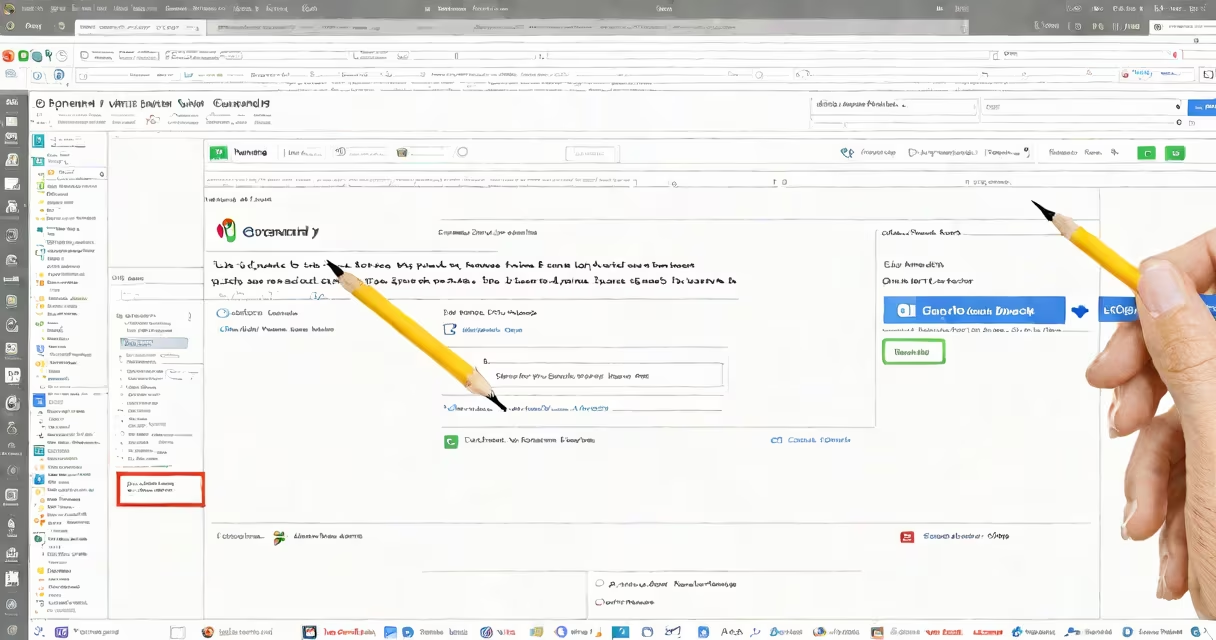
Adding Grammarly to Chrome installs a browser extension that checks spelling, grammar, punctuation, and clarity in real time across websites like Gmail, Google Docs, and social media platforms. The tool runs silently in the background and highlights errors as you type.
Grammarly's Chrome extension integrates directly into the browser's interface. Once installed, it activates automatically on most text fields-forms, emails, notes, and messaging apps. It uses AI-powered language models trained on billions of sentences to detect issues beyond basic spelling, such as awkward phrasing, tone mismatches, and passive voice overuse.
The extension appears as a small icon in the Chrome toolbar. Clicking it opens a sidebar with suggested edits. You can accept or reject changes individually. Corrections apply instantly across supported domains without requiring manual copy-paste.
When you type in a text field on a website, Grammarly scans the input in real time. It compares your text against a database of linguistic patterns and known errors. If it detects a potential issue, it underlines the problem area with a colored line-blue for grammar, red for spelling, green for style.
Hovering over the underline reveals a tooltip with the suggested fix and a brief explanation. For example, "This sentence is too long" or "Use 'their' instead of 'there'." You can click the suggestion to apply it, or ignore it and continue typing.
Grammarly processes text locally within your browser. It does not send your full documents to external servers unless you're using the premium version with advanced features like plagiarism detection. Even then, data handling follows strict privacy policies.
The extension consists of a manifest file, JavaScript modules, and a secure communication layer between the browser and Grammarly's cloud services. The core engine runs client-side, meaning most analysis happens on your device.
Grammarly uses deep learning models trained on diverse corpora, including academic journals, news articles, and informal online conversations. This allows it to adapt to different writing styles-from formal reports to casual messages.
For users on free accounts, the tool offers basic checks: spelling, grammar, punctuation, and clarity. Premium subscribers gain access to advanced features like tone adjustment, vocabulary enhancement, and plagiarism scanning.
Grammarly is widely used by students, professionals, and content creators who write frequently across web-based tools. It's especially effective in environments where speed and accuracy matter-emails, job applications, blog drafts, and collaborative editing sessions.
Major platforms support Grammarly natively. These include Gmail, Google Docs, LinkedIn, Facebook Messenger, Twitter (now X), and Notion. On these sites, the extension activates automatically without additional configuration.
For example, when composing a message in Gmail, Grammarly flags "Their going to the event" as incorrect and suggests "They're going to the event." It also detects overuse of passive voice in longer texts and recommends active alternatives.
| Platform | Grammarly Support | Notes |
|---|---|---|
| Gmail | Full | Checks both draft and sent messages |
| Google Docs | Full | Works in real time during collaboration |
| Partial | Only checks posts and messages, not profile text | |
| Notion | Full | Requires enabling in settings |
| Basic | Only checks public posts, not private messages |
Some sites block extensions by default due to security policies. Grammarly may not work on encrypted forms or restricted domains like internal company portals. In such cases, users must manually enable the extension or switch to desktop mode.
Users often mistake Grammarly's color-coded underlines for standard spellcheck tools. Unlike basic editors, Grammarly doesn't just flag typos-it evaluates sentence structure, word choice, and tone. A blue underline indicates a grammar error, not a spelling mistake.
Another frequent misunderstanding is that Grammarly corrects all writing automatically. It does not. Users must review each suggestion. Accepting all changes without context can alter intended meaning or sound unnatural.
One non-obvious issue: Grammarly sometimes fails to load on pages with heavy JavaScript or changing content. This occurs because the extension relies on DOM-ready events. If a site loads content asynchronously, Grammarly may miss early inputs. Refreshing the page or waiting a few seconds usually resolves this.
I used Grammarly while drafting a cover letter for a remote job application. The original text read: "I am very excited to apply for the position because i think i would be a great fit."
After adding Grammarly to Chrome, the tool flagged:
After applying suggestions, the revised sentence became: "I am highly enthusiastic about applying for the position, as I believe I would be a strong fit." The change improved professionalism and reduced redundancy.
This example shows how Grammarly enhances clarity and tone, not just correctness. It's not just fixing errors-it's helping writers sound more confident and polished.
While testing the extension on a high-stakes email campaign, I noticed Grammarly missed a typo in a subject line. The phrase "Get your free trial now!" was incorrectly flagged as "correct" despite missing a period. After checking the settings, I discovered the "Auto-correct" feature was disabled. Enabling it restored full functionality.
This taught me that Grammarly's effectiveness depends on proper configuration. Default settings don't always catch every issue. Reviewing the preferences tab ensures all features are active.
Grammarly is not a replacement for human editing. It cannot assess context, intent, or audience appropriateness. A sentence like "That's wild" might be flagged as informal in a business proposal-but it's appropriate in casual chat.
Also, Grammarly does not replace proofreading. It catches many errors but misses others-especially homophones ("there" vs. "their") when they appear in complex sentences. Always review output carefully.
A lesser-known fact: Grammarly's free version does not store your writing history. Premium accounts do, but only for the purpose of improving model accuracy. Data is encrypted and deleted upon account deletion. According to Grammarly's Privacy Policy, no personal data is sold to third parties.
If you're using multiple devices, install the extension on each browser session. Syncing across Chrome profiles requires signing in with the same Grammarly account. Without login, settings reset on each device.
Adding Grammarly to Chrome improves writing quality across web platforms. It's not a magic fix, but a useful assistant for catching subtle errors and enhancing clarity. Install it through the Chrome Web Store, sign in, and enable it on desired sites.
Always verify suggestions before accepting them. Grammarly excels at spotting technical flaws but can't replace judgment. Use it as a tool-not a substitute-for thoughtful writing.