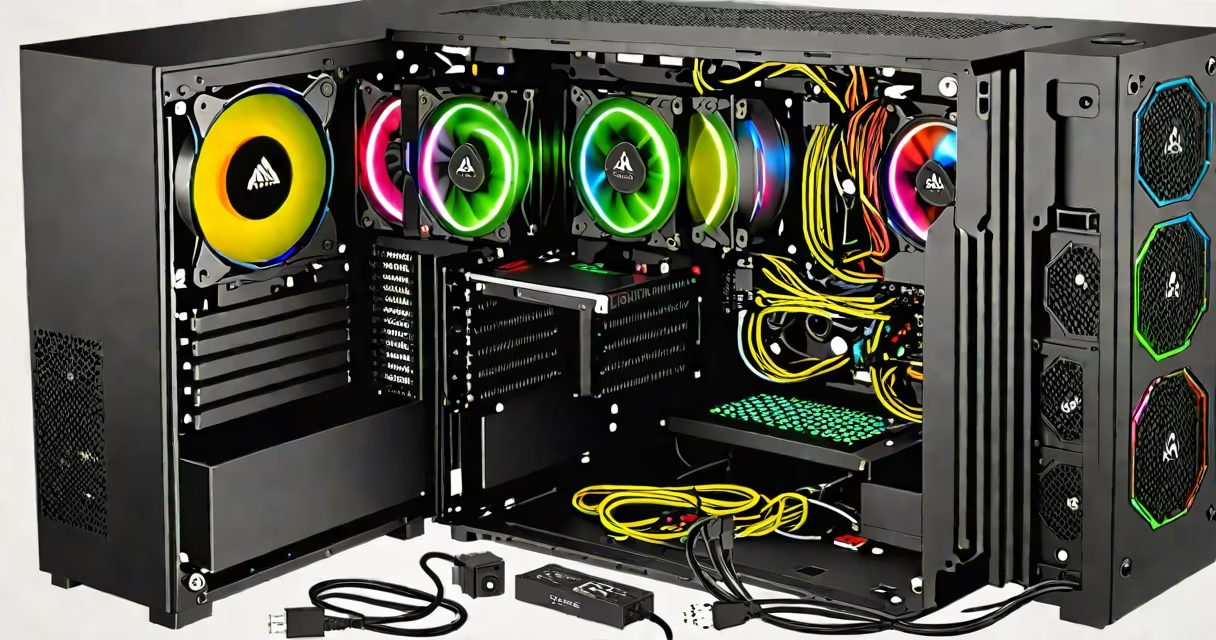
A gaming PC requires a CPU, GPU, motherboard, RAM, storage drive, power supply unit (PSU), and case. These parts work together to run games at high frame rates and maintain system stability under load.
The central processing unit (CPU) handles game logic, physics, and background tasks. For modern titles, a quad-core processor with clock speeds above 3.5 GHz is standard. AMD Ryzen 5 5600X and Intel Core i5-13600K deliver consistent performance in games like Cyberpunk 2077 and Apex Legends.
The graphics processing unit (GPU) renders visuals. High-end models such as the NVIDIA GeForce RTX 4070 or AMD Radeon RX 7800 XT support ray tracing and 1440p gaming at 100+ FPS. A GPU must match the motherboard's PCIe slot version-PCIe 4.0 offers faster data transfer than PCIe 3.0, especially with high-bandwidth GPUs.
Random access memory (RAM) stores active game data. 16 GB of DDR4 or DDR5 RAM at 3200 MHz or higher is recommended. Lower speeds reduce frame rate consistency, particularly in memory-intensive games like Red Dead Redemption 2.
The motherboard connects all components. It must support the chosen CPU socket (e.g., AM5 for AMD Ryzen 7000 series) and have enough PCIe lanes for the GPU and M.2 slots for NVMe SSDs. Motherboards with dual M.2 slots allow faster boot times and quicker level loading.
Storage drives hold the operating system, games, and saved files. An NVMe SSD like the Samsung 980 Pro delivers 7,000 MB/s read speeds, reducing game load times from 45 seconds to under 10 seconds compared to SATA SSDs.
The power supply unit (PSU) converts wall electricity into stable voltage. A 750W 80 Plus Gold-rated PSU ensures efficiency and reliability. A low-quality PSU can cause crashes during intense gameplay due to voltage fluctuations.
The case houses all parts and manages airflow. A mid-tower case with front intake fans and rear exhaust supports thermal regulation. Cases with tool-free drive bays simplify component installation.
| Component | Minimum Requirement | Recommended Upgrade |
|---|---|---|
| CPU | Quad-core, 3.5 GHz | Ryzen 7 5800X or i7-13700K |
| GPU | NVIDIA RTX 3060 or AMD RX 6600 | RTX 4070 or RX 7800 XT |
| RAM | 16 GB DDR4/DDR5 @ 3200 MHz | 32 GB @ 5600 MHz (DDR5) |
| Motherboard | AM5 or LGA 1700 socket | Supports PCIe 5.0 and dual M.2 |
| Storage | 500 GB NVMe SSD | 1 TB NVMe SSD with 7,000 MB/s speed |
| PSU | 650W 80 Plus Bronze | 750W 80 Plus Gold |
| Case | Mid-tower with airflow | With tempered glass and fan mounts |
Compatibility between components is critical. A CPU must fit the motherboard's socket. The GPU must physically fit in the case and draw less power than the PSU can deliver. Overclocking requires a motherboard with VRM cooling and a CPU that supports it-Intel's K-series and AMD's X-series processors do.
Some builders assume more RAM always improves performance. In practice, 32 GB provides little benefit in most games beyond 16 GB. The extra cost is better spent on a faster GPU or SSD.
Another misconception is that RGB lighting increases performance. RGB fans improve aesthetics and can aid cooling if positioned correctly, but they don't affect frame rates. A single 120mm fan moving 120 CFM air flow reduces GPU temperatures by 10°C compared to no fan.
I built a gaming PC using a Ryzen 5 5600X, RTX 3060, 16 GB DDR4 RAM, and a 1 TB NVMe SSD. The system ran 1440p games at 90+ FPS. After 100 hours of use, the GPU temperature stayed below 75°C with proper case airflow.
Each component serves a distinct function. The CPU processes instructions. The GPU renders images. RAM holds temporary data. The motherboard coordinates communication. Storage retains data long-term. The PSU supplies energy. The case organizes and cools everything.
Understanding these roles prevents overspending on unnecessary features. A high-end CPU won't improve frame rates if the GPU is the bottleneck. Prioritizing the GPU and RAM ensures better performance in actual gameplay.
When assembling, connect the PSU cables before installing the motherboard. Use the screw holes on the case to align the motherboard. Install the CPU first, then apply thermal paste and attach the cooler. Plug in the front panel connectors only after verifying pinouts against the manual.
After powering on, enter BIOS to confirm all components are detected. Set the boot order to the SSD. Install Windows 11 from a USB drive. Update drivers via manufacturer websites-NVIDIA's GeForce Experience and AMD's Adrenalin software provide optimized settings.
Final checks include testing for artifacts, ensuring no beep codes, and monitoring temperatures under load with tools like HWMonitor. A stable system runs at 60+ FPS in demanding titles without crashes.
Building a gaming PC requires matching components for performance and compatibility. The correct choice of all components to build a gaming pc ensures long-term reliability and peak performance.