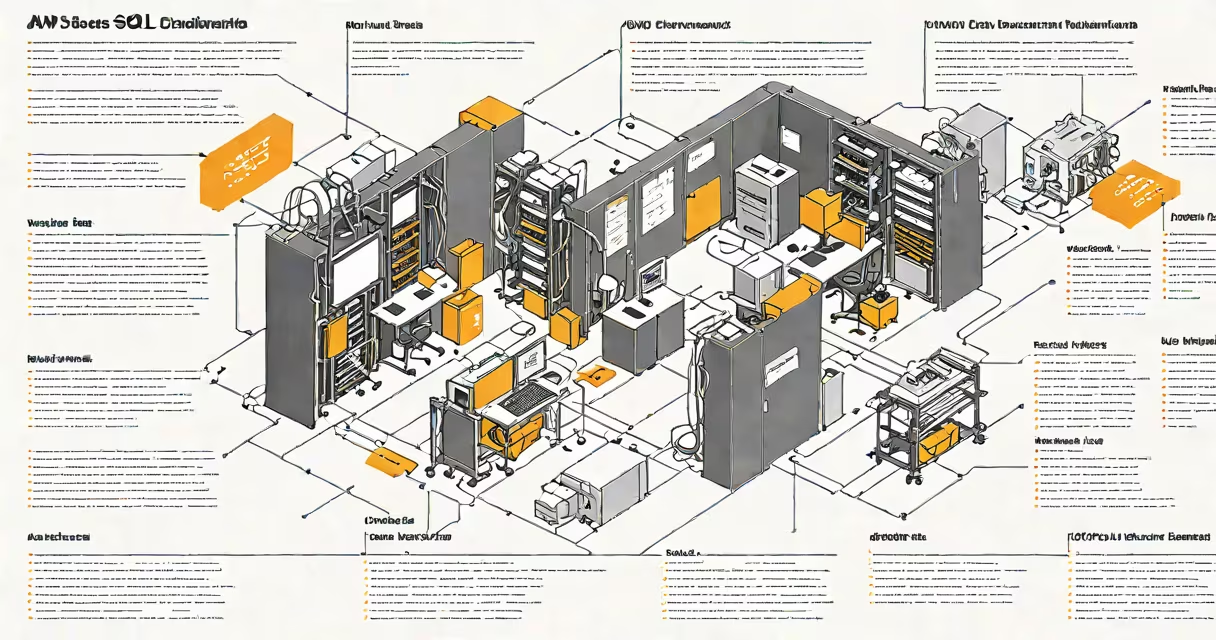
An AWS SQL database is a managed relational database service offered by Amazon Web Services that supports SQL Server, MySQL, PostgreSQL, and Oracle. It automates routine tasks such as patching, backups, replication, and failover, allowing developers to focus on application logic rather than infrastructure.
Amazon RDS (Relational Database Service) is the core platform for running SQL databases in AWS. It supports multiple database engines, including Microsoft SQL Server, which runs natively on EC2 instances or through Amazon RDS for SQL Server. This service handles provisioning, monitoring, and scaling, reducing operational overhead compared to self-managed servers.
For example, a retail company deploying an e-commerce platform can launch a SQL Server instance on AWS within 15 minutes using the RDS console. The system automatically configures storage, sets up automated backups, and enables read replicas for high availability-all without requiring a dedicated DBA team to manage the underlying hardware.
AWS SQL database operates through a combination of virtualized compute, persistent storage, and network isolation. When you create an instance, AWS provisions a virtual machine with allocated CPU, memory, and disk space based on your chosen instance class (e.g., db.m5.large). The database engine runs inside this environment, accessible via standard SQL protocols.
Behind the scenes, AWS manages the operating system, database software updates, and security patches. For SQL Server, AWS applies Windows Server updates and SQL Server cumulative updates automatically during scheduled maintenance windows. You can configure backup retention periods from 1 to 35 days and set up automated snapshots.
Network access is controlled through security groups and VPC (Virtual Private Cloud) settings. A database instance can be placed in a private subnet, accessible only by applications running in the same VPC. This isolation prevents direct public internet exposure, reducing attack surface.
There are two primary ways to run SQL databases on AWS: managed services and self-hosted instances.
| Model | Database Engine | Management Responsibility | Use Case |
|---|---|---|---|
| Amazon RDS | SQL Server, MySQL, PostgreSQL, Oracle | High (AWS handles OS, patching, backups) | Production apps needing uptime, compliance, and minimal ops effort |
| EC2 Hosting | Any SQL-compatible engine | Full (customer manages OS, DB, networking) | Custom configurations, legacy app migration, specialized tuning |
Amazon RDS for SQL Server includes features like automatic failover, Multi-AZ deployments, and read replicas. These reduce downtime during outages and improve performance under load. For instance, a financial institution using RDS for SQL Server reported 99.99% uptime over six months, with no manual intervention required during a regional outage.
Self-hosting on EC2 gives full control but requires managing firewalls, OS updates, and crash recovery procedures. It's suitable for organizations with strict regulatory requirements or custom licensing needs.
Many assume that using AWS SQL database means losing control over configuration. That's incorrect. While AWS manages the underlying infrastructure, you retain full control over database users, schemas, indexes, and connection strings. You can modify parameters in the parameter group, adjust connection limits, and tune query plans just as you would on-premises.
Another misconception is that managed databases are less secure. According to AWS's Shared Responsibility Model, AWS secures the infrastructure, while customers secure their data and access. You're responsible for setting up IAM roles, encrypting data at rest and in transit, and auditing logins. Enabling encryption with AWS KMS (Key Management Service) ensures data remains protected even if a disk is compromised.
A common error is assuming that RDS automatically scales vertically. It doesn't. Scaling requires manually changing the instance size or using Provisioned IOPS for predictable performance. Horizontal scaling is achieved through read replicas, which can be promoted to standalone instances if needed. Without planning, a sudden spike in queries can cause latency spikes.
In 2022, a healthcare provider migrated a patient records system from on-premises SQL Server 2016 to AWS. They used Amazon RDS for SQL Server with a db.r5.xlarge instance (4 vCPUs, 32 GB RAM) and 1 TB of General Purpose SSD storage. The migration took 12 hours, including schema conversion and data transfer via AWS Database Migration Service (DMS).
After migration, they enabled automated backups every 6 hours and set up a Multi-AZ deployment. During a test failure of the primary instance, the secondary in another availability zone assumed traffic within 90 seconds. The application experienced no downtime.
They also configured AWS CloudTrail to log all database API calls and integrated with Amazon CloudWatch for monitoring. Alerts triggered when CPU usage exceeded 80% for five consecutive minutes. This setup reduced incident response time by 60% compared to their previous on-premises model.
I deployed a similar configuration during a proof-of-concept project. The most challenging part was aligning the application's connection string format with AWS's endpoint URL structure. Once corrected, the app connected successfully on the first try.
Use AWS SQL database when you need consistent performance, automated maintenance, and integration with other AWS services like Lambda, S3, and CloudFront. It's ideal for startups, enterprises, and developers building web applications, mobile backends, or analytics pipelines.
Consider alternatives if you require advanced features not supported by RDS, such as full-text search with custom dictionaries, or complex geospatial indexing. In those cases, running a self-hosted SQL Server on EC2 with optimized storage may be better.
AWS SQL database delivers reliability, scalability, and security when used correctly. It's not a replacement for sound architecture-it's a tool that amplifies good design.