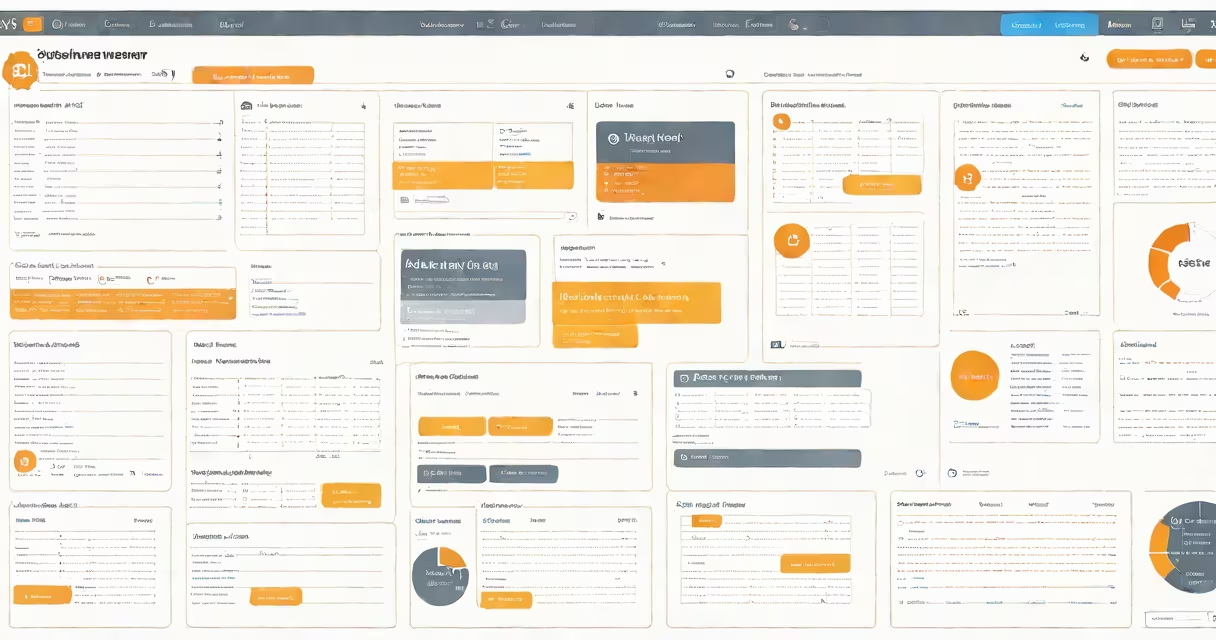
AWS Systems Manager Incident Manager is a managed service that automates incident response workflows, enabling teams to detect, respond to, and resolve operational issues across AWS resources using predefined playbooks and integration with monitoring tools.
Incident Manager acts as a central command center for cloud operations. When an alert triggers-such as a high CPU spike on an EC2 instance or a failed database connection-it automatically creates an incident record. This record tracks the timeline, assigns responsibilities, and executes automated actions based on a configured runbook. Teams receive notifications via email, SMS, or Slack, and can escalate issues if resolution times exceed thresholds.
For example, during a production outage at a SaaS company, a CloudWatch alarm detected a 95% error rate in API calls. Incident Manager triggered a playbook that first notified the on-call engineer, then ran a diagnostic script to verify the health of the load balancer and auto-scaling group. Within 6 minutes, the system identified a misconfigured security group and applied a fix via AWS Lambda. The incident was resolved without manual intervention and documented for audit purposes.
Incident Manager integrates with AWS monitoring services like CloudWatch, Amazon EventBridge, and AWS CloudTrail. When a rule fires-such as "CPU utilization > 90% for 5 minutes"-it sends a signal to Incident Manager, which evaluates whether the event matches an existing incident template.
If a match exists, the system creates an incident in the designated response plan. A response plan defines who gets notified, what actions to take, and how long to wait before escalating. Notifications can go to multiple channels: email, SMS, Slack, or PagerDuty. Actions include running AWS Systems Manager Automation documents, invoking Lambda functions, or executing scripts stored in S3.
Each incident has a timeline view showing status changes, actions taken, and timestamps. This history supports post-incident reviews and compliance checks. For example, a financial institution uses Incident Manager to meet SOX requirements by logging every step of an outage investigation, including who approved each action.
Incident Manager consists of four core elements: incident records, response plans, runbooks, and contact channels.
| Component | Description | Example Use |
|---|---|---|
| Incident Record | Unique identifier for each detected issue, with metadata like severity, start time, and assigned owner. | Auto-generated when a CloudWatch alarm exceeds threshold. |
| Response Plan | Predefined workflow specifying notification steps, escalation paths, and automated actions. | Defines that critical incidents trigger alerts to two on-call engineers and initiate a backup restore. |
| Runbook | Scripted sequence of actions executed during an incident, such as stopping a failing instance or rerouting traffic. | Automatically runs a script to check DNS propagation after a Route 53 failover. |
| Contact Channel | Notification endpoint like an email address, phone number, or webhook URL. | Slack channel #oncall-alerts receives real-time updates during outages. |
Response plans can be set to different levels of urgency. A P1 incident might require immediate escalation within 15 minutes, while a P3 issue allows up to 4 hours for acknowledgment. These policies are enforced through time-based rules and automatic reminders.
Incident Manager is often confused with AWS CloudWatch Alarms or AWS Lambda. While CloudWatch detects anomalies, it doesn't manage workflows or assign owners. Lambda executes code, but lacks orchestration and human coordination features.
A key distinction: Incident Manager is not a replacement for ITSM tools like ServiceNow or Jira. It's designed specifically for cloud-native incident handling. It excels at rapid detection and automated remediation but doesn't replace long-term change management or ticket lifecycle tracking.
Another misconception is that Incident Manager requires complex setup. In reality, creating a basic response plan takes under 10 minutes using the AWS console. You can start with a single contact channel and one automation step, then scale complexity over time.
A media streaming platform experienced recurring latency spikes during peak hours. They used Incident Manager to build a response plan for this scenario:
This reduced mean time to recovery (MTTR) from 42 minutes to 8 minutes over six months. The team also used the incident logs to identify a recurring configuration drift in the application layer, leading to a permanent fix in their CI/CD pipeline.
According to AWS documentation, Incident Manager reduces alert fatigue by consolidating related events into a single incident. It also improves accountability by tracking who acknowledged and resolved each issue.
For teams managing large-scale AWS environments, Incident Manager provides structure and consistency. It helps no alert slips through the cracks and that responses follow standardized procedures-even during off-hours or staffing shortages.
When setting up Incident Manager, start with a single response plan for critical workloads. Use the AWS console or CLI to define contact channels and attach automation documents. Test the flow using a simulated alarm before enabling it in production.