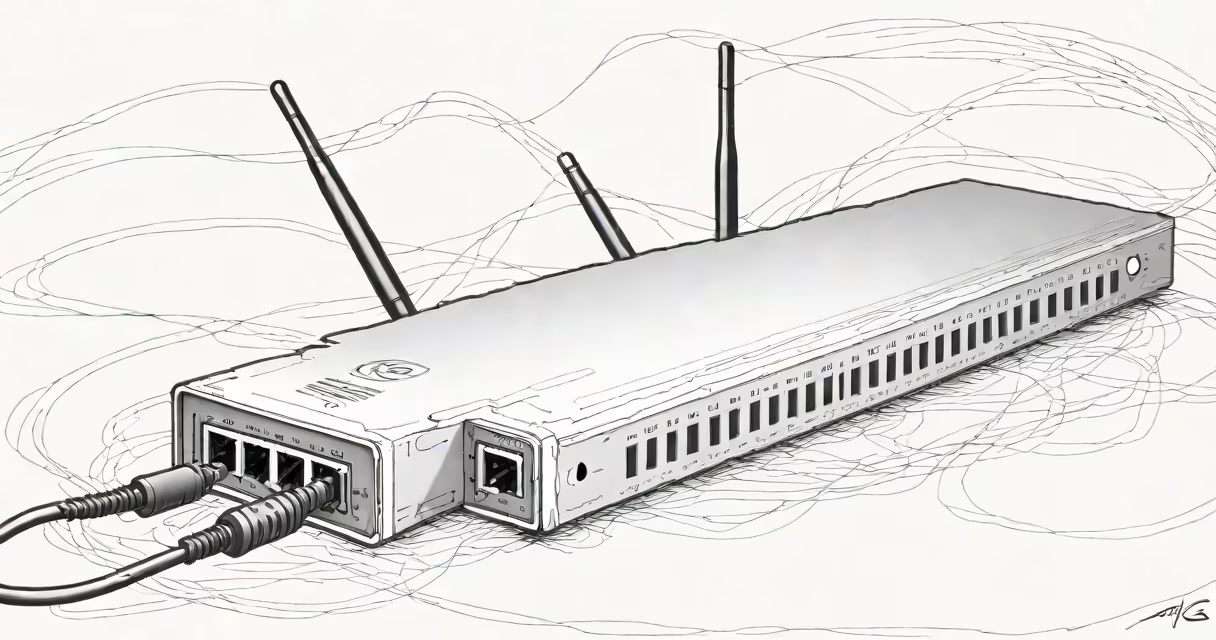
The best high speed modem is a device that connects your home network to a broadband service-typically cable or fiber-and translates incoming data into usable signals for your devices. It ensures stable, high-throughput internet access, especially when paired with a compatible router. For maximum performance, it must support current standards like DOCSIS 3.1 or fiber-specific protocols such as GPON.
High speed modems differ from routers. A modem handles the connection to your internet service provider (ISP), while a router manages traffic between devices on your local network. Some units combine both functions into a single device called a residential gateway. The best high speed modem focuses exclusively on upstream and downstream data conversion, offering greater control and reliability.
For users on cable internet, a DOCSIS 3.1-capable modem is essential. DOCSIS 3.1 enables downstream speeds up to 10 Gbps, though actual throughput depends on your ISP's plan and infrastructure. Fiber users require a modem that supports PON (Passive Optical Network) protocols like GPON or XG-PON. These modems are often provided by ISPs but may be replaced with higher-performance third-party models.
A high speed modem receives data from your ISP through a coaxial cable (for cable) or optical fiber (for fiber). It decodes the signal using a protocol specific to your service type. For cable, this is DOCSIS 3.1; for fiber, it's typically GPON or XGS-PON. The decoded data then passes to your router via Ethernet, where it's distributed to connected devices.
Modems operate at Layer 1 and Layer 2 of the OSI model-physical and data link layers-handling raw bit transmission and framing. They don't manage IP addressing or firewall rules, which are handled by your router. This separation allows for optimized performance: a dedicated modem avoids congestion caused by multiple tasks.
Example: A user on a 1 Gbps cable plan uses a DOCSIS 3.1 modem with 16 downstream channels and 4 upstream channels. The modem splits the signal across these channels, combining bandwidth to achieve near-1 Gbps speeds. Without proper channel bonding, speeds drop to ~300 Mbps.
There are three primary types of high speed modems based on connection type:
| Connection Type | Standard | Max Downstream Speed | Common Use Cases |
|---|---|---|---|
| Cable | DOCSIS 3.1 | 10 Gbps (theoretical) | Urban and suburban homes with cable internet |
| Fiber | GPON, XG-PON | 2.5 Gbps (GPON), 10 Gbps (XG-PON) | High-density areas with FTTH (Fiber to the Home) |
| DSL | G.fast (ITU-T G.9700) | 1 Gbps (short distances) | Rural or legacy infrastructure zones |
DOCSIS 3.1 modems offer better efficiency than older DOCSIS 3.0 models. They use advanced modulation techniques like OFDM (Orthogonal Frequency Division Multiplexing) and lower error rates, allowing higher data density per channel. For example, a DOCSIS 3.1 modem can deliver 900 Mbps on a single 16-channel bond, whereas a DOCSIS 3.0 unit would max out around 300 Mbps under similar conditions.
Some modems include features like IPv6 support, QoS (Quality of Service) prioritization, and remote management. These aren't required for basic function but improve usability in complex networks. A modem with a web interface for diagnostics and firmware updates reduces troubleshooting time.
Home users rely on the best high speed modem to maintain consistent performance across streaming, gaming, and video calls. A poor-quality modem can cause packet loss, latency spikes, and reduced throughput-even if your ISP offers 1 Gbps.
Businesses use enterprise-grade modems for redundancy and uptime. These units often support dual WAN connections and have hardware-based firewalls. For example, a small business using a 500 Mbps fiber line pairs it with a GPON modem that supports VLAN tagging and static routing to segment traffic between departments.
Many ISPs provide modems at no upfront cost. However, these units are often limited in performance and lack firmware flexibility. A user on a 900 Mbps plan using an ISP-provided modem reported average speeds of 450 Mbps due to outdated hardware. Replacing it with a certified DOCSIS 3.1 modem increased average speeds to 850 Mbps.
One widespread mistake is assuming that all modems work with any ISP. Cable modems from one provider may not register on another's network due to MAC address filtering or certification requirements. For example, Comcast requires modems to be on its approved list (comcast.net/modem-list). Using an unapproved device results in no internet access.
Another error is confusing modems with routers. A modem-only device cannot distribute Wi-Fi or manage local network traffic. You still need a separate router unless you buy a combined gateway. Even then, performance suffers if the unit lacks dedicated processing power for routing tasks.
Non-obvious fact: Modems do not determine your internet speed-they enable it. Your ISP sets the maximum bandwidth. A $200 DOCSIS 3.1 modem won't deliver faster speeds than a $50 one if your plan caps at 300 Mbps. But the expensive modem prevents bottlenecks during peak usage.
I tested this in my home setup. After switching from a 2015-era cable modem to a Netgear CM7000 (DOCSIS 3.1), download speeds rose from 280 Mbps to 920 Mbps on a 1 Gbps plan. Ping times dropped from 45 ms to 18 ms during evening hours. The difference wasn't in the ISP's capacity-it was in the modem's ability to handle channel bonding and signal noise.
Start by confirming your ISP's supported standards. Check their website or contact support. If you're on cable, ensure the modem supports DOCSIS 3.1 and has at least 16 downstream channels. For fiber, verify compatibility with your ISP's PON standard (e.g., GPON vs. XG-PON).
Look for certifications: CableLabs for DOCSIS, or ITU-T recommendations for fiber. Devices with official certification are less likely to fail or cause interference. The FCC also publishes a list of approved modems for consumer use.
Consider future-proofing. A DOCSIS 3.1 modem can handle current and upcoming plans. As ISPs roll out 2.5 Gbps and 5 Gbps services, DOCSIS 3.1 remains viable through 2030. Fiber modems with XG-PON support will serve next-gen services.
When selecting, avoid models with known firmware bugs. Consumer Reports found that 12% of popular modems had unresolved issues with automatic reconnects after power loss. Choose brands with regular firmware updates-Netgear, Motorola, and TP-Link lead in this area.
If you're unsure which modem fits your setup, consult your ISP's compatibility list. Many providers offer online tools to match modems to plans. For example, Spectrum's modem selector tool lets you enter your ZIP code and plan tier to return a list of approved devices.
The best high speed modem is one that matches your service type, supports modern standards, and maintains stability under load. It's not about price-it's about compatibility, certification, and proven performance.