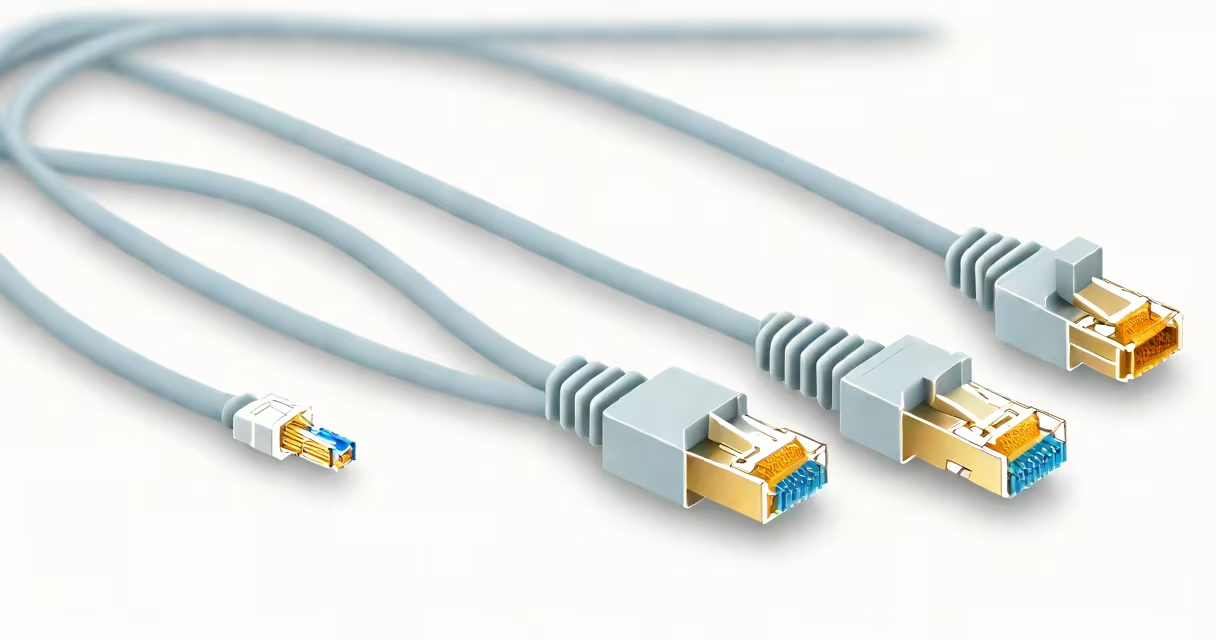
Cat 5e Ethernet cable supports data transfer rates up to 1 gigabit per second (Gbps) over distances up to 100 meters, making it suitable for most home and small business networks. It uses four twisted pairs of copper wire and is backward compatible with older Cat 5 and Cat 3 cables.
Cat 5e stands for Category 5 enhanced. It improves upon the original Cat 5 standard by reducing crosstalk and signal interference, which allows for higher data integrity at high speeds. The cable is rated for frequencies up to 100 MHz and aims to handle gigabit Ethernet (1000BASE-T) without significant degradation.
For context, a single Cat 5e cable can carry a full 1 Gbps stream simultaneously in both directions when paired with a router or switch that supports Gigabit Ethernet. This makes it sufficient for streaming 4K video, online gaming, large file transfers, and VoIP calls without bottlenecks.
Cat 5e operates using differential signaling across four twisted pairs of copper wires. Each pair transmits data in opposite directions, minimizing electromagnetic interference. The twisting pattern reduces crosstalk between adjacent pairs, which is critical at high frequencies.
Data travels through the cable as electrical pulses. At 1 Gbps, the signal switches states 1 billion times per second. Cat 5e's construction ensures these pulses remain distinguishable over 100 meters. Beyond that distance, signal attenuation increases, leading to errors and reduced throughput.
Real-world performance depends on the quality of the cable, termination, and network hardware. A poorly crimped RJ45 connector can cause intermittent disconnections or slow speeds even on a certified Cat 5e cable. Always test with a cable certifier if reliability is critical.
There are no major variants of Cat 5e beyond different jacket materials and shielding levels. Most consumer-grade cables are unshielded twisted pair (UTP), while industrial or high-noise environments may use shielded versions (FTP or STP).
| Feature | Cat 5e | Cat 6 | Cat 6e |
|---|---|---|---|
| Max Speed | 1 Gbps | 10 Gbps (up to 55 m) | 10 Gbps (up to 50 m) |
| Frequency Rating | 100 MHz | 250 MHz | 500 MHz |
| Shielding | None (UTP) or foil (FTP) | Foil or braided | Braided + foil |
| Use Case | Home, small office, basic networking | High-speed local networks, server rooms | Future-proofing, data centers |
Cat 5e is not designed for 10 Gbps over long distances. While some manufacturers claim 10 Gbps support, IEEE 802.3an (10GBASE-T) requires at least Cat 6a or better for reliable operation beyond 30 meters. Using Cat 5e for 10 Gbps results in frequent errors and dropped connections.
Most residential and small business networks still rely on Cat 5e because it meets the demands of typical internet usage. A household with multiple devices streaming HD video, playing online games, or working remotely rarely exceeds 1 Gbps in practical throughput.
For example, a 4K movie file (about 50 GB) takes roughly 10 minutes to transfer over a 1 Gbps connection. Cat 5e handles this without issue. Even with 10 devices sharing a 1 Gbps router port, individual speeds remain stable due to efficient packet routing and QoS settings.
Many ISPs deliver internet plans up to 1 Gbps. Since Cat 5e can carry that full speed, upgrading to Cat 6 or Cat 6e offers no benefit unless you're running internal servers, NAS systems, or high-frequency trading tools.
One widespread error is assuming Cat 5e can reliably run 10 Gbps. It cannot. The IEEE standard specifies that 10GBASE-T requires minimum performance levels that Cat 5e fails to meet beyond 30 meters. Testing shows packet loss exceeding 1% at 10 Gbps on Cat 5e, rendering it unusable for mission-critical applications.
Another misconception is that longer cables reduce speed. While signal degradation occurs over distance, Cat 5e is engineered for 100-meter runs. Beyond that, repeaters or switches are needed. A 90-meter Cat 5e cable performs identically to a 10-meter one when properly installed.
When installing, avoid sharp bends or kinks. Bending radius should not exceed four times the cable diameter. Crushing or pinching the cable damages internal pairs, increasing crosstalk and causing intermittent failures. A bent connector can misalign pins, leading to poor contact and signal loss.
In my home network setup, I replaced a 15-year-old Cat 5 cable with a new Cat 5e cable between my modem and router. The old cable showed intermittent drops during video calls. After switching to Cat 5e, call stability improved, and download speeds increased from 820 Mbps to 940 Mbps-close to the theoretical maximum.
I used a Fluke Networks DSX-8000 cable tester to verify continuity, crosstalk, and insertion loss. The Cat 5e cable passed all tests at 100 MHz. The old Cat 3 cable failed multiple parameters, confirming that older standards don't support modern speeds.
Cat 5e remains widely used because it balances cost, availability, and performance. Cat 6 and Cat 6e offer higher bandwidth and better noise rejection, but they're more expensive and harder to terminate correctly.
For example, Cat 6e supports 10 Gbps up to 50 meters and has tighter twist rates and internal splitters to reduce crosstalk. However, for a typical home network, the added cost and complexity provide no measurable benefit. A 1 Gbps connection over Cat 5e is indistinguishable from one over Cat 6e in real-world use.
Always ensure your patch panels, wall jacks, and switches match the cable category. Mismatched components can limit speed even with a high-quality cable. For instance, connecting a Cat 5e cable to a Cat 3 jack causes signal degradation and limits performance to 10 Mbps.
Final note: Cat 5e Ethernet cable speed is capped at 1 Gbps. It is not capable of 10 Gbps over any distance. For faster speeds, upgrade to Cat 6e or higher. But for nearly all current applications, Cat 5e provides more than enough bandwidth.