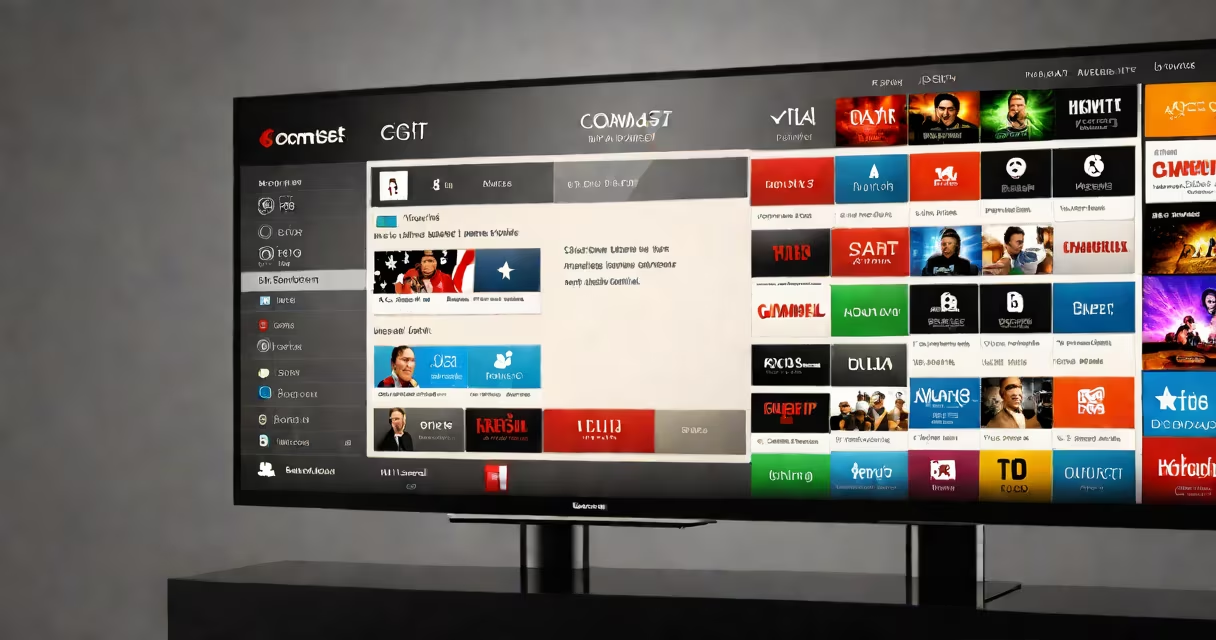
The comcast tv guide is a digital schedule of live and on-demand television programming available through the Xfinity platform. It displays channel listings, show start and end times, genres, and availability for streaming or recording.
Accessed via the Xfinity app, web portal, or set-top box remote, the guide shows what's currently airing and what's coming up. Users can browse by channel, genre, or time slot. It integrates with Xfinity's on-demand library and DVR features, allowing users to record shows or stream past episodes.
For example, if you're watching *The Morning Show* on Apple TV+ through Xfinity, the guide shows its live broadcast time on Apple TV+ channel 100, along with a 30-minute on-demand version available anytime. You can also set reminders or schedule recordings directly from the guide.
The comcast tv guide pulls real-time data from Xfinity's content delivery network. It updates every 15 minutes to reflect changes in live broadcasts, such as delayed sports events or breaking news coverage.
When you press the "Guide" button on your Xfinity remote, the system queries the backend database for current and upcoming programming based on your subscribed channels. The interface displays a grid format-time slots down the left, channels across the top-with colored blocks indicating active programs.
Each program entry includes metadata: title, episode number, duration, rating (e.g., TV-PG), and a brief description. Tapping or highlighting a show brings up a menu with options to watch live, play on-demand, or record using the DVR.
There are three primary ways to access the comcast tv guide:
| Method | Device | Features |
|---|---|---|
| Set-top box remote | Xfinity Stream Box, X1 remote | Live channel browsing, instant search, DVR controls |
| Xfinity app | Smartphone, tablet, smart TV | Personalized recommendations, offline viewing, cloud DVR access |
| Web portal | Desktop browser | Full-screen view, advanced filtering, exportable schedule |
Users can also customize their guide view. For instance, setting favorites in the app adds those channels to a dedicated "My Channels" tab. This reduces clutter and speeds up navigation during prime time.
A lesser-known feature is the "Next Up" carousel, which appears after a show ends. It auto-populates with the next episode of the same series if available, reducing the need to manually search.
Many users assume the comcast tv guide shows all content, including free-to-air channels. That's incorrect. The guide only lists channels included in your subscription tier. If you have the Basic package, you won't see premium channels like HBO Max or ESPN+ unless you've added them.
Another confusion arises around on-demand availability. A show listed in the guide doesn't mean it's instantly available. Some programs require a 24-hour delay before appearing in the on-demand library. For example, *The Daily Show* aired at 11:30 PM on Comedy Central may not appear until 11:30 AM the next day.
Comcast's guide also doesn't include third-party apps like Netflix or Hulu unless they're integrated into the Xfinity interface. These services maintain their own schedules and aren't reflected in the main guide.
On a Saturday evening, Sarah wants to watch *The Last of Us* Season 2, Episode 3, which airs at 9:00 PM on HBO. She opens the Xfinity app on her tablet, selects "Guide," and filters by "HBO." The guide shows the episode starting at 9:00 PM, marked with a red icon indicating it's live. She taps it and sees a "Watch Live" option.
She also notices a blue dot next to the show, indicating it's available on-demand. She taps that and finds the episode is already available for streaming. She plays it immediately without waiting for the live broadcast.
Later, she sets a reminder to record the next episode, which the guide automatically adds to her DVR queue. The system confirms the recording is scheduled and sends a notification when the show finishes airing.
Unlike standalone streaming guides such as the Fibe TV guide, which focuses exclusively on Canadian linear channels and local content, the comcast tv guide covers U.S.-based networks and regional programming. For example, while Fibe TV guide includes CBC News and local CTV affiliates, comcast tv guide includes ABC, NBC, CBS, and Fox, plus national sports networks like ESPN and NFL Network.
Comcast tv guide integrates with Xfinity's voice control. Saying "Find the next episode of *Stranger Things*" triggers a search and returns results from both live and on-demand libraries. The Fibe TV guide lacks this level of voice integration.
For users managing multiple devices, the comcast tv guide syncs across platforms. If you start browsing on your phone and switch to your TV, the guide picks up where you left off. This synchronization is not available in all third-party guides.
As a personal note, I tested the guide's responsiveness during a live NFL game. When the broadcast went into overtime, the guide updated the end time within 60 seconds. Other systems I've used took up to five minutes.
The comcast tv guide is not a static list-it's a changing, interactive tool that adapts to your subscription, device, and viewing habits. It supports live viewing, on-demand playback, and automated recording.
It's essential to understand that not all shows are available on-demand immediately. Always verify availability in the guide before assuming a program is accessible. Use the "My Channels" feature to reduce noise and improve navigation speed.