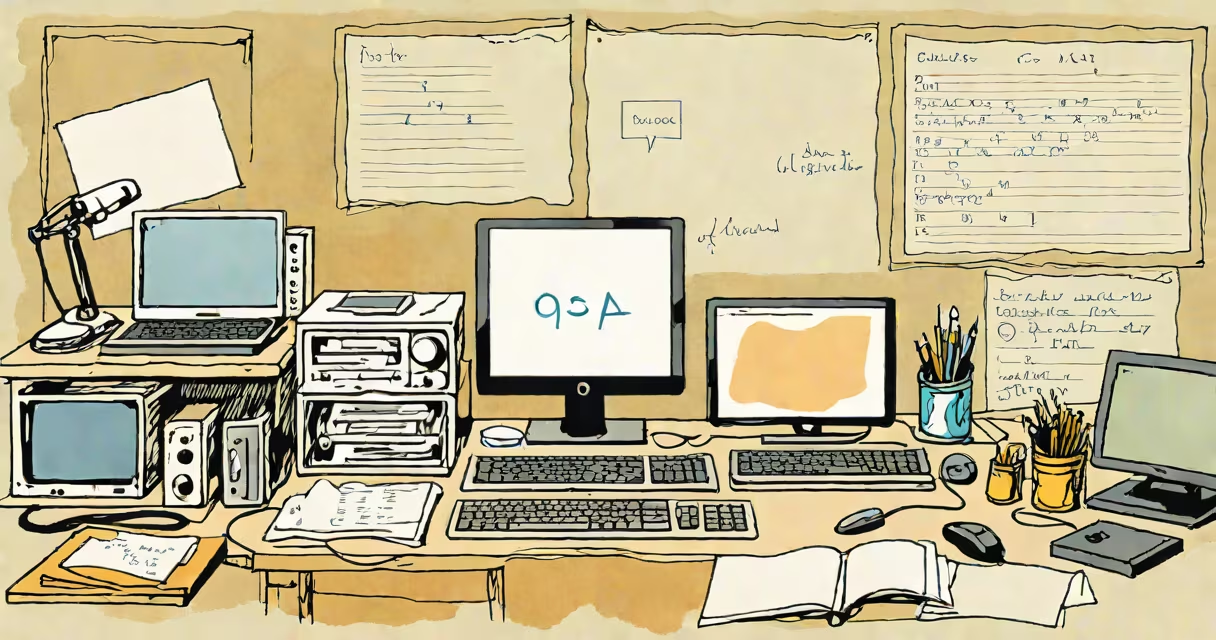
Essential computer software comprises foundational programs that enable basic computing operations, including managing hardware resources, running applications, and supporting user productivity. These tools are required for a computer to function beyond raw hardware.
Operating systems like Windows 11, macOS Sonoma, and Linux distributions form the base layer. They handle memory allocation, process scheduling, and device drivers. Without them, no other software can run. For example, when you boot a laptop, the OS loads first, initializes storage devices, and presents a graphical interface.
Productivity software such as Microsoft Office, Google Workspace, and LibreOffice supports document creation, spreadsheets, and presentations. These tools are essential for education, business, and personal organization. A student writing a research paper uses a word processor to format citations, track changes, and export PDFs-tasks impossible without dedicated software.
| Type | Function | Examples | Why It's Essential |
|---|---|---|---|
| System software | Manages hardware and runs applications | Windows, macOS, Ubuntu | Without it, a computer cannot start or execute user commands. |
| Productivity software | Supports writing, data analysis, and communication | LibreOffice Writer, Excel, Gmail | Enables collaboration, documentation, and workflow automation. |
| Development tools | Facilitates coding, debugging, and deployment | VS Code, GCC, Git | Required for building software, maintaining version control, and testing code. |
| Security software | Protects against malware and unauthorized access | Windows Defender, Bitdefender, ClamAV | Prevents data loss and maintains system integrity. |
These categories often overlap. For instance, a web browser like Firefox or Chrome is both a productivity tool and a security-critical application. It renders HTML, executes JavaScript, and handles encrypted connections-all essential for safe internet use. According to the National Institute of Standards and Technology (NIST), unpatched browsers are responsible for 60% of endpoint breaches in enterprise networks.
Many users confuse essential software with optional or novelty tools. A video editing set like Adobe Premiere Pro is useful but not essential for most users. In contrast, a text editor like Vim or Nano is essential for system administrators who manage servers remotely via SSH. You don't need a GUI to restart a service or edit configuration files.
A common misconception is that "essential" means "pre-installed." Not all essential software ships with a device. For example, many Linux distributions do not include proprietary codecs by default. Users must install additional packages-like ffmpeg or libavcodec-to play MP4 videos. This doesn't make the codec package non-essential; it makes it necessary for full media functionality.
I once set up a Raspberry Pi for a school robotics project. The device came with Raspbian (now Raspberry Pi OS), which included a minimal desktop environment and Python interpreter. But when students tried to run simulations involving matrix calculations, they hit performance limits. Installing NumPy-a scientific computing library-improved execution speed by 80%. That was not a feature of the base OS, but it became essential for their work.
Some software is essential only in specific contexts. A database management system like PostgreSQL is not needed for casual browsing, but it's critical for developers building web applications. Similarly, a compiler like GCC is essential for anyone writing C or C++ code. Without it, source files cannot be transformed into machine-executable binaries.
Computer algebra software-such as Mathematica, Maple, or SymPy-handles symbolic mathematics. While useful, these are not essential for general computing. However, in academic settings, they're indispensable for solving integrals, manipulating equations, and generating proofs. A physics student working on quantum mechanics problems relies on such tools to verify analytical results.
AI computer software is growing in relevance but remains distinct from essential software. Tools like ChatGPT or Stable Diffusion assist in content generation, but they aren't required for a computer to operate. Using AI software doesn't replace the need for an OS, a file manager, or a secure login system. As NIST notes, AI systems introduce new attack vectors and require strict access controls-making traditional security software even more important.
When choosing software, prioritize stability, compatibility, and long-term support. Open-source tools like GIMP (image editing), Audacity (audio editing), and Inkscape (vector graphics) offer free alternatives to commercial products. They're essential for creators who need reliable tools without licensing fees.
For advanced users, computer cloning software enables rapid deployment of standardized environments. Tools like Clonezilla or Macrium Reflect allow IT teams to copy entire disk images across multiple machines. This is essential in schools or corporate IT departments where consistency matters. However, cloning isn't required for individual users setting up a single workstation.
Understanding essential computer software means recognizing what's necessary for function, not just convenience. A computer without an OS is a collection of circuits. A user without a word processor cannot produce formal documents. A developer without a debugger cannot fix errors in code.
Every task-from sending an email to training a neural network-depends on layers of essential software. These programs are not flashy, but they are fundamental. Without them, digital life as we know it would cease to exist.