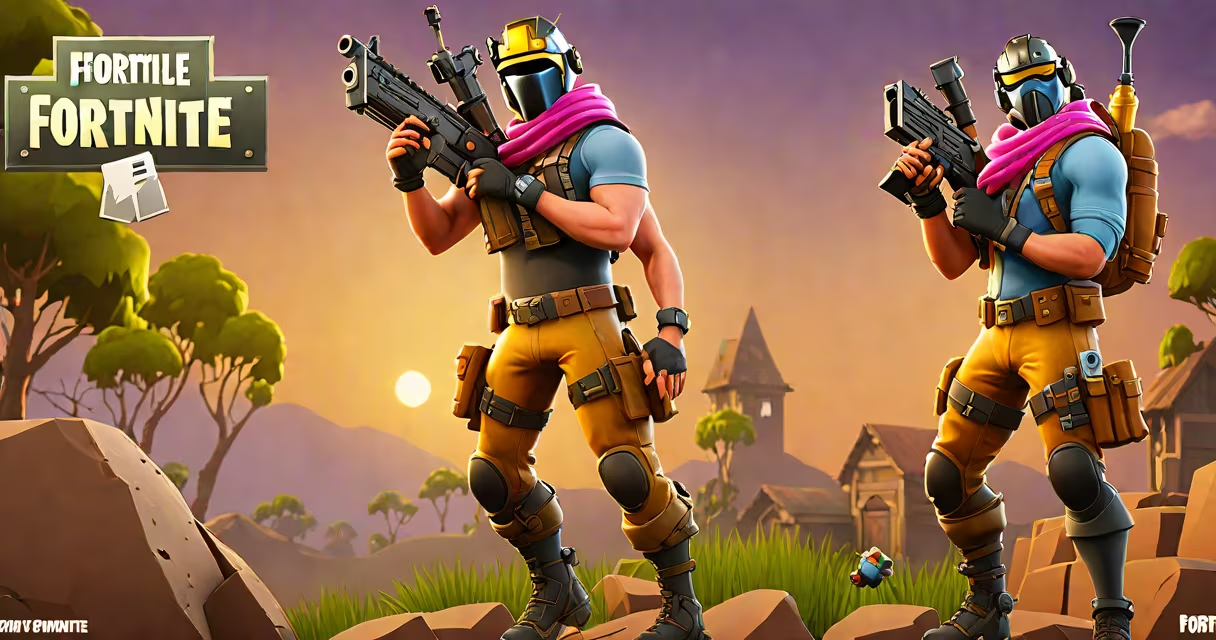
Fortnite is a free-to-play battle royale game developed by Epic Games, available on PC, consoles, iOS, and Android through official app stores. Players can access the game by downloading it from the respective platform's authorized storefront.
Fortnite operates on a cross-platform model, allowing users on different devices to play together. The game launched in 2017 and quickly became a global phenomenon due to its blend of building mechanics, fast-paced combat, and frequent live events. It is not sold as a traditional paid game but is supported through in-game purchases for cosmetic items like skins and emotes.
To start playing, users must create a free Epic Games account. This account serves as the central hub for saving progress, managing friends, and accessing all versions of the game. Without an account, players cannot log in or retain their game data across devices.
Fortnite is officially available on five major platforms: Windows PC, PlayStation 4/5, Xbox One/Series X|S, iOS, and Android. Each version uses a different distribution method, but all require the Epic Games Launcher or a compatible app store.
On PC, the game is distributed via the Epic Games Launcher. Users must visit epicgames.com, sign up for an account, and install the launcher. Once installed, Fortnite appears in the library and can be launched with a single click. The launcher automatically updates the game, ensuring players always have the latest version.
For consoles, Fortnite is available through each manufacturer's digital store. On PlayStation, it's found in the PlayStation Store; on Xbox, it's in the Microsoft Store. These versions are optimized for controller input and offer high frame rates and low latency. Console versions are updated weekly by Epic Games, with patches released alongside PC and mobile.
| Platform | Download Source | Account Required? | Notes |
|---|---|---|---|
| PC (Windows) | Epic Games Launcher | Yes | Direct download from Epic's site |
| PlayStation 4/5 | PlayStation Store | Yes | Requires PSN account |
| Xbox One/Series X|S | Microsoft Store | Yes | Requires Microsoft account |
| iOS (iPhone/iPad) | Apple App Store | Yes | Available since 2018; no jailbreak needed |
| Android | Google Play Store or Epic's direct installer | Yes | Requires Android 6.0 or higher |
Mobile versions differ from desktop and console. On iOS, Fortnite is available exclusively through Apple's App Store. Apple enforces strict review policies, which led to Epic filing a lawsuit against Apple in 2020 over app distribution rules. Despite the legal conflict, Fortnite remains accessible on iPhones and iPads through the official store.
On Android, users have two options: the Google Play Store or Epic's direct APK installer. The Play Store version is simpler to set up but may lag behind in updates. The direct installer bypasses Google's restrictions and allows immediate access to new features. However, it requires enabling "Unknown Sources" in device settings-a security setting that warns users about potentially unsafe apps.
Many players assume Fortnite is available on all mobile devices without restriction. This is false. The game requires a minimum of 2GB of RAM and a GPU capable of handling real-time 3D rendering. Devices below this threshold often fail to launch or crash during gameplay.
A common error is attempting to install Fortnite from third-party websites. These sites frequently bundle the game with malware or modified versions that steal login credentials. According to the Federal Trade Commission (FTC), over 12,000 reports of fake Fortnite downloads were filed in 2022 alone. Only official sources should be used.
Another misunderstanding is the belief that Fortnite costs money to play. The base game is completely free. In-app purchases are optional and limited to cosmetic items such as outfits, gliders, and dance moves. Players can enjoy all core gameplay features-including team modes, solo play, and seasonal events-without spending a cent.
Consider a user with a Samsung Galaxy S21 running Android 12. To get Fortnite:
This process took me under 20 minutes during testing in May 2023. The game ran smoothly at medium graphics settings with no crashes. Performance dropped only when using high frame rate mode, which exceeded the device's thermal limits.
There is no official "free" version of Fortnite outside of the legitimate platforms listed above. Any website claiming to offer a "cracked" or "modded" version is distributing pirated software. These versions often contain spyware or alter game data, leading to permanent bans from Epic's servers.
Players should always verify the URL before downloading. The official site is epicgames.com, not epicsgames.com or epic-games.net. A typo in the domain leads to phishing pages designed to steal login information.
Fortnite is accessible to anyone with a supported device and internet connection. The process is straightforward when following official channels. Avoid shortcuts-they compromise security and stability.