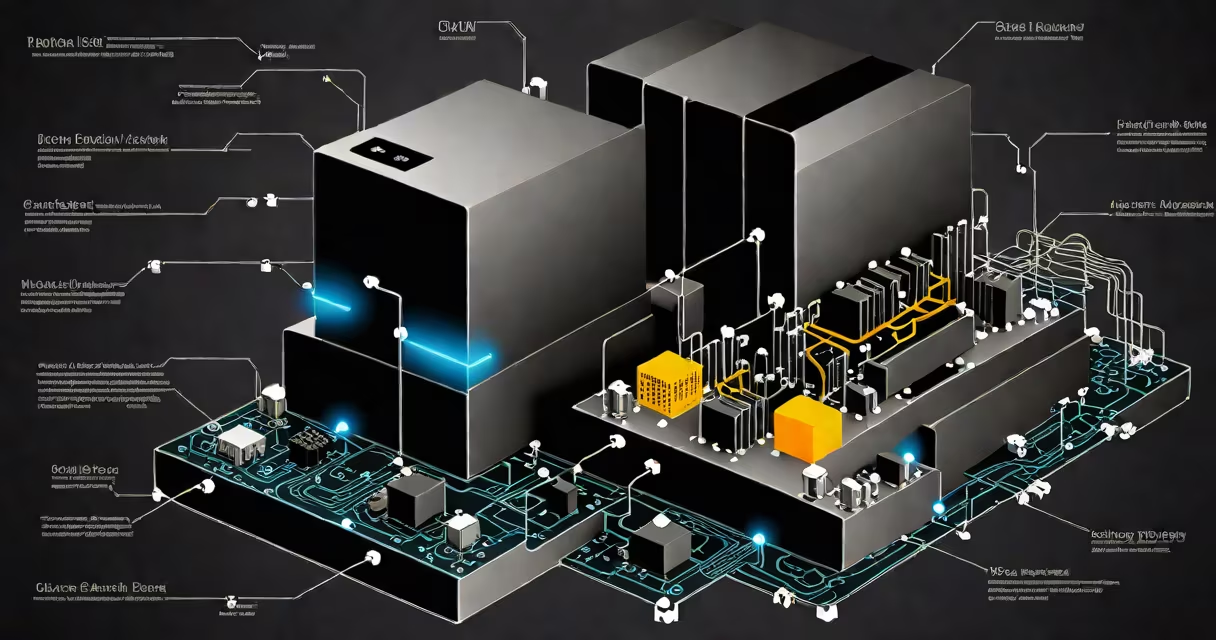
A personal home cloud server is a locally hosted system that stores, organizes, and shares digital files within a private network, using hardware like a Network Attached Storage (NAS) device or a repurposed computer running specialized software. Unlike public cloud platforms such as Google Drive or Dropbox, it keeps your data on-premises, under your direct control.
It functions as a private file hub accessible from any device connected to your home network or remotely via secure internet connections. You manage access, encryption, backups, and permissions entirely yourself. This setup is ideal for users who prioritize data ownership, security, and long-term cost efficiency over convenience-driven cloud subscriptions.
For example, a family with 10 terabytes of photos, videos, and documents can store everything on a single NAS unit behind their home firewall. They can stream 4K movies to smart TVs, back up laptops automatically, and share folders with trusted relatives-all without sending data through third-party servers.
The core mechanism involves a dedicated machine-often a low-power NAS box or a Raspberry Pi running Linux-with a RAID range of hard drives for redundancy. The system runs a lightweight operating system like TrueNAS, OpenMediaVault, or Synology DSM, which provides a web-based interface for managing files, users, and settings.
When you save a document to your home cloud server, it writes directly to the internal drives. Access happens through a local IP address (e.g., 192.168.1.100) or a custom domain via Changing DNS (DDNS). Remote access requires port forwarding or a secure tunnel like WireGuard, ensuring encrypted communication.
Automated backup tools such as rsync, BorgBackup, or Synology's Hyper Backup can mirror data to external drives or offsite locations. For instance, my home server uses a daily incremental backup to a USB drive stored in a fireproof safe, reducing risk from physical damage or ransomware.
Most setups rely on four key elements: hardware, operating system, network configuration, and security layer.
| Type | Examples | Use Case |
|---|---|---|
| Hardware | NAS devices (Synology DS423+, QNAP TS-453D), Raspberry Pi 4, old desktop PC | Low power consumption, silent operation, built-in drive bays |
| OS/Software | TrueNAS Core, OpenMediaVault, Unraid, FreeNAS | Open-source flexibility, customizable features, community support |
| Storage | Hard drives (WD Red, Seagate IronWolf), SSDs for cache | RAID 1 or RAID 5 for redundancy; 4TB drives for balance of capacity and cost |
| Security | Firewall rules, HTTPS via Let's Encrypt, two-factor authentication, encrypted volumes | Prevents unauthorized access; protects against remote exploits |
One non-obvious requirement is consistent power management. A sudden power loss during a write operation can corrupt the file system. Using a UPS (uninterruptible power supply) with automatic shutdown scripts prevents data loss. I learned this after a storm knocked out power while my NAS was syncing 200GB of video edits-resulting in a corrupted dataset that took six hours to repair.
Many confuse a personal home cloud server with consumer-grade cloud storage. Public services like iCloud or OneDrive sync files to remote data centers, where metadata may be analyzed for advertising or compliance purposes. With a home cloud server, your data never leaves your house unless you explicitly transfer it.
Another confusion is equating it with a "cloud GPU server." While both involve remote computing, a cloud GPU server (like those offered by AWS or Lambda Labs) delivers high-performance graphics processing over the internet for AI training or rendering. A personal home cloud server focuses on storage, access, and local automation-not compute-intensive tasks.
Also, unlike enterprise cloud solutions, home servers don't offer SLAs (service level agreements) for uptime or support. You're responsible for maintenance, updates, and troubleshooting. But this trade-off gives you full autonomy. As the National Institute of Standards and Technology (NIST) notes, "Control over data location and access is a critical factor in risk management for sensitive information" (NIST SP 800-53r5).
Home cloud servers serve practical roles beyond basic file storage. They enable automated workflows: backing up smartphones nightly, organizing media libraries with Plex, hosting personal websites, or running home automation systems like Home Assistant.
For example, a freelance photographer uses a Synology NAS to auto-sort RAW images by date and GPS tag. The system creates subfolders based on metadata, applies watermarking, and uploads edited versions to a private gallery site. All done without manual intervention.
Privacy-conscious users avoid the risks of public cloud breaches. In 2023, a major cloud provider suffered a data leak affecting 1.2 million accounts due to misconfigured access controls. A home server avoids such exposure entirely. According to the Electronic Frontier Foundation (EFF), "Self-hosting reduces reliance on corporate surveillance models" (EFF: Self-Hosting and Privacy).
Cost-wise, a $300 NAS with eight 4TB drives offers 32TB of storage-about half the price of equivalent cloud storage over five years. And since you own the hardware, you can reuse it indefinitely.
A personal home cloud server is not a replacement for all cloud services-it's a strategic alternative for people who value ownership, privacy, and long-term savings. It's not just a storage device. It's a foundation for digital autonomy.