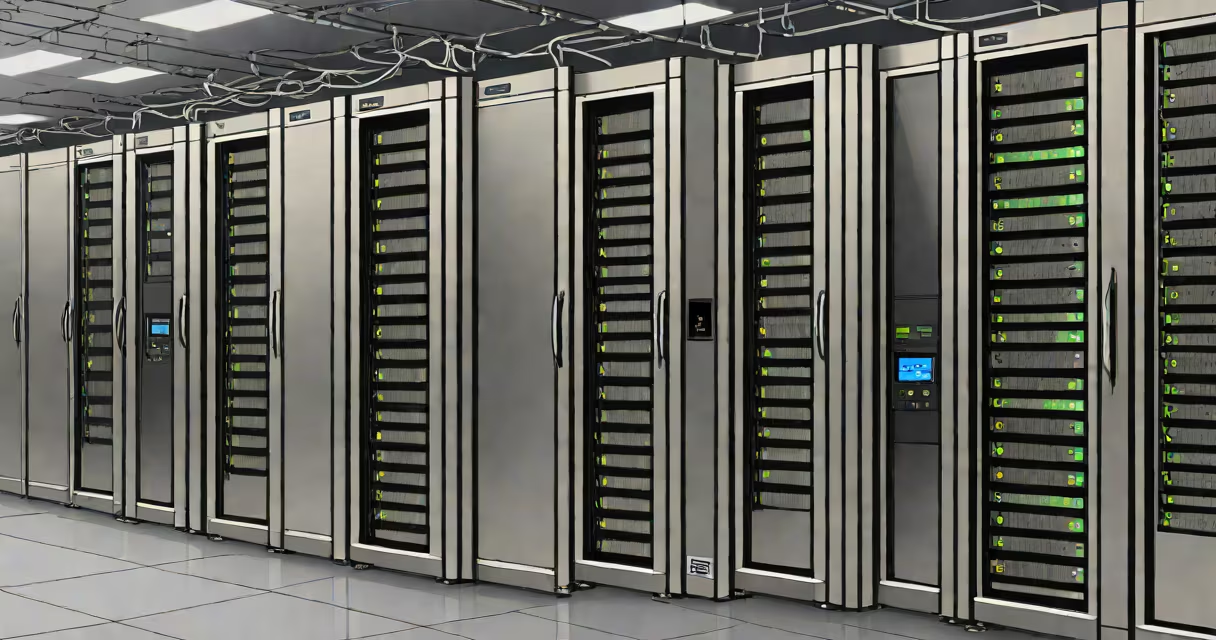
A server is a computer system or software that provides services, data, or resources to other devices (clients) over a network. It handles requests from users or programs and delivers responses such as files, web pages, or database results. Servers operate continuously, often in specialized environments like data centers, to ensure availability and performance.
At its core, a server processes incoming requests and returns appropriate outputs. This function enables everything from loading a website to sending an email. Servers are not personal computers-they're optimized for reliability, scalability, and continuous operation under heavy workloads.
For example, when you visit a website like google.com, your browser sends a request to Google's servers. Those servers retrieve the webpage content, format it, and send it back. Without servers, internet-based services would not exist.
Servers run specialized operating systems like Linux, Windows Server, or Unix variants. These systems manage hardware access, security, and process scheduling. They listen for incoming connections on specific ports-like port 80 for HTTP traffic-and respond based on predefined rules.
When a client device (such as a smartphone or laptop) sends a request, the server authenticates the connection, checks permissions, processes the command, and returns the result. This exchange happens in milliseconds and supports millions of concurrent users.
For instance, a banking app relies on backend servers to verify login credentials, fetch account balances, and authorize transactions. If the server fails, the app becomes unusable-even if the user's phone works perfectly.
Not all servers do the same thing. Different roles define their purpose and configuration. Here are common types:
| Type | Purpose | Example Use Case | Port/Protocol |
|---|---|---|---|
| Web Server | Serves static and changing web content | Hosting a company's homepage | 80 (HTTP), 443 (HTTPS) |
| Database Server | Stores and retrieves structured data | Managing customer orders in e-commerce | 3306 (MySQL), 5432 (PostgreSQL) |
| Email Server | Handles sending, receiving, and storing emails | Running Gmail or Outlook | 25 (SMTP), 143 (IMAP) |
| File Server | Centralizes file storage and access control | Sharing documents across a business team | 445 (SMB), 22 (SSH) |
| Application Server | Runs business logic and application code | Powering a mobile game's multiplayer engine | 8080 (custom), 9000 (Node.js) |
Each type uses dedicated software. A web server may run Apache or Nginx. A database server uses MySQL or MongoDB. Application servers often run Java-based frameworks like Spring Boot.
Modern cloud platforms like AWS and Azure host virtual servers that scale automatically. For example, during Black Friday sales, an online retailer might spin up hundreds of virtual servers to handle traffic spikes-then shut them down afterward to save costs.
Many people confuse servers with personal computers. A desktop PC can technically act as a server if configured correctly-but it lacks the redundancy, cooling, and uptime guarantees needed for production use.
Another misconception: "Servers are always big machines." While physical servers exist in racks, most modern services run on virtualized instances. A single physical machine can host dozens of isolated virtual servers using hypervisors like VMware or KVM.
Also, servers aren't limited to businesses. Home users run personal servers for media streaming (Plex), private cloud storage (Nextcloud), or home automation (Home Assistant). These setups still follow the same principle: a device providing services to others on a network.
One non-obvious fact: servers don't need monitors or keyboards to function. Many are managed remotely via SSH or remote desktop tools. In large data centers, administrators access servers through centralized management consoles-no physical interaction required.
Consider a local bakery that wants to launch a website. They need:
bakerytown.com)The bakery signs up with a hosting provider. The provider allocates a virtual server running Ubuntu Linux. The site is built with WordPress, which runs on PHP and connects to a MySQL database hosted on the same server.
When a customer visits the site, the web server responds to the request. It pulls the homepage from disk, loads the theme, and sends the rendered page back to the browser. All within 200 milliseconds.
If the site gets popular during holidays, the hosting provider can scale the server's CPU and RAM automatically. This ensures the site stays fast and available-without the bakery needing to buy new hardware.
I've personally deployed a similar setup for a nonprofit organization. We used a $5/month VPS (virtual private server) on DigitalOcean. Within 15 minutes, we had a secure, working website with contact forms and donation integration. The server handled 1,200 monthly visitors without downtime.
What is a server used for? It's a system designed to deliver data, services, or applications to clients over a network. Servers enable websites, databases, email, file sharing, and complex applications. They form the core of modern computing-from smartphones to enterprise systems.
Understanding this role clarifies why servers are essential across industries. Whether managing patient records in healthcare or processing payments in finance, servers ensure consistent, secure access to critical resources.