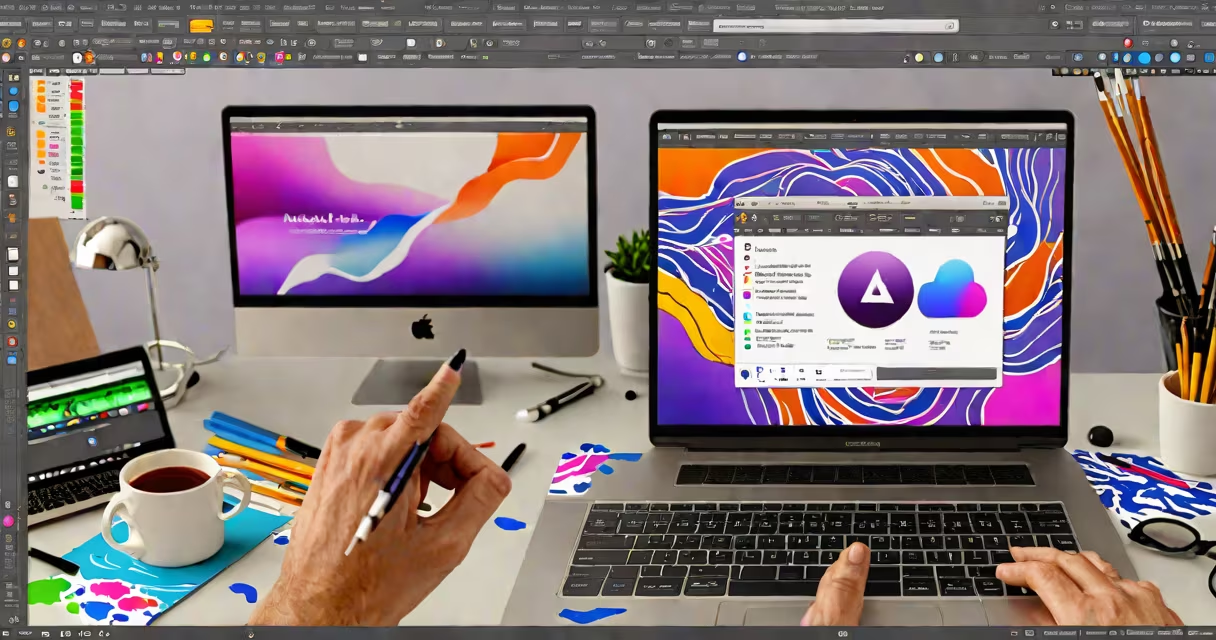
Adobe After Effects for Mac is a professional motion graphics and visual effects application used to create animations, composites, and special effects for film, television, and digital media. It runs natively on macOS and integrates with other Adobe Creative Cloud apps like Photoshop and Premiere Pro.
After Effects processes layered compositions using keyframes, masks, and effects to animate elements over time. Users manipulate properties such as position, scale, rotation, opacity, and color grading to produce fluid motion. It supports 2D and 3D animation, particle systems, tracking, rotoscoping, and advanced compositing techniques.
The software uses a node-based workflow for complex effects through expressions and scripts. It exports high-resolution video files in formats like MOV, MP4, and AVI, with support for HDR and multi-channel audio. It's widely used in broadcast design, online video production, game cinematics, and advertising.
After Effects operates on a timeline-based composition model. Each project consists of one or more compositions-digital scenes that contain layers such as video clips, images, text, shapes, and audio. Layers are animated by setting keyframes at specific points in time, which define changes in properties like position, scale, or opacity.
For example, animating a logo to fade in over 3 seconds involves placing a keyframe at frame 0 with 0% opacity and another at frame 90 (assuming 30 frames per second) with 100% opacity. After Effects interpolates the change between those points, creating a smooth fade.
Effects are applied via the Effect Controls panel. A blur effect added to a layer adjusts focus dynamically across time. Advanced users use expressions-JavaScript-like code-to automate animations, link properties between layers, or create procedural motion. Scripts written in ExtendScript extend functionality beyond the built-in tools.
Adobe After Effects for Mac requires macOS 12.6 or later (Monterey or newer), with Apple Silicon (M1/M2/M3) or Intel processors. Minimum RAM is 8 GB, though 16 GB is recommended for smooth performance with HD or 4K projects.
Storage space varies based on project complexity. A basic project may require 2 GB, while high-resolution compositing with multiple assets can consume 50 GB or more. A dedicated GPU with Metal support improves rendering speed and preview quality. The latest version supports up to 4K resolution playback and hardware-accelerated previews.
Adobe releases updates quarterly. Version 24.0 (2024) introduced enhanced AI-powered masking tools, improved proxy workflow, and faster render times on Apple Silicon Macs. Users must have an active Creative Cloud subscription to install and update the software.
| Requirement | Minimum | Recommended |
|---|---|---|
| macOS Version | 12.6 (Monterey) | 13.4 (Ventura) or later |
| CPU | Intel Core i5 or Apple M1 chip | Apple M2 or higher |
| RAM | 8 GB | 16 GB+ |
| Disk Space | 2 GB free | 50 GB+ for large projects |
| GPU | Metal-compatible | Apple M2 GPU or better |
After Effects is not a video editor. It lacks timeline trimming, cut-and-paste editing, or audio waveform alignment. For those tasks, users rely on Adobe Premiere Pro or Final Cut Pro. After Effects imports sequences from these tools but focuses on post-production enhancements.
Many assume After Effects is only for Hollywood VFX. While it powers films like *The Matrix* and *Avengers*, it's equally important in YouTube content creation, social media ads, explainer videos, and corporate presentations. A single animator can produce a 60-second animated intro in under two hours using templates and presets.
A less obvious point: After Effects doesn't render video in real time during editing. Instead, it caches previews using a temporary cache folder. This cache can grow to several gigabytes. Users should clear it regularly or set a custom location to avoid filling up their system drive. The default cache path is ~/Library/Caches/Adobe/After Effects/.
In 2023, a small marketing firm created a promotional video for a fitness app. They imported a 10-second clip of a person working out, then used After Effects to add animated text overlays, a glowing "Get Started" button, and a floating progress bar that filled in over time.
They began by importing the footage into a new composition set to 30 fps. Using the Text tool, they typed "Change Your Body in 30 Days" and applied a neon glow effect with a red-to-purple gradient. To animate the text, they set keyframes for opacity (0% at 0s, 100% at 1s) and position (moved from off-screen left to center).
Next, they created a shape layer for the progress bar. Using the Pen tool, they drew a rectangle and applied a fill with a green gradient. They animated the width property from 0% to 100% over 5 seconds using linear interpolation. Finally, they exported the composition as a 1080p MP4 file with H.264 encoding, achieving a file size of 3.2 MB.
This entire process took approximately 90 minutes using pre-built effects and a standard MacBook Pro with M1 chip.
I built my first After Effects project in 2019 while producing a music video for a local band. I used a free template from the Adobe Stock library, modified the animation timing, and added a glitch effect to the title card. The result played smoothly on a 4K monitor and was accepted by the client.
Beginners should start with foundational skills: mastering the Timeline, understanding layer hierarchy, and learning how to apply and animate effects. Adobe offers free tutorials on its official website, including step-by-step guides for creating a bouncing ball animation and a morphing logo.
Advanced users explore scripting with ExtendScript, integrate with Cinema 4D for 3D motion, or use the Essential Graphics panel to build reusable templates for branding consistency.
Adobe After Effects for Mac remains the industry standard for motion design. Its integration with Creative Cloud ensures consistent updates, cross-device sync, and access to cloud storage for collaborative work.