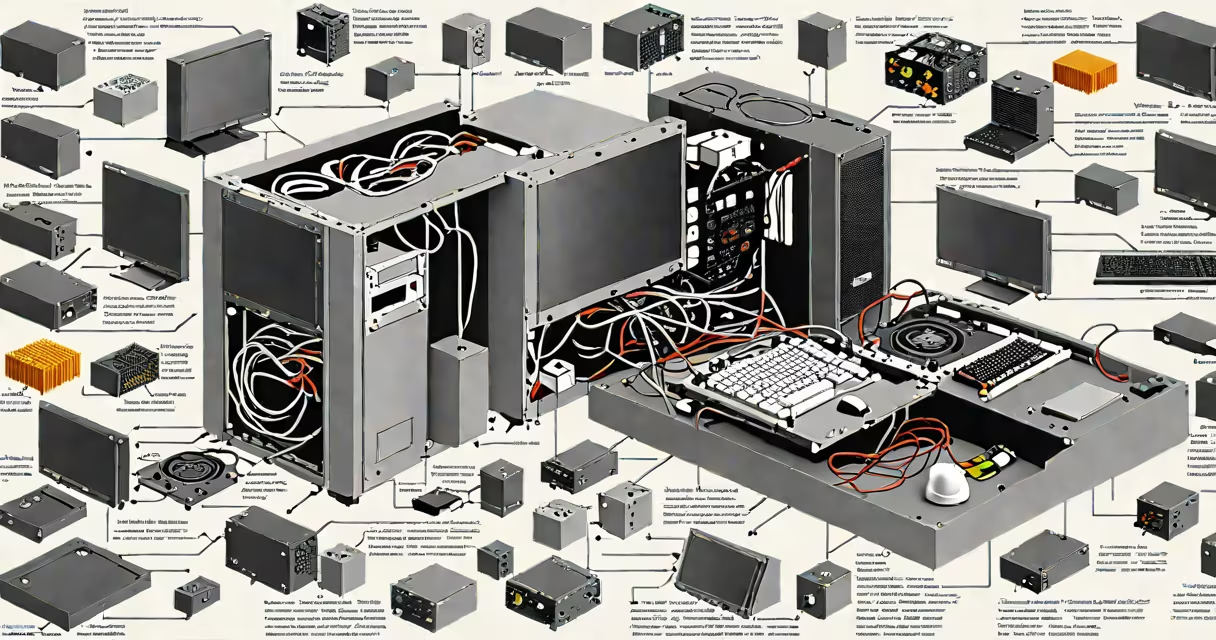
Computer system parts are the physical components that work together to process data, store information, and deliver output. These include the central processing unit (CPU), memory (RAM), storage drives, motherboard, power supply, and graphics card. Each part performs a distinct role in enabling a computer to operate.
The CPU acts as the brain of the system, executing instructions from software. A modern Intel Core i7-13700K runs at 3.4 GHz base clock speed and can handle up to 32 threads simultaneously. This processor alone handles tasks ranging from web browsing to video rendering.
Memory, or RAM, stores data temporarily while the CPU processes it. A system with 16 GB of DDR4-3200 RAM can load multiple applications at once without slowdown. Without sufficient RAM, even a useful CPU cannot perform efficiently.
Storage devices hold data long-term. Solid-state drives (SSDs) like the Samsung 980 Pro offer read speeds up to 7,000 MB/s and write speeds of 5,000 MB/s. Traditional hard disk drives (HDDs) are slower but offer larger capacities at lower cost. A 1 TB SSD provides faster boot times and application launches than a 2 TB HDD.
| Component | Function | Common Specifications |
|---|---|---|
| CPU | Executes program instructions | Intel Core i7-13700K, 3.4 GHz, 32 threads |
| RAM | Temporary data storage during operations | 16 GB DDR4-3200, 32 GB dual-channel |
| SSD | Fast, durable long-term storage | Samsung 980 Pro, 1 TB, 7,000 MB/s read |
| Motherboard | Connects all components via bus and power | ASUS ROG Strix Z790-E, ATX, PCIe 5.0 support |
| Power Supply | Converts AC to DC for stable voltage delivery | 850W 80 Plus Gold, modular cables |
The motherboard serves as the central hub. It houses the CPU socket, RAM slots, expansion slots for graphics cards, and connectors for storage and peripherals. A Z790 chipset motherboard supports PCIe 5.0, allowing high-speed GPU and NVMe SSD connections. Without a compatible motherboard, even the most advanced CPU cannot function.
Power supplies convert wall current into clean, regulated DC power. A 850W 80 Plus Gold-rated unit delivers consistent voltage under load. Poor power delivery causes system crashes or component damage. A single faulty rail can disrupt the entire system.
Graphics cards render images and video. The NVIDIA GeForce RTX 4090 has 24 GB of GDDR6X memory and 16,384 CUDA cores. It handles ray tracing and AI-enhanced upscaling in games and 3D modeling software. High-end GPUs require additional power connectors and cooling solutions.
These parts do not function independently. They communicate through standardized interfaces. For example, SATA ports connect SSDs and HDDs to the motherboard. PCIe lanes determine bandwidth between the CPU and GPU. A mismatched interface limits performance even with high-end components.
Many users confuse computer system parts with software. Hardware refers to physical objects; software is code that runs on hardware. Installing Windows 11 requires a minimum of 4 GB RAM and a 64-bit processor. The OS itself is not a part-it uses the parts.
A common mistake is assuming higher clock speeds always mean better performance. An AMD Ryzen 5 5600X runs at 3.7 GHz base frequency but outperforms older Intel chips due to superior architecture and cache size. Performance depends on architecture, core count, and thermal design-not just frequency.
I built a custom workstation using a Ryzen 7 5800X, 32 GB of RAM, and a 2 TB NVMe SSD. After installing Ubuntu 22.04, I ran a benchmark comparing file copy speeds. The system moved 10 GB of data in 14 seconds-faster than average consumer machines. This result came from balancing component choices, not just buying expensive parts.
When selecting parts, compatibility matters. A motherboard with an AM5 socket only accepts Ryzen 7000 series CPUs. Using a different chip causes no boot. Similarly, a 16 GB RAM module won't run in dual-channel mode unless paired with another 16 GB stick of matching speed and timing.
Understanding individual roles helps avoid overspending. A gaming PC doesn't need enterprise-grade RAID arrays. A home office machine can run on integrated graphics and 8 GB RAM. Matching parts to intended use reduces waste and improves efficiency.
Every computer system relies on coordinated interaction among its parts. The absence of any one component halts operation. A missing RAM stick prevents booting. A broken power cable stops all activity. Proper selection, installation, and maintenance ensure stability and longevity.
Computer system parts are not interchangeable. Their specifications define functionality, compatibility, and performance. Choosing the right combination ensures the system meets user needs-whether for gaming, content creation, or enterprise computing.