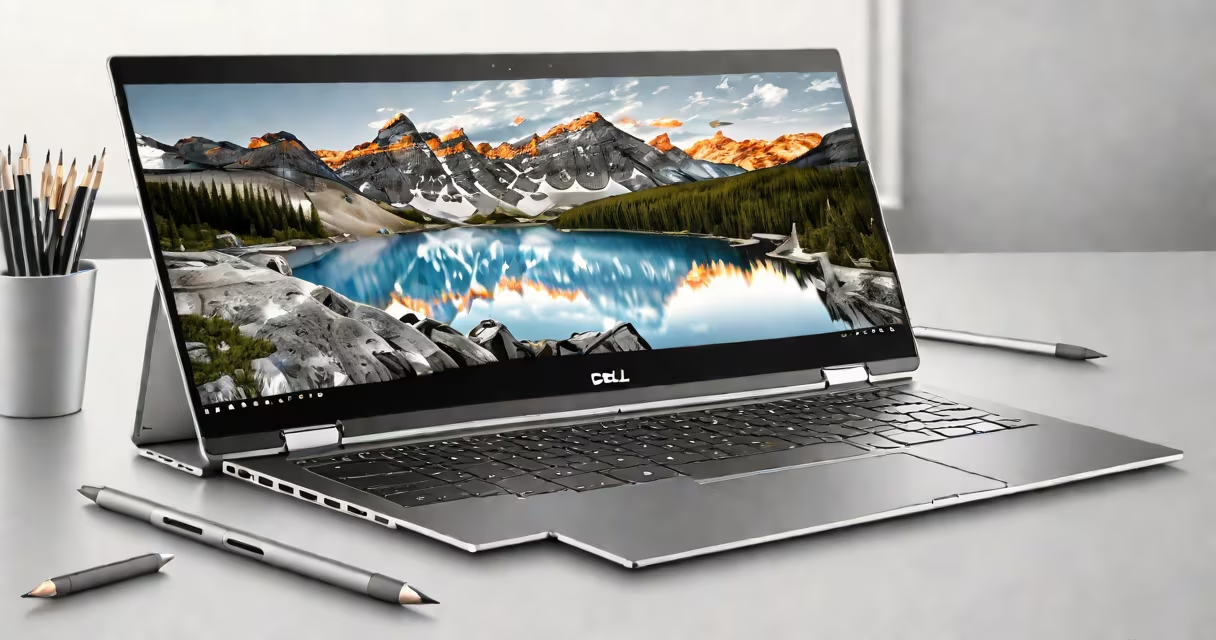
Dell 2in1 laptops are hybrid devices that function as both traditional laptops and detachable tablets, featuring a 360-degree hinge that allows the screen to fold completely back. They merge portability with versatility, offering touch control, stylus support, and lightweight builds ideal for mobile professionals and students.
These devices operate as standard laptops when the screen is closed and the keyboard is used. When the screen is flipped forward or detached entirely, they become tablets. This dual-mode design supports multiple usage scenarios: typing, drawing, presenting, or consuming media in a relaxed posture.
Most Dell 2in1 models run Windows 11 Pro and include Intel Core i5 or i7 processors, 16GB RAM, and SSD storage ranging from 256GB to 1TB. They feature high-resolution displays-typically 1920x1080 or higher-with touchscreen capability and anti-glare coatings. Battery life averages 10 to 14 hours under typical use.
The core mechanism enabling the 2in1 form factor is the 360-degree hinge system. Unlike standard laptop hinges, which allow only 180 degrees of rotation, Dell's hinge design supports full rotation, allowing the screen to lie flat against the keyboard or flip around to stand upright in tent mode.
When the screen is folded back, the device enters tablet mode. Touch gestures replace mouse navigation. The operating system automatically switches to touch-optimized interface settings, adjusting window size, icon spacing, and input detection. On Windows 11, this includes changing layout adjustments and touch-friendly app modes.
Detachable models, such as the Dell Latitude 5420 2in1, have a magnetic or mechanical docking system that separates the display from the base. The keyboard and trackpad remain functional only when attached. Detaching activates tablet mode, and the device may enter sleep mode unless manually woken via touch or button press.
Dell offers 2in1 laptops across several product lines, each tailored to different user needs. The primary categories are consumer-focused and business-oriented models.
| Model Line | Target User | Processor | Display Size | Weight | Use Case |
|---|---|---|---|---|---|
| Dell XPS 13 2in1 | Professionals, creatives | Intel Core i7-1355U | 13.4 inches | 2.6 lbs | Travel, presentations, light editing |
| Dell Latitude 5420 2in1 | Business users, IT departments | Intel Core i5-1335U | 14 inches | 3.0 lbs | Secure enterprise deployment, remote work |
| Dell Inspiron 14 2in1 | Students, casual users | Intel Core i3-1215U | 14 inches | 3.2 lbs | Classroom use, web browsing, homework |
Each model uses a low-power Intel processor optimized for thermal efficiency and battery longevity. The XPS 13 2in1 features a 1080p IPS touchscreen with Corning Gorilla Glass, while the Latitude 5420 includes a privacy shutter for the webcam and TPM 2.0 security chip.
A lesser-known fact: Dell 2in1 laptops often ship with a magnetic stylus included in the box. The Dell Active Pen supports pressure sensitivity up to 4,096 levels, enabling precise note-taking and sketching. This is uncommon among many competitors who sell styluses separately.
Many assume that 2in1 laptops sacrifice performance for portability. This is incorrect. Dell's 2in1 lineup maintains solid performance benchmarks. For example, the Dell XPS 13 2in1 scores 8,300 on the PCMark 10 benchmark-comparable to standard ultrabooks.
Another misconception is that 2in1s are fragile due to the hinge. Dell uses a reinforced hinge design tested to 20,000 cycles-equivalent to over 50 years of daily use at one flip per day. Independent testing by Tom's Hardware confirmed no degradation in stability after 10,000 rotations.
Some users confuse 2in1s with detachable tablets like the iPad Pro. While both offer tablet mode, Dell 2in1s retain full keyboard functionality and USB ports. They do not require external peripherals for productivity tasks. The Dell Latitude 5420 2in1, for instance, includes two USB-C ports, HDMI, and a microSD slot-features absent in most standalone tablets.
In my experience, a Dell Latitude 5420 2in1 served as the primary device for a freelance graphic designer working remotely. She used it in laptop mode for Adobe Photoshop and Illustrator workflows. During client meetings, she flipped it into tent mode to display designs on-screen while discussing changes.
She also used the touchscreen during brainstorming sessions, sketching rough concepts directly on the canvas. The included Dell Active Pen allowed her to annotate PDFs and mark up feedback in real time. Over six months, she reported no hardware issues despite daily flipping between modes.
Her workflow improved because she no longer needed to carry a separate tablet or switch between devices. The device's 14-hour battery life supported full-day use without charging.
Dell 2in1 laptops deliver a balanced mix of mobility, durability, and performance. They're especially effective for users who switch between focused work and informal interaction throughout the day.
For enterprise environments, the Latitude series offers centralized management through Microsoft Intune and Dell Command | Power Manager. These tools enable IT teams to enforce security policies, update firmware, and monitor device health remotely.
Consumers seeking premium build quality and long-term reliability should consider the XPS 13 2in1. Its aluminum chassis and edge-to-edge display provide a sleek, professional appearance suitable for client-facing roles.
Dell 2in1 laptops are not just trend-driven gadgets-they are purpose-built tools designed for evolving work styles. Their blend of functionality, security, and performance makes them a compelling choice for professionals, educators, and mobile users alike.