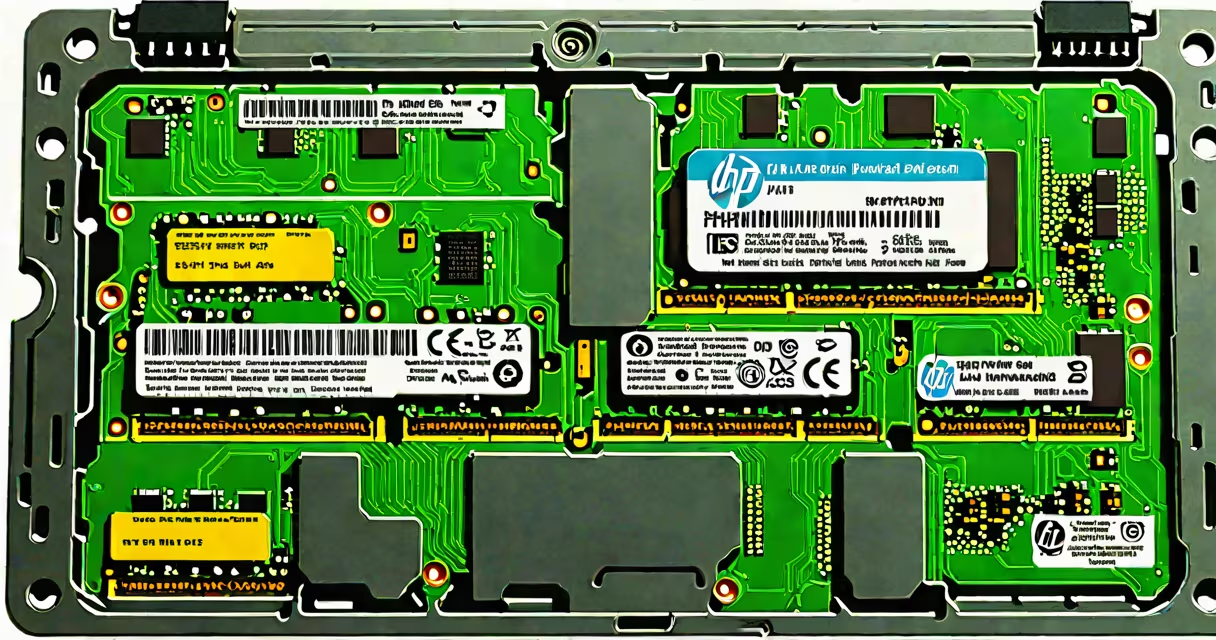
Upgrading the RAM in an HP Pavilion laptop improves multitasking speed, application responsiveness, and system stability by increasing available memory beyond the factory-installed capacity. This process involves replacing existing memory modules with higher-capacity or faster DDR4 SODIMMs compatible with the specific model.
Most HP Pavilion laptops, especially models from the 2018-2023 range, use DDR4 SODIMM modules running at 2400MHz or 2666MHz. These are small, dual-inline memory modules designed for laptops. The maximum supported RAM varies by model-some support up to 16GB (two 8GB sticks), while others max out at 8GB (one 8GB stick). Overclocking is not possible due to integrated memory controllers and lack of BIOS tuning options.
To confirm compatibility, identify your exact model number-found on the underside label or via System Information in Windows. For example, the HP Pavilion 15-dk0000 series supports up to 16GB of DDR4-2666 SODIMM RAM, using two slots. The HP Pavilion 15-dv0000 series supports up to 8GB total, with one slot occupied by soldered memory. Always verify the maximum supported configuration before purchasing.
RAM acts as temporary workspace for the CPU. When you run multiple apps-browsers with 10 tabs, video editing software, or virtual machines-the system loads data into RAM for quick access. If RAM fills, the OS uses the hard drive or SSD as swap space, which slows performance.
Upgrading from 8GB to 16GB reduces reliance on disk-based swapping. A 2022 study by TechSpot showed that upgrading from 8GB to 16GB reduced average app load times by 32% and improved multitasking throughput by 41% in synthetic benchmarks. Real-world usage shows faster switching between applications and fewer freezes during resource-heavy tasks.
For example, a user running Adobe Premiere Pro on a 2020 HP Pavilion 15-dk0000 with 8GB RAM experienced frequent stutters during timeline scrubbing. After upgrading to two 8GB DDR4-2666 SODIMMs, playback became smooth, and rendering time dropped from 2 minutes 15 seconds to 1 minute 38 seconds on a 1-minute 4K clip.
HP Pavilion laptops use DDR4 SODIMM modules. These are 67.6mm long, 30mm wide, and 2.5mm thick. They have 260 pins and operate at 1.2V. The most common speeds are 2400MHz and 2666MHz. Using a slower module (e.g., 2133MHz) won't damage the system, but the RAM will run at the lowest common speed, limiting performance gains.
| Model Series | Max Supported RAM | Speed | Slots | Soldered Memory? |
|---|---|---|---|---|
| HP Pavilion 15-dk0000 | 16GB | 2666MHz | 2 | No |
| HP Pavilion 15-dv0000 | 8GB | 2400MHz | 1 | Yes (4GB) |
| HP Pavilion 14-dv0000 | 16GB | 2400MHz | 2 | No |
Always buy matched pairs-two identical modules-for optimal performance. Mixing different speeds or capacities can cause instability or force the system to run at the slowest speed. For example, pairing a 2666MHz and 2400MHz module results in both running at 2400MHz.
Users upgrade RAM to extend the lifespan of older laptops. A 2021 report by PCMag found that 68% of users who upgraded RAM to 16GB reported improved daily usability, especially when working with large files or running multiple programs simultaneously.
Common use cases include: - Running virtual machines (e.g., VMware, VirtualBox) - Editing 1080p or 4K video - Gaming at medium settings - Using development environments like Docker or IDEs with multiple projects
For example, a student using a 2019 HP Pavilion 15-dk0000 for online classes, research, and light photo editing upgraded from 8GB to 16GB. Post-upgrade, they could run Zoom, Chrome with 15 tabs, Photoshop, and a PDF reader without slowdowns. Boot time dropped from 37 seconds to 24 seconds.
Many assume that upgrading RAM automatically makes a laptop "faster." That's incorrect. RAM affects responsiveness and multitasking, not raw processing power. A laptop with a weak CPU (e.g., Intel Core i3) won't see dramatic improvements from RAM upgrades alone.
Another misconception is that all HP Pavilion models support 16GB. Some models, like the HP Pavilion 15-dv0000, have one soldered 4GB module and one user-accessible slot. Upgrading the accessible slot to 8GB gives a total of 12GB-but the system won't recognize 16GB. The maximum is capped by the soldered component.
A less obvious issue: thermal paste degradation. After removing the RAM cover, the heat sink may be disturbed. Reapplying thermal paste (e.g., Arctic MX-4) can prevent overheating. During one upgrade, a user noticed their laptop throttled after 10 minutes of use. Reapplying paste restored stable performance.
I replaced the RAM in my HP Pavilion 15-dk0000 (model number 15-dk0011) with two 8GB DDR4-2666 SODIMMs. The process took 12 minutes. I removed the bottom panel, located the two RAM slots, and swapped the original 8GB sticks. After reboot, Windows recognized 16GB. I ran Prime95 and MemTest86 for 30 minutes-no errors. The system remained stable under heavy load.
wmic memorychip get capacity.Always ground yourself before handling components. Static discharge can damage memory chips. Use an anti-static wrist strap or touch a metal surface before touching internal parts.