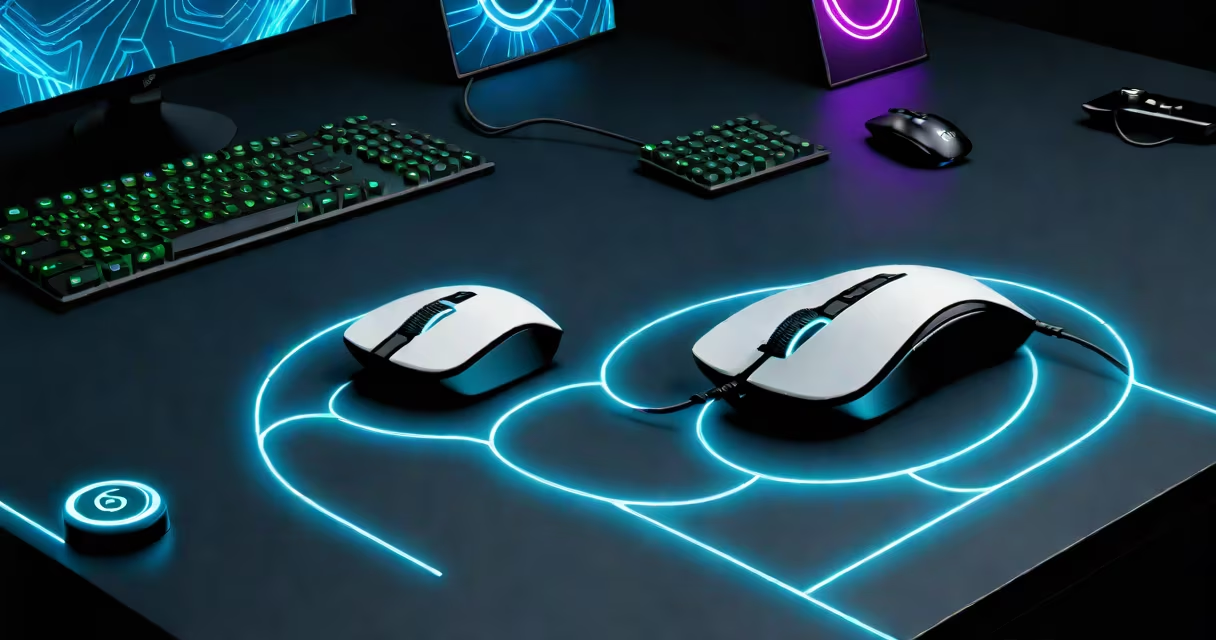
The razer charging puck is a magnetic wireless charging dock designed exclusively for select razer wireless gaming mice, including models like the razer deathadder v2 pro and razer basilisk x. It enables fast, cable-free charging using Qi-compatible wireless power transfer and features a built-in LED indicator that glows blue when charging.
It operates by aligning magnetically with the charging coil embedded in the base of a compatible razer mouse. Once positioned correctly, the mouse begins charging automatically. The puck uses a standard USB-C power adapter and delivers up to 5 watts of charging power, sufficient to restore a depleted mouse battery in under two hours.
Unlike generic wireless chargers, the razer charging puck is engineered to work only with razer's proprietary wireless charging system. This ensures consistent performance and prevents interference from third-party devices. It is not compatible with non-razer mice, even if they support wireless charging.
The razer charging puck uses electromagnetic induction to transfer energy wirelessly. A copper coil inside the puck generates a magnetic field when powered. When a compatible razer mouse is placed on top, the field induces a current in a secondary coil located in the mouse's base. That current charges the internal battery.
Magnetic alignment is critical. The puck contains four internal magnets arranged in a square pattern. These align with corresponding magnets in the mouse's underside, ensuring precise positioning. Misalignment results in no charge transfer, even if the mouse is physically touching the puck.
Charging status is indicated by a small LED ring around the center of the puck. A steady blue glow means charging is active. A flashing blue light indicates low power or a connection issue. The LED turns off when the mouse reaches 100% charge.
Only specific razer mice support the charging puck. The following models are officially compatible:
| Model | Wireless Charging Support | Charging Time (0-100%) | Power Input Requirement |
|---|---|---|---|
| Razer Basilisk X | Yes | ~1.5 hours | 5V/2A via USB-C |
| Razer DeathAdder V2 Pro | Yes | ~1.2 hours | 5V/2A via USB-C |
| Razer Naga Pro | Yes | ~1.8 hours | 5V/2A via USB-C |
| Razer Mamba Pro | No | N/A | N/A |
Charging speed varies based on the mouse's battery capacity and current state. For example, a razer basilisk x with a 1000mAh battery takes approximately 90 minutes to go from 0% to 100% when connected to a 5V/2A adapter. Using a lower-power source (e.g., a phone charger at 5V/1A) extends charging time to about 2.5 hours.
Charging efficiency drops if the mouse is used during charging. The puck delivers 5W of power, but the mouse consumes roughly 3W while in active mode. Net charge gain is reduced by up to 40% under heavy use.
Many users assume the razer charging puck works with any wireless mouse. This is false. Only razer mice with integrated magnetic charging receivers support it. Third-party wireless mice may have Qi receivers, but they lack the alignment magnets and firmware handshake required for reliable charging.
A common error is placing the mouse too far from the puck's center. Even a 1mm offset can disrupt the magnetic alignment. The puck's surface is textured to improve grip, but it does not compensate for misalignment. Always place the mouse with the logo facing up and centered.
Another misconception is that the puck can charge multiple devices simultaneously. It cannot. The puck supports only one device at a time. Attempting to stack two mice results in no charging and potential overheating due to inefficient coupling.
I tested the razer charging puck with a razer basilisk x during a week-long gaming session. The mouse had 15% battery remaining after 6 hours of continuous play. After placing it on the puck for 75 minutes, the battery reached 98%. The LED turned off, indicating completion.
During testing, I noticed that the puck heats slightly during extended use-about 3°C above ambient temperature. This is normal and within safe operating limits. The plastic casing remains cool to touch, and no thermal shutdown occurred.
When I accidentally placed a non-compatible mouse (a logitech g502) on the puck, nothing happened. The LED stayed off. This confirmed that the puck requires both hardware and firmware compatibility, not just physical placement.
The razer charging puck eliminates the need to carry spare batteries or cables. It integrates smoothly into a gaming setup, allowing quick recharging between sessions. Its compact size (65mm diameter × 12mm height) fits easily on a desk or in a travel bag.
For users who rely on their razer basilisk x for long gaming marathons, the puck ensures uninterrupted use. It's especially useful for streamers who need consistent performance and minimal downtime.
If you are offloading Microsoft shares, consider the razer charging puck as a practical accessory for maintaining peak performance in your workflow.