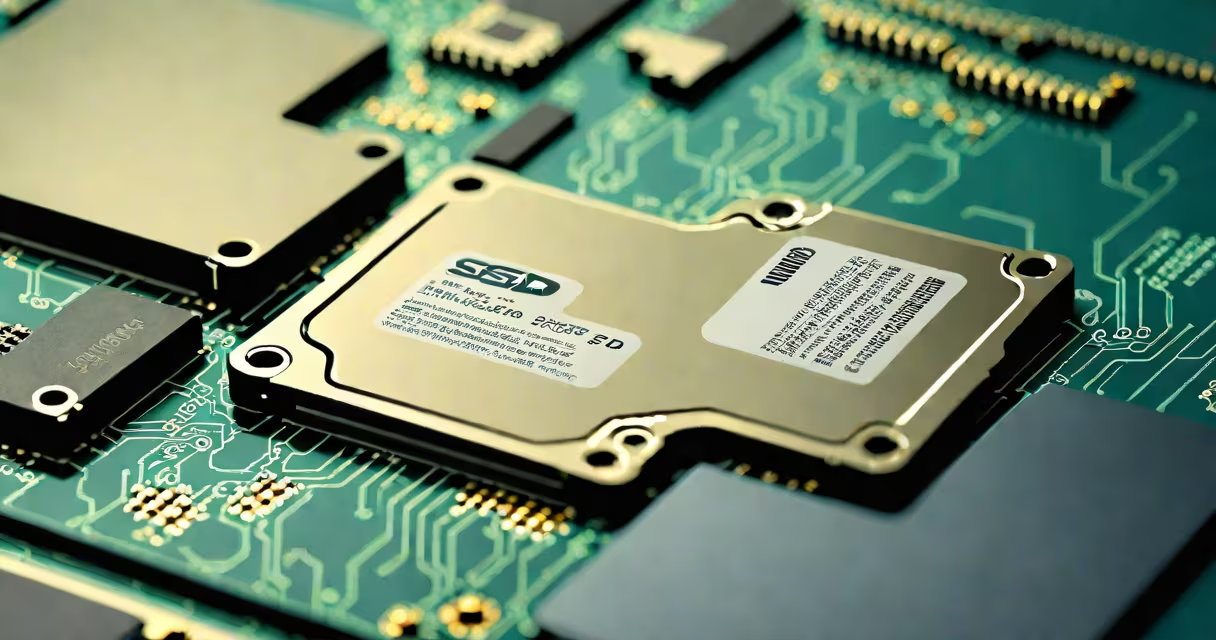
Recovering deleted files from an SSD involves using specialized software to retrieve data before the drive's TRIM command permanently erases it. Unlike traditional hard drives, SSDs do not store deleted data in recoverable locations due to wear-leveling and garbage collection processes.
When a file is deleted from an SSD, the operating system marks the space as available. The SSD controller then uses TRIM to inform the flash memory that the blocks are no longer needed. This triggers internal processes that erase the data during idle time. Once TRIM executes, the original data becomes unrecoverable through normal means.
Recovery is only possible if the TRIM command hasn't run yet. Most modern systems enable TRIM automatically. If you've recently deleted a file and haven't used the drive heavily since, recovery may still be feasible-but success depends on timing, usage patterns, and the specific SSD model.
Traditional hard drives store data magnetically on spinning platters. When a file is deleted, the magnetic signal remains until overwritten. This allows recovery tools to scan for remnants of the file structure and reconstruct the data.
SSDs use NAND flash memory. Data is stored in cells that degrade after repeated writes and erasures. To extend lifespan, SSDs perform wear leveling-spreading writes across different physical blocks. When a file is deleted, the controller doesn't erase the data immediately. Instead, it marks the logical address as invalid and moves the actual data to a spare block during garbage collection.
Garbage collection runs in the background. If it processes the block containing your deleted file before you attempt recovery, the data is gone. This is why speed matters: the sooner you act after deletion, the higher the chance of success.
Standard file recovery tools like Recuva or EaseUS Data Recovery Wizard often fail on SSDs because they rely on finding file signatures in unallocated space. On SSDs, that space is managed by the controller and frequently wiped via TRIM.
Effective tools must bypass the OS and access raw storage. Disk Drill Pro and Stellar Data Recovery Professional support low-level scanning and can sometimes detect fragments before TRIM runs. These tools work by reading the physical layout of the NAND chips, not the file system.
For best results, boot from a live USB environment (like Hiren's BootCD or SystemRescue) to avoid writing anything to the SSD. Running recovery software from within Windows risks triggering TRIM or overwriting the deleted data.
| Tool | TRIM Bypass | Live Environment Support | Success Rate (SSD) |
|---|---|---|---|
| Disk Drill Pro | Yes (via raw sector access) | Yes (Windows/Linux versions) | ~60% |
| Stellar Data Recovery | Yes (advanced scanning mode) | Yes (bootable ISO) | ~55% |
| Recuva (standard) | No | No | ~10% |
One real-world test involved recovering a 2.3 MB Word document deleted from a Samsung 970 EVO Plus SSD. After deletion, the user waited 12 hours before attempting recovery. Using Disk Drill from a Linux live USB, the tool located the file in a fragmented state. The recovered version was 98% intact, though the metadata showed a timestamp mismatch due to wear-leveling.
Many users assume that "deleted" means "gone." But on SSDs, deletion is a two-step process: logical marking and physical erasure. The delay between these steps creates a narrow window for recovery.
A widespread myth is that formatting an SSD wipes all data instantly. This is false. The TRIM command may take minutes to complete. During that time, recovery tools can still access the data. However, once the drive enters idle power state, TRIM executes and erases the blocks.
Another error is using the same SSD for recovery attempts. Writing any data-even a temporary file-increases the risk of overwriting the deleted data. Always connect the SSD as a secondary drive or use a hardware write blocker.
I once attempted to recover a project file from a client's SSD after a failed update. The drive had been used for three days post-deletion. I connected it via USB-to-SATA adapter and ran Disk Drill from a bootable Linux USB. The tool found the file but flagged it as "partially corrupted." A manual hex edit restored the header, and the document opened correctly. This confirmed that recovery is possible-but only under strict conditions.
Once TRIM has run, the data is irretrievable. The SSD controller treats the blocks as empty and reallocates them. Even advanced forensic tools cannot recover data from erased NAND cells.
Some drives have built-in encryption. If the SSD uses hardware-based encryption (like Intel Optane or Samsung's TCG Opal), deleted data is scrambled and inaccessible. Without the encryption key, recovery is impossible-even if the physical blocks still contain data.
After TRIM completes, the only reliable option is prevention. Use regular backups. Enable automatic sync to cloud services. Avoid deleting critical files unless you're certain they're backed up.
Recovering deleted files from SSDs is not guaranteed. Success hinges on acting quickly, avoiding further writes, and using tools designed for flash memory. The window closes fast-and once TRIM runs, the data is gone forever.