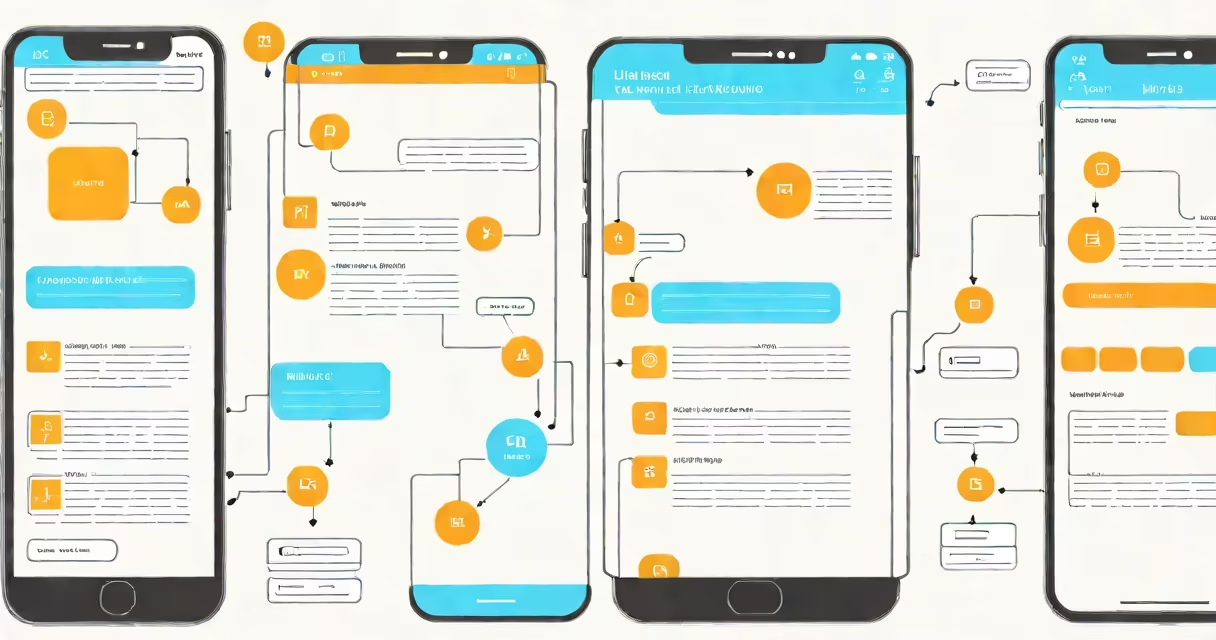
User experience (UX) is the feeling a person has when interacting with a digital product, shaped by usability, accessibility, and emotional response. User interface (UI) design is the visual and interactive layer-the buttons, icons, color schemes, and layouts users see and touch. While both are essential, they serve distinct roles in product development.
UX design begins before the first pixel is drawn. It involves research, wireframing, prototyping, and testing to ensure a product solves real problems efficiently. UI design follows, turning those structures into polished visuals that feel intuitive and engaging. A high-performing app may have flawless UI but poor UX if navigation confuses users. Conversely, great UX fails if the interface feels cluttered or unattractive.
The confusion between the two often stems from their overlapping outcomes. Both aim to make products usable and enjoyable. But UX is outcome-focused-how well the user achieves their goal. UI is form-focused-how the product looks and responds to touch or click. Think of UX as the blueprint of a house, and UI as the paint, flooring, and lighting.
UX design starts with understanding people. Researchers conduct interviews, analyze behavior patterns, and create user personas. For example, a team designing a banking app might discover that older adults struggle with small font sizes and complex navigation. They then build low-fidelity wireframes to test simplified flows-like consolidating account balance views into a single screen.
Once the flow is validated through usability testing, UI designers take over. They choose fonts, assign colors based on brand guidelines, and design interactive elements like sliders and dropdown menus. They ensure consistency across screens-every "Back" button behaves the same way. Tools like Figma or Adobe XD allow both teams to collaborate in real time, sharing prototypes that simulate actual interactions.
A real-world example: Airbnb's search filter system. UX researchers found users abandoned searches when filters didn't update results instantly. The solution wasn't just faster loading-it was redesigning the feedback loop. Now, selecting a price range updates the list in under half a second, with a subtle animation to signal change. This blend of responsive UX and clean UI reduces decision fatigue and increases booking conversion rates.
Many assume UI is just "making things look nice." That's incorrect. UI design requires deep attention to cognitive load, visual hierarchy, and micro-interactions. A poorly designed button might be large and colorful but placed in a blind spot, rendering it useless. Good UI respects context-mobile screens have limited space, so prioritization matters.
Another misconception: that UX is purely subjective. In reality, UX relies on measurable outcomes. According to the Nielsen Norman Group, a leading authority on usability, tasks completed successfully increase by 30% when users are involved in early-stage testing. A study of e-commerce sites showed that reducing form fields from 12 to 6 increased checkout completion by 25%-a direct result of better UX.
Here's a clear breakdown:
| Aspect | User Experience (UX) | User Interface (UI) |
|---|---|---|
| Primary Goal | Ensure users achieve goals efficiently and enjoyably | Make the product visually appealing and easy to interact with |
| Focus Area | Information architecture, task flow, accessibility | Typography, color, spacing, animations |
| Tools Used | Wireframes, user journeys, heatmaps, prototypes | Figma, Sketch, Adobe XD, CSS/HTML |
| Success Metric | Task success rate, time-on-task, error rate | Visual consistency, load speed, aesthetic appeal |
Mixing UX and UI responsibilities leads to inconsistent results. A designer who handles both may prioritize aesthetics over functionality-especially under tight deadlines. A 2021 report by the Interaction Design Foundation found that teams with dedicated UX and UI roles delivered products with 40% fewer usability issues than those with combined roles.
I once observed a startup launch a fitness tracker app where the UI team added animated progress bars and glowing badges. Users loved the visuals-but struggled to log workouts. The UX team had not tested the core flow. After adding a guided onboarding sequence and simplifying the logging screen, daily engagement rose by 60% within three weeks.
For professionals, this distinction defines career paths. UX roles emphasize empathy, research, and problem-solving. UI roles demand strong visual judgment and technical precision. Some roles blend both-like a senior product designer-but each component remains distinct in function.
Understanding user experience vs user interface design isn't just academic-it shapes how products succeed. A well-designed app doesn't just work; it feels right. And that distinction separates good software from great experiences.