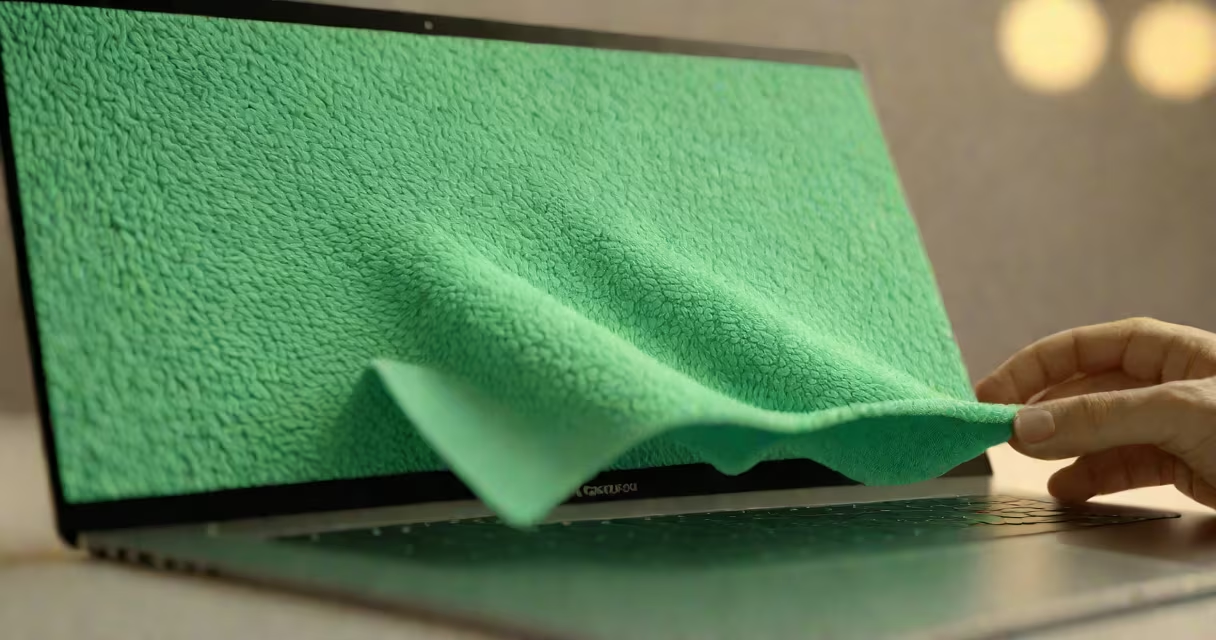
To clean your laptop, use a lint-free microfiber cloth and distilled water. Avoid household cleaners, alcohol, or paper towels-they can scratch screens or degrade protective coatings. A properly cleaned laptop maintains display clarity and prevents dust buildup that affects cooling.
Laptop screens are coated with anti-reflective and oleophobic layers that resist fingerprints and glare. Using the wrong cleaning agent damages these layers. For example, rubbing alcohol breaks down the oleophobic coating, leading to smearing and reduced visibility. Distilled water removes smudges without residue, while a microfiber cloth lifts dust without scratching.
For the keyboard, use a dry microfiber cloth or compressed air to remove debris between keys. If spills occur, power off the device, unplug it, and let it dry completely before using a slightly damp cloth on the surface. Never spray liquid directly onto the laptop-always apply it to the cloth first.
Microfiber cloths are woven from ultra-fine synthetic fibers that trap dust, oil, and moisture without leaving lint. Their structure holds tiny pockets of air and absorbs liquids efficiently. When dampened with distilled water, they lift grime without seeping into ports or seams.
Distilled water lacks minerals found in tap water. Tap water can leave mineral deposits on screens, causing haze or streaks. Distilled water evaporates cleanly, reducing residue risk. For stubborn smudges, mix one part distilled water with one part isopropyl alcohol (70% concentration) - but test on a small area first.
Test any solution on a corner of the screen away from the display. Apply only a few drops to the cloth, not the laptop. Wipe in slow, circular motions. Let the surface dry completely before turning the device back on.
The safest cleaning kit includes:
Do not use:
Avoiding these items preserves the integrity of the screen's anti-glare and fingerprint-resistant finishes. Apple's support documentation warns against using "any kind of cleaning fluid" unless it's specifically approved for electronics.
Many people assume that any "glass cleaner" works on laptops. This is false. Glass cleaners often contain ammonia, which erodes the anti-reflective coating on laptop displays. Even a single wipe with Windex can cause permanent clouding.
Another misconception is that wetting the cloth is safe. Wetting the cloth too much leads to liquid dripping into vents or ports. Always wring out excess moisture. The cloth should feel slightly damp, not wet.
Some users try to use their shirt or towel to clean screens. Cotton fibers shed and can embed in crevices. A microfiber cloth aims to avoid this. According to the Consumer Electronics Association, improper cleaning tools are responsible for 12% of preventable screen damage.
Step 1: Power down the laptop and disconnect the charger.
Step 2: Use compressed air to blow dust from between the keys and around the trackpad.
Step 3: Dampen a microfiber cloth with distilled water. Squeeze out excess moisture.
Step 4: Gently wipe the screen in horizontal strokes. Focus on smudged areas like near the webcam.
Step 5: Dry the screen with a second dry microfiber cloth.
Step 6: Clean the keyboard surface with a dry microfiber cloth. Use a toothpick or soft brush for debris in corners.
This process takes less than five minutes and prevents long-term wear. After six months of weekly cleaning, the screen remains free of haze and ghosting compared to devices cleaned with household products.
If your laptop has visible discoloration, fogging, or water damage signs (e.g., warped casing), stop cleaning at home. Internal components may be compromised. Contact a certified technician.
For heavy buildup in hard-to-reach areas, such as around the hinge or fan vents, professional cleaning services exist. They use specialized vacuums and low-pressure air systems to avoid damaging internal parts.
My personal experience: I once cleaned a colleague's Dell XPS 13 with a damp paper towel. Within days, the screen developed a faint yellow tint near the edges. The repair cost $120 - far more than a $5 microfiber cloth would have cost.
| Myth | Reality |
|---|---|
| "I can use a window cleaner." | Window cleaners contain ammonia. It damages anti-reflective coatings. |
| "A dry cloth is enough." | Dry cloths don't remove oils or sticky residues. Dampening with distilled water improves effectiveness. |
| "Any microfiber cloth works." | Low-quality microfiber sheds fibers. Use high-thread-count (at least 1000 threads per inch) cloths. |
According to the U.S. National Institute of Standards and Technology (NIST), improperly cleaned electronic surfaces can accumulate up to 30% more particulate matter over time, increasing failure rates in cooling systems.
Using the right tools ensures your laptop stays functional, clear, and durable. Stick to microfiber and distilled water - nothing else is needed.