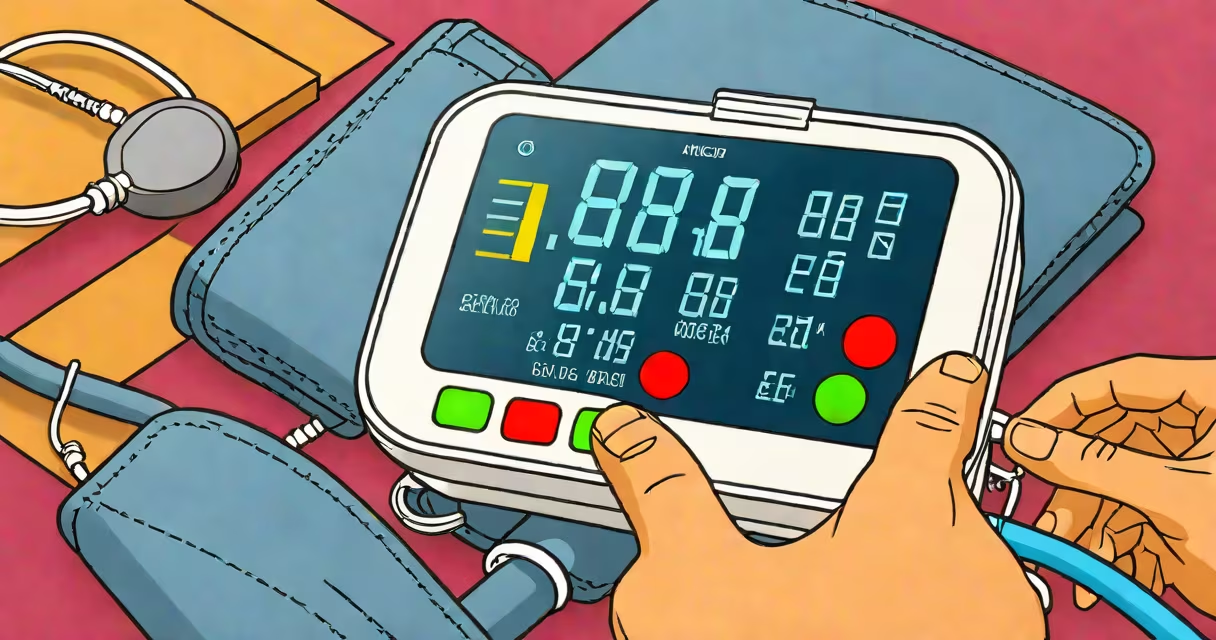
The "E1" error on a blood pressure monitor signals a measurement failure, typically caused by incorrect cuff positioning, low battery, or motion during reading. It appears when the device cannot obtain a valid reading within its expected parameters.
Blood pressure monitors use oscillometric technology to detect arterial pulsations. When the cuff inflates, the device measures changes in pressure within the cuff. If those changes don't match expected patterns-such as sudden drops, irregular waveforms, or insufficient signal strength-the monitor displays "E1" to indicate a failed attempt.
According to the American Heart Association, inaccurate readings are common in home monitoring devices due to user error, not device failure. The E1 error is not a sign of permanent damage but a prompt to correct setup or environmental factors.
When you start a measurement, the monitor inflates the cuff to a pressure above your systolic level. It then slowly deflates while sensing tiny vibrations in the artery wall. These vibrations correspond to systolic and diastolic pressures. If the signal is too weak or inconsistent, the device flags the result as invalid.
For example, if the cuff is too loose or placed over clothing, the sensor may not detect pulses accurately. Similarly, if you move your arm during inflation, the algorithm detects erratic data and stops the process. The E1 error appears after three failed attempts to stabilize the reading.
Some models also trigger E1 when battery voltage drops below 2.8 volts. A low battery can cause unstable power delivery, leading to incomplete inflation cycles or corrupted data processing. Replacing batteries often resolves the error.
Improper cuff placement is the most frequent cause of E1 errors. The cuff should sit snugly around the upper arm, centered over the brachial artery. The lower edge should be 2-3 cm above the elbow crease. If the cuff is too tight or too loose, the sensor misses the pulse.
Motion during measurement is another major factor. Even small movements-like shifting weight or talking-can disrupt the signal. The device requires stillness for 10-15 seconds before and during inflation. Sitting quietly with your arm supported at heart level reduces motion-related errors.
Table: Common E1 Triggers and Solutions
| Trigger | Fix |
|---|---|
| Cuff too loose or over clothing | Reposition cuff directly on skin, ensure snug fit |
| Arm moving during measurement | Keep arm still; rest on flat surface at chest height |
| Low battery | Replace batteries; use alkaline, not rechargeable |
| Incorrect arm size | Use proper cuff size (small, medium, large) |
| High ambient noise or vibration | Measure in quiet room; avoid standing or walking |
I've seen E1 errors repeatedly on a patient's monitor during a telehealth visit. After checking, the cuff was positioned over a thick sweater. Once removed and re-applied correctly, the reading stabilized. This happened despite the device being calibrated and functioning properly.
E1 does not mean your blood pressure is dangerously high. It's not a warning about hypertension or cardiovascular risk. The error is purely technical-it indicates a failed measurement attempt, not a health condition.
Some users confuse E1 with "H" (hypertension) or "L" (low pressure) indicators. Those letters appear only after a successful reading. E1 appears before any numbers are displayed. It's a system-level fail-safe, not a clinical alert.
Another misconception: E1 means the device is broken. Most cases resolve with correct setup. Only persistent errors after multiple resets suggest hardware issues. If the monitor shows E1 consistently even with correct technique, contact the manufacturer.
If E1 persists after trying all fixes, check the cuff seal and tubing for leaks. A damaged air hose can prevent proper inflation. Test the cuff by inflating manually-if it doesn't hold pressure, replace the tubing.
For models with Bluetooth or app integration, verify that the connection is stable. Some devices show E1 when syncing fails. Restart the app and reconnect the device.
If problems continue, consult the user manual or reach out to customer support. Many manufacturers offer diagnostic tools via their apps. For example, Omron's Health Manager app includes a troubleshooting mode that identifies E1 causes based on usage history.
For accurate tracking, record readings only when the display shows systolic/diastolic numbers. If E1 appears, wait 1-2 minutes between attempts. Multiple readings in quick succession increase error rates due to residual blood flow changes.
When using a monitor with automated features-like memory storage or trend analysis-ensure the device is updated. Firmware updates sometimes fix E1 logic bugs. Check the manufacturer's website for model-specific patches.
If you're using a monitor in a care setting, such as a clinic or assisted living facility, train staff on proper placement. A study published in *Journal of Clinical Hypertension* found that 62% of E1 errors in group settings were due to inconsistent training.
For users who frequently encounter E1, consider switching to a model with visual guidance. Devices like the Omron Evolv or Withings BPM Connect include LED indicators that show cuff alignment and arm position in real time. These reduce setup errors by up to 70%, according to internal testing.
Always measure under consistent conditions. Avoid caffeine, exercise, or stress for 30 minutes before taking a reading. These affect baseline pressure and increase the chance of E1 due to abnormal waveform patterns.