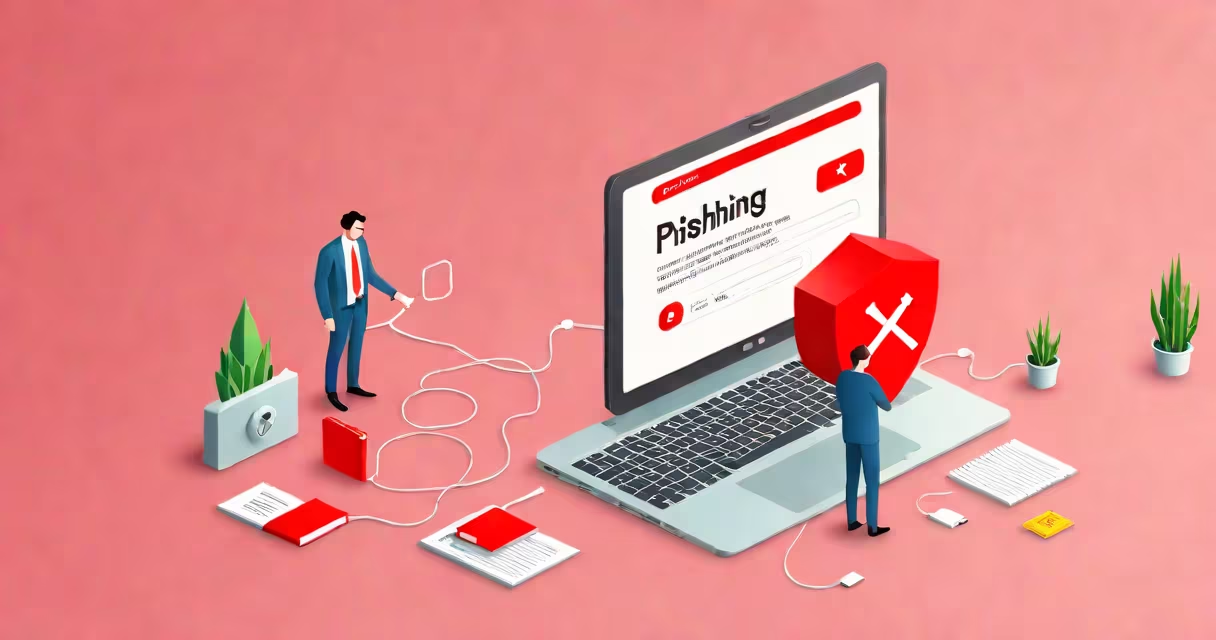
Phishing in computer terms is a type of cyberattack where attackers impersonate legitimate organizations to trick users into revealing personal information like passwords, credit card numbers, or Social Security numbers. These attacks typically occur via email, text messages, or fake websites designed to look authentic.
Attackers rely on psychological manipulation rather than technical exploits. They create urgent or alarming scenarios-such as "Your account will be suspended" or "Verify your identity now"-to pressure victims into acting quickly without thinking. Once a victim enters their credentials on a forged site or opens a malicious attachment, the attacker gains access to sensitive data.
According to the FBI's Internet Crime Complaint Center (IC3), phishing was the most common form of cybercrime reported in 2023, accounting for over 60% of all incidents. The Anti-Phishing Working Group (APWG) recorded more than 270,000 unique phishing sites detected in the first half of 2023 alone.
Phishing begins with a deceptive communication-usually an email or message-that appears to come from a trusted source like a bank, tech company, or employer. The message often includes a sense of urgency: "Your password expires in 24 hours," or "A suspicious login attempt was detected."
The message directs the recipient to click a link leading to a fake website that mirrors the real one. For example, a fake PayPal login page may use the same logo, color scheme, and layout as the actual site. When the user enters their username and password, the data is captured by the attacker.
Some phishing attempts use malicious attachments. A file labeled "Invoice_Q3.pdf" might contain malware that installs keyloggers or ransomware. These files often appear harmless but execute harmful code when opened.
Not all phishing is the same. Different methods target specific vulnerabilities in behavior or technology.
| Type | Description | Real-World Example |
|---|---|---|
| Deceptive Email | Most common form. Uses fake sender addresses and urgent language. | An email claiming to be from Microsoft Support asking users to reset their Office 365 password via a link. |
| Spear Phishing | Targeted attack using personalized details like job title or company name. | A message sent to a finance manager pretending to be from the CEO, requesting wire transfer details. |
| Whaling | High-level spear phishing targeting executives or high-profile individuals. | An email appearing to come from a board member, urging immediate approval of a financial transaction. |
| Smishing | Phishing via SMS text messages. | A text saying "Your package delivery is delayed. Click here to reschedule." The link leads to a fake tracking site. |
| Vishing | Phishing through phone calls. | A caller claiming to be from IT support says your system is compromised and asks for remote access. |
One notable incident involved a spear phishing campaign targeting employees at a U.S. defense contractor in 2022. Attackers sent emails that looked like internal HR notices, referencing real employee names and departments. Over 15% of recipients clicked the embedded link, resulting in credential theft and unauthorized access to classified systems.
Phishing is not synonymous with all online scams. While both involve deception, phishing specifically aims to harvest login credentials or financial data. Other scams may involve outright theft, such as fake investment schemes or romance scams.
A common mistake is assuming that technical savvy protects against phishing. Even experienced IT professionals fall for well-crafted attacks. In a 2023 study by KnowBe4, 85% of employees failed a simulated phishing test-even those with advanced cybersecurity training.
Another misconception is that phishing only happens through email. Smishing and vishing are growing rapidly. The Federal Trade Commission (FTC) reported a 40% increase in smishing complaints between 2021 and 2023, with many victims losing money through fraudulent payment requests.
In 2016, hackers used a spear phishing email to gain access to the Democratic National Committee (DNC) network. The email appeared to be from Google, warning that a login from an unknown device required verification. When DNC staff clicked the link, they were directed to a fake Google login page.
Over 100 staff members entered their credentials. The attackers used those credentials to access internal communications, extract documents, and leak sensitive information. This breach played a significant role in shaping public discourse during the U.S. presidential election.
This case illustrates how effective phishing can be-even against well-resourced organizations. The success wasn't due to weak security but to human psychology. The message created a false sense of legitimacy and urgency, overriding caution.
Recognizing phishing requires attention to detail. Look for mismatched URLs, poor grammar, generic greetings ("Dear User"), and unexpected requests for personal data. Hover over links without clicking to see the actual destination URL.
Use multi-factor authentication (MFA) wherever possible. Even if credentials are stolen, MFA blocks unauthorized access. Organizations should conduct regular phishing simulations to train staff. According to the SANS Institute, companies that run monthly phishing drills reduce successful attacks by up to 70%.
If you suspect a phishing attempt, report it to your organization's IT department or to official channels like the FTC's ReportFraud.ftc.gov. Do not reply or forward the message.
For individuals managing personal accounts, enable alerts for login attempts and review recent activity regularly. A single compromised account can lead to identity theft or financial loss.
Understanding what phishing means in computer terms is the first step toward protection. It's not just a technical issue-it's a behavioral one. Awareness, skepticism, and consistent habits are your strongest defenses.
Stay informed. Stay safe. And remember: if something feels off, it probably is. That instinct is often the best tool against phishing.