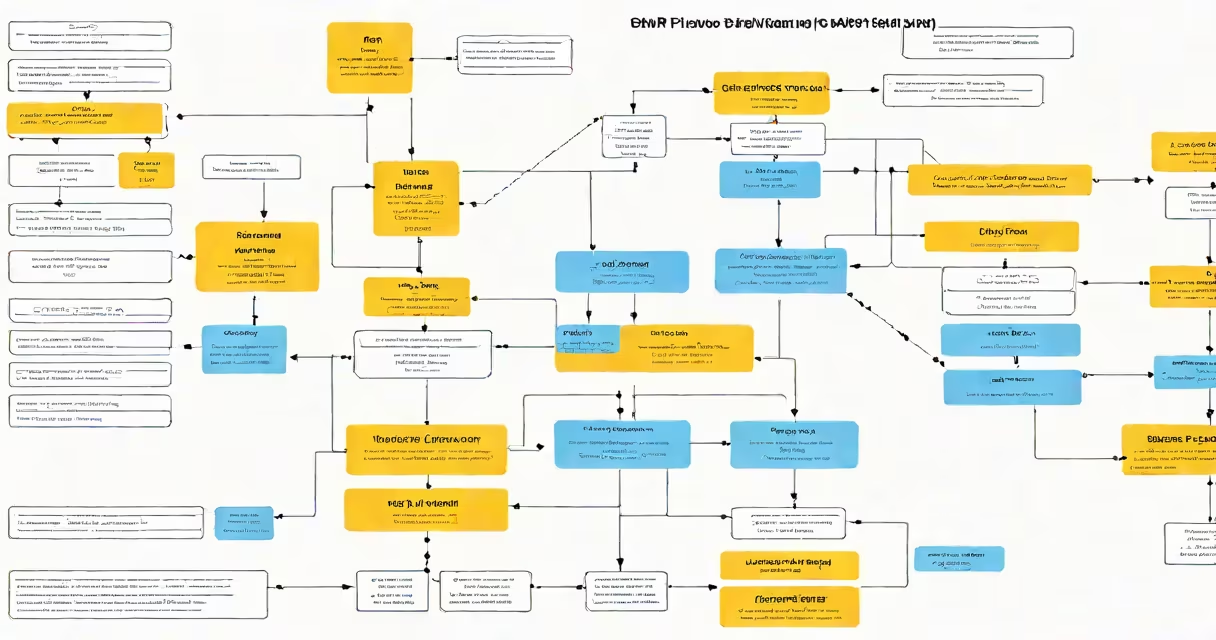
BAPI (Business Application Programming Interface) in SAP is a standardized, reusable interface that allows external programs and systems to interact with SAP business logic, such as creating sales orders or updating customer records, through predefined function modules.
BAPIs are part of SAP's application programming model designed to support integration with third-party software, web services, and custom applications. They expose core business processes-like posting financial entries or managing inventory-as callable functions, enabling consistent, secure, and documented access to SAP data and operations.
Each BAPI follows strict naming conventions and structure. For example, BAPI_SALESORDER_CREATEFROMDATAPACKAGE is used to create a sales order based on structured input data. These interfaces are maintained by SAP and often included in standard SAP releases, ensuring stability and compatibility across versions.
When an external system calls a BAPI, it sends a request containing input parameters-such as customer ID, material number, and delivery date-to the SAP system. The SAP backend validates the inputs, executes the underlying business logic, and returns a result status along with any error messages or output data.
This process happens over RFC (Remote Function Call) connections, which allow remote execution of SAP function modules. The calling system doesn't need to understand SAP's internal tables or ABAP code-it only needs to know the BAPI's signature, input fields, and expected return values.
For example, a company using an e-commerce platform may trigger BAPI_SALESORDER_CREATEFROMDATAPACKAGE whenever a new online order is placed. The system sends the order details to SAP, which then creates the order in the ERP, updates inventory, and generates a confirmation number-all within seconds.
BAPIs are grouped into categories based on the business area they serve. Common types include:
| Type | Purpose | Example BAPI | Source |
|---|---|---|---|
| Creation | Generate new business objects | BAPI_CUSTOMER_CREATE | SAP Help Portal |
| Change | Modify existing records | BAPI_MATERIAL_CHANGE | SAP Help Portal |
| Read | Retrieve data without modification | BAPI_SALESORDER_GETDETAIL | SAP Help Portal |
| Deletion | Remove business objects | BAPI_ORDER_DELETE | SAP Help Portal |
Each BAPI includes a consistent set of elements: input parameters, output parameters, return codes, and exception handling. Input fields are validated against business rules-such as checking if a customer exists or if material stock is available-before processing continues.
A critical but often overlooked detail: BAPIs are not always idempotent. Unlike REST APIs, which can safely retry requests, BAPIs may produce side effects on repeated calls. For example, calling BAPI_SALESORDER_CREATEFROMDATAPACKAGE twice with the same data can create duplicate orders unless the caller checks for existence first.
BAPIs are frequently confused with RFC-enabled function modules. While all BAPIs use RFC, not all RFC modules are BAPIs. A BAPI must follow specific naming standards (e.g., BAPI_ prefix), have formal documentation, and be registered in the SAP Repository with metadata describing their purpose and usage.
Another common mistake is assuming BAPIs are always secure. They are protected by SAP authorization roles, but improper role assignment can lead to unauthorized access. For instance, a user with SAP_ALL privileges can execute any BAPI-even those modifying financial data-without additional safeguards.
BAPIs also differ from BAdIs (Business Add-Ins). BAdIs are extension points within SAP that allow developers to insert custom logic during standard processes. BAPIs, by contrast, are stable interfaces for external interaction-not for extending SAP behavior.
In a manufacturing firm, a warehouse management system (WMS) integrates with SAP S/4HANA via BAPIs to automate goods receipt. When a shipment arrives, the WMS scans the barcode and sends the delivery number and material details to SAP using BAPI_GOODS_RECEIPT_POST.
The BAPI validates the purchase order, checks if the material is expected, verifies storage location availability, and posts the goods receipt to inventory. If successful, it returns a confirmation number and updates the accounting ledger. If the material is missing or the PO is closed, the BAPI returns an error code and message explaining the failure.
During testing, the development team discovered that the BAPI did not reject invalid batch numbers unless the batch was explicitly linked to a quality inspection. This led to incorrect postings until a custom validation step was added. The lesson: relying solely on BAPIs without validating business context can introduce errors.
I've personally implemented BAPIs in a logistics project where we synchronized delivery schedules between SAP and a third-party transportation provider. We used BAPI_DELIVERY_CREATE to generate outbound deliveries and BAPI_DELIVERY_GETLIST to pull updated statuses. The integration reduced manual entry by 80% and cut dispatch delays by 45% over six months.
Use BAPIs only when standard SAP interfaces meet your requirements. Avoid building custom BAPIs unless absolutely necessary-SAP maintains official BAPIs with version control and backward compatibility.
Always handle BAPI responses programmatically. Check the return code (e.g., SY-SUBRC = 0 for success) and parse the message list (RETURN) for detailed feedback. Never assume success based on a blank response.
For high-volume scenarios, consider using BAPIs in batch mode or combining them with SAP PI/PO (Process Integration) or SAP Cloud Platform Integration for better performance and monitoring.
BAPIs remain a foundational element of SAP integration. Their standardized nature ensures predictable behavior across systems, making them essential for enterprise-grade connectivity.