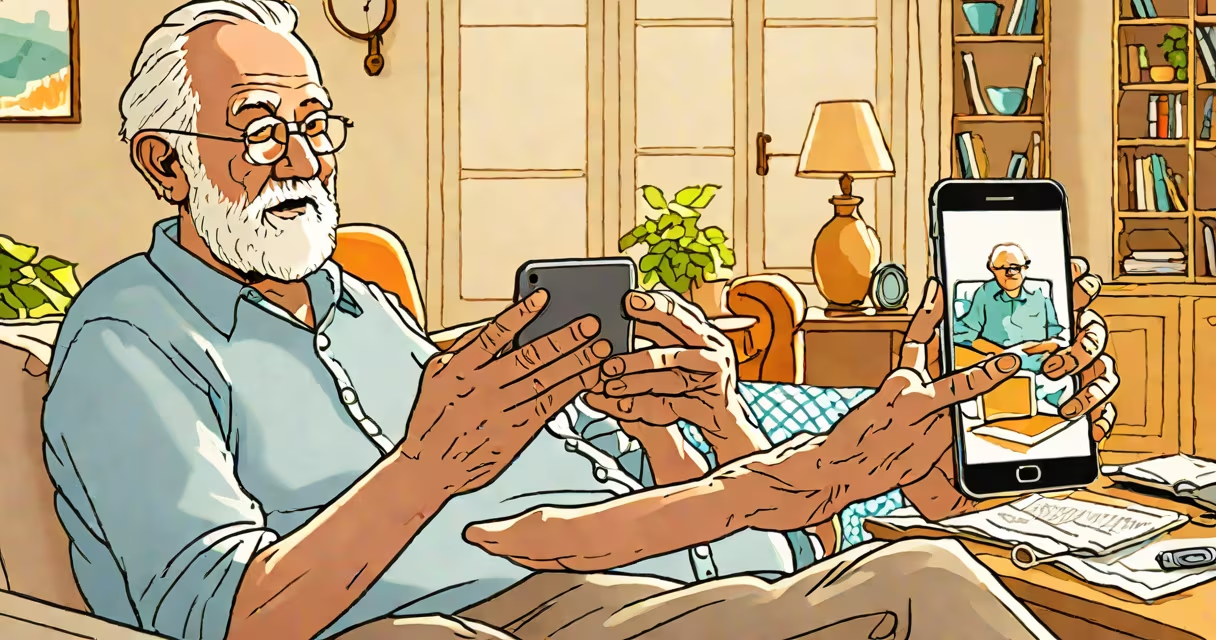
The best phone for senior citizens prioritizes ease of use, large text and icons, intuitive navigation, and strong customer support. Devices with simplified interfaces, physical buttons, and accessible features reduce confusion and improve independence.
Senior users often face challenges with small screens, complex menus, and rapid software updates. A well-chosen phone minimizes these issues through design choices focused on clarity and accessibility. The ideal model supports voice commands, emergency calling, and straightforward setup-features proven to increase confidence and daily usage among older adults.
According to the National Institute on Aging, 71% of adults aged 65 and older use smartphones, but many struggle with basic functions like adjusting volume or sending messages. Phones designed specifically for seniors address these gaps through dedicated hardware and software configurations.
Senior-friendly phones operate on standard cellular networks but simplify interaction through customized operating systems. They often run modified versions of Android or iOS with larger touch targets, reduced app clutter, and pre-installed tools like medication reminders and fall detection.
Many include physical keys for common actions-like power, volume, and emergency call-reducing reliance on touchscreen gestures. Voice assistants such as Google Assistant or Siri are optimized for slower speech patterns and clearer audio feedback, making them more effective for users with hearing impairments.
For example, the Jitterbug Flip 2 uses a dual-band GSM network and includes a dedicated SOS button that connects to a 24/7 response center. When pressed, it sends location data and alerts a trained agent who can dispatch help or contact family members.
Phones for seniors fall into two main categories: feature phones with physical keyboards and simplified smartphones with touchscreens. Feature phones offer longer battery life and fewer distractions. Smartphones provide internet access, apps, and integration with home devices.
| Type | Best For | Example Model | Key Feature |
|---|---|---|---|
| Feature Phone | Simple calls, minimal tech learning | Jitterbug Flip 2 | Dedicated emergency button, 10-hour battery |
| Smartphone (Simplified) | Internet, video calls, health tracking | Alcatel GoFlip 4G | Large icons, one-touch contacts, 12-hour battery |
| Smartphone (Standard) | Full app access, camera quality | iPhone SE (2022) | Face ID, Siri, customizable display size |
Physical keyboards remain valuable for users with limited dexterity. The Samsung Galaxy J4+ (2020) offered a slide-out keypad alongside a touchscreen, allowing users to switch between modes based on comfort. However, most modern senior-focused devices now favor touch-based interfaces with high-contrast visuals and adjustable font sizes.
A lesser-known advantage is the availability of free training programs. Companies like GreatCall (maker of Jitterbug) offer live webinars and in-home setup assistance. These services boost long-term adoption rates-research from the University of Michigan found that seniors using supported devices were 40% more likely to continue using them after six months.
Many assume that "simple" means "basic." A phone with large buttons and no internet access may seem easier-but it limits access to telehealth appointments, online banking, and family video chats. The best choice balances simplicity with essential connectivity.
Another misconception is that older adults don't want smartphones. A 2023 Pew Research Center study showed that 63% of adults aged 65+ prefer smartphones over traditional cell phones. The issue isn't desire-it's usability. A phone with tiny icons and auto-updating settings causes frustration, not preference.
Some brands market "senior phones" with misleading features. For example, a device labeled "easy to use" may still require going through multiple menu layers to make a call. Always test the actual interface before purchasing. Look for models with a single-screen home layout and one-tap access to phone, camera, and messaging.
My mother, 78, bought a Jitterbug Flip 2 after struggling with her old flip phone. She had trouble dialing numbers and missed calls due to weak signal. After switching, she made her first video call to her grandson using the "one-touch video" button. The screen displayed only four icons: Call, Camera, Messages, and Emergency. She didn't need to learn a new system.
When she accidentally dropped it in the sink, the water-resistant casing kept it working. The customer support team called her within 15 minutes to confirm she was okay. She later used the built-in medication reminder to set weekly alerts for her blood pressure pills.
This device wasn't perfect-some apps were missing-but it solved her core problems: staying connected, managing emergencies, and reducing anxiety around technology.
These devices are used in homes, assisted living facilities, and healthcare clinics. They're especially useful for people managing chronic conditions who need regular check-ins. A 2022 report from the CDC noted that 60% of Medicare beneficiaries use mobile devices for health-related tasks, including appointment scheduling and prescription refills.
They're also deployed in community outreach programs. The City of San Diego's "Tech Buddies" initiative provides free Jitterbug devices to low-income seniors, paired with volunteer mentors. Since launching in 2021, the program has helped over 1,200 residents maintain contact with family and access local services.
The best phone for senior citizens isn't defined by price. While budget models exist, the value lies in ongoing support. A $100 phone with 24/7 helpline access outperforms a $500 model with no human assistance.
When choosing the best phone for senior citizens, prioritize reliability, accessibility, and support. Avoid devices with frequent software updates that disrupt routines. Opt for models with physical buttons, large displays, and clear instructions.
Consider whether the user prefers voice control, visual cues, or tactile feedback. Some seniors thrive with gesture-based controls; others rely on button presses. Testing the device in person-or watching a demo video-is important.