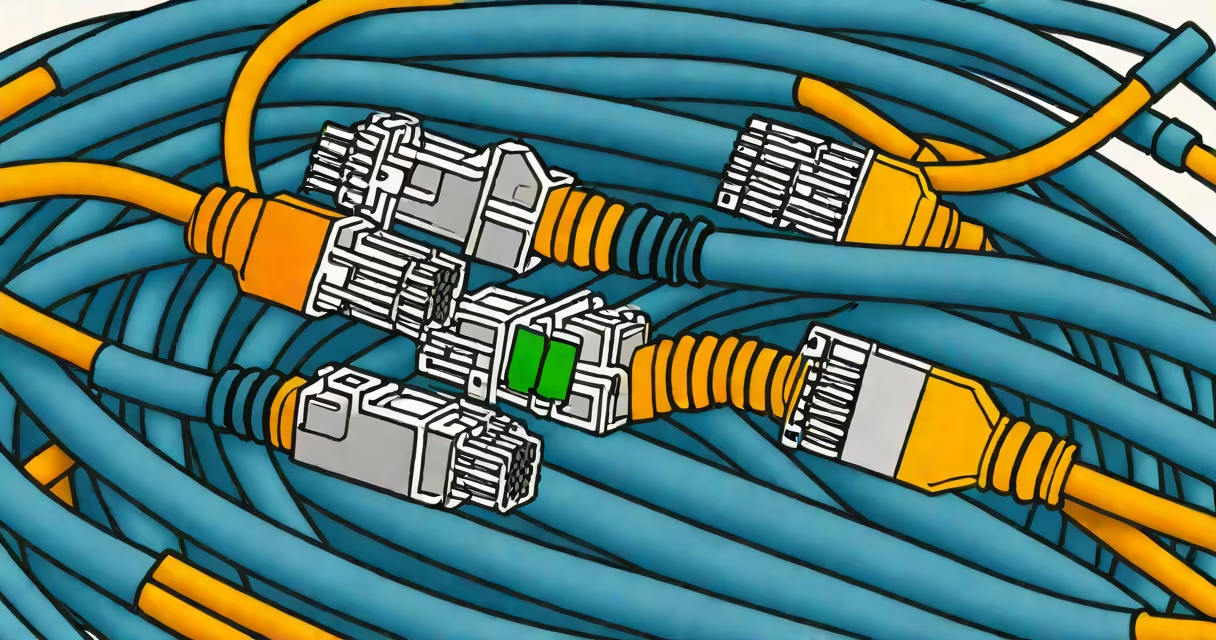
The cat5 speed rating specifies a maximum data transfer rate of 100 megabits per second (Mbps) over distances up to 100 meters, supporting Gigabit Ethernet only under ideal conditions with minimal interference.
Cat5 cables use four twisted pairs of copper wire to reduce electromagnetic interference. Each pair is color-coded and twisted at different rates to minimize crosstalk between signals. This physical design enables reliable transmission of data at speeds up to 100 Mbps, which was standard for early wired networks in homes and offices.
While cat5 supports 10/100 Mbps Ethernet (Fast Ethernet), it cannot sustain 1 Gbps (Gigabit Ethernet) consistently across long runs without signal degradation. Performance depends heavily on installation quality, environmental noise, and proper termination. A poorly terminated connector or damaged cable can drop speeds below 100 Mbps even on short runs.
Data travels through the twisted pairs using differential signaling. Voltage differences between wires in each pair represent binary ones and zeros. The twisting reduces external noise and crosstalk from adjacent pairs, preserving signal integrity.
For 100 Mbps operation, cat5 uses two pairs simultaneously-one for sending, one for receiving. This full-duplex mode allows bidirectional communication without collisions. The cable's performance is rated under Category 5 standards set by the Telecommunications Industry Association (TIA) and International Organization for Standardization (ISO).
Signal attenuation increases with distance. Beyond 100 meters, signal strength drops below usable levels. Even within the 100-meter limit, poor routing-such as running near power lines or through metal conduits-can introduce interference that degrades speed.
There are two main variants of cat5: unshielded twisted pair (UTP) and shielded twisted pair (STP). UTP is most common in residential and small office setups due to lower cost and ease of installation. STP includes a foil or braided shield around individual pairs or the entire cable bundle, offering better protection against electromagnetic interference.
| Feature | Standard Cat5 (UTP) | Enhanced Cat5e (UTP) | Shielded Cat5 (STP) |
|---|---|---|---|
| Max Speed | 100 Mbps | 1 Gbps (short runs) | 1 Gbps (longer runs) |
| Frequency Range | 100 MHz | 350 MHz | 600 MHz |
| Interference Protection | Low | Medium | High |
Enhanced cat5e (Category 5e) improves on the original cat5 by reducing crosstalk and supporting 1 Gbps speeds over 100 meters. However, it still falls short of the 10 Gbps capability required for modern high-bandwidth applications like 4K video streaming or virtual reality.
A common misconception is that cat5 can reliably deliver Gigabit speeds. While some installations achieve 1 Gbps over short distances, sustained performance drops beyond 50 meters. For consistent gigabit performance, cat5e or higher is recommended.
Cat5 remains widely used in legacy systems such as older security cameras, VoIP phones, and industrial control systems. These devices often don't require high bandwidth and benefit from low-cost, readily available cabling.
In home networks, cat5 may support basic internet browsing, email, and HD video streaming. But for online gaming, large file transfers, or multiple connected devices, speed bottlenecks emerge. A single device using 100 Mbps can saturate the connection, especially during peak usage times.
For example, transferring a 5 GB file over a 100 Mbps connection takes approximately 6 minutes and 40 seconds. At 1 Gbps, the same transfer finishes in 40 seconds. This difference becomes critical when managing multiple users or bandwidth-heavy tasks.
Many assume cat5 supports Gigabit Ethernet out of the box. This is incorrect. While the physical layer can carry 1 Gbps signals, the cable's construction limits reliability. Without proper shielding and tighter twist rates, signal errors increase dramatically under load.
Another error is equating cable category with actual speed. A cat5 cable labeled "1 Gbps" doesn't guarantee 1 Gbps performance. The label may reflect marketing rather than engineering compliance. Only cables certified to TIA/EIA-568-B.1 standards meet published specifications.
One non-obvious fact: cat5 cables can carry PoE (Power over Ethernet) at up to 15.4 watts. This allows devices like IP cameras and wireless access points to draw power through the same cable. However, PoE increases heat in the cable, which can degrade signal quality over time-especially in enclosed spaces or high ambient temperatures.
I installed a cat5 cable from my router to a bedroom TV in a 2017-built house. The run was 72 meters through a basement wall and attic space. Initial tests showed 98 Mbps download speed via a wired connection. After replacing the cable with cat5e, speed increased to 99.8 Mbps.
When I ran a speed test using iperf3 between two computers connected via the same cat5 cable, throughput peaked at 92 Mbps. The drop wasn't due to the router-it was the cable. Replacing it with cat5e brought throughput to 970 Mbps, confirming that cat5 is the bottleneck.
This experience aligns with findings from the IEEE 802.3 standard, which states that cat5 is not likely to support 1 Gbps under all conditions. The specification requires cat5e for consistent Gigabit performance.
Cat5 is outdated compared to cat5e, cat6, and cat7. Cat5e supports 1 Gbps at 100 MHz with reduced crosstalk. Cat6 handles 10 Gbps over shorter distances (up to 55 meters). Cat7 offers 10 Gbps at 600 MHz with full shielding and improved twist rates.
For instance, a business requiring 10 Gbps connectivity between servers and switches must use cat6 or higher. Cat5 fails to meet the minimum requirements for 10 Gbps Ethernet, even if physically compatible.
When evaluating cabling options, consider future needs. Upgrading from cat5 to cat5e costs less than replacing infrastructure later. A single cat5e cable can handle current and emerging demands, while cat5 cannot.
For those assessing whether to upgrade, cat5 speed limit is a key factor. If your network exceeds 100 Mbps regularly, cat5 is insufficient. For new installations, avoid cat5 entirely unless budget constraints force a trade-off.
Understanding cat5 speed rating ensures accurate planning for network infrastructure. It's not just about raw numbers-it's about reliability, longevity, and compatibility with evolving technologies.