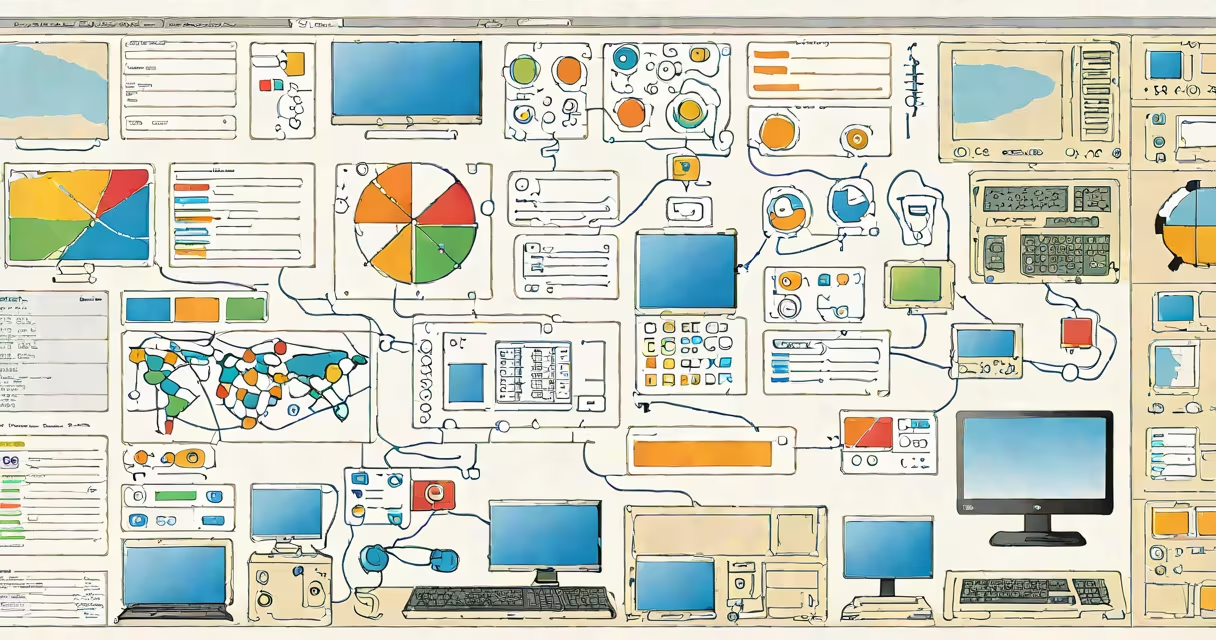
Computer inventory software automatically discovers, catalogs, and tracks hardware and software assets across a network. It collects data such as device make, model, serial number, installed applications, operating system version, and license status to support compliance, security, and IT operations.
Organizations use this tool to maintain accurate records of all endpoints-desktops, laptops, servers, printers-without manual audits. It runs scans either continuously or on a schedule, pulling data from Windows WMI, SNMP, or agent-based collectors. Results appear in centralized dashboards, enabling teams to monitor usage, detect unauthorized software, and manage updates.
For example, a school district with 1,200 student laptops uses computer inventory software to verify that each machine has the required learning apps installed and that no outdated antivirus software remains. The system flags machines missing critical patches, allowing IT staff to remediate remotely.
The software operates through passive scanning or active agent deployment. Passive tools use network protocols like ICMP, ARP, and SNMP to identify devices without installing software. Active agents run on each endpoint, sending detailed reports at regular intervals.
Scanning begins when the system sends out discovery packets. Devices respond with identifying metadata-IP address, MAC address, hostname, and service banners. Once detected, the software queries each device using supported interfaces. On Windows systems, it accesses WMI (Windows Management Instrumentation) to pull BIOS details, disk space, RAM, and installed programs.
For Linux and macOS, it may use SSH or custom scripts. Data is then stored in a database, often with timestamps and change logs. Alerts trigger when anomalies occur-such as a new device appearing without approval or a license exceeding its allowed users.
Two primary models exist: agent-based and agentless. Agent-based software installs lightweight software on each device. This allows deeper visibility into processes, startup programs, and registry changes. Agentless tools rely solely on network-level discovery and do not require software installation.
| Type | Pros | Cons | Best For |
|---|---|---|---|
| Agent-based | High accuracy, continuous monitoring, detailed process data | Requires initial setup, potential firewall conflicts | Large enterprises, regulated industries |
| Agentless | No installation needed, faster deployment, lower resource use | Limited visibility, misses background processes | Small businesses, temporary audits |
Some tools combine both approaches. A hybrid system uses agentless discovery during initial scans and deploys agents selectively based on risk or policy violations. This balances speed and depth.
Modern computer inventory software includes automated license tracking. It compares installed software against purchased licenses, flagging overuse. For example, if five copies of Adobe Creative Set were bought but ten machines have it installed, the system generates a report highlighting non-compliance.
It supports patch management integration. When a vulnerability like Log4Shell is disclosed, the software can quickly identify all affected systems and prioritize remediation. According to the National Institute of Standards and Technology (NIST), unpatched systems account for 60% of successful cyber intrusions.
Reporting features include exportable PDFs, CSV exports, and customizable dashboards. Teams can filter by department, location, or OS. A hospital IT team might generate a report showing all Windows 7 machines still in use-many of which are subject to end-of-life risks.
Many assume computer inventory software replaces asset management. That's incorrect. Inventory tracks what's currently deployed; asset management handles lifecycle stages-procurement, deployment, retirement, and disposal. The two work together but serve different purposes.
A common error is assuming passive scanning covers everything. It doesn't. Devices behind NAT, firewalls, or with disabled services may go undetected. In one case, a university missed 14% of lab computers because they were set to "sleep" mode during off-hours. Only after deploying agents did the full picture emerge.
Another misconception is that inventory software is purely reactive. It's not. Proactive use includes forecasting upgrade needs. A company planning to migrate to Windows 11 used inventory data to identify 37% of machines lacking compatible hardware-enabling early replacement decisions.
A national retail chain with 4,500 point-of-sale terminals used computer inventory software to assess readiness for a new payment processing update. The tool scanned all terminals nightly and flagged 217 units running outdated firmware.
Further analysis revealed that 132 of those were in remote stores with limited IT access. The system generated a prioritized list based on transaction volume and geographic region. The IT team scheduled remote updates during off-peak hours, reducing downtime by 78% compared to previous manual rollouts.
Without the software, identifying these units would have taken weeks of field visits. The system also verified post-update compliance, ensuring no terminal ran on unsupported software.
Computer algebra software performs symbolic math operations-used in engineering and research-not for tracking devices. It's unrelated to inventory functions despite sharing the term "computer."
I've used computer inventory software in a mid-sized nonprofit with 80 employees. After switching from spreadsheets to a cloud-based solution, we reduced audit preparation time from 12 hours to under 90 minutes. The system auto-generated compliance reports for grant auditors, saving staff hours each quarter.
Computer inventory software is not optional for organizations managing more than 50 devices. It reduces risk, improves efficiency, and ensures regulatory compliance. Its role in modern IT infrastructure is foundational.