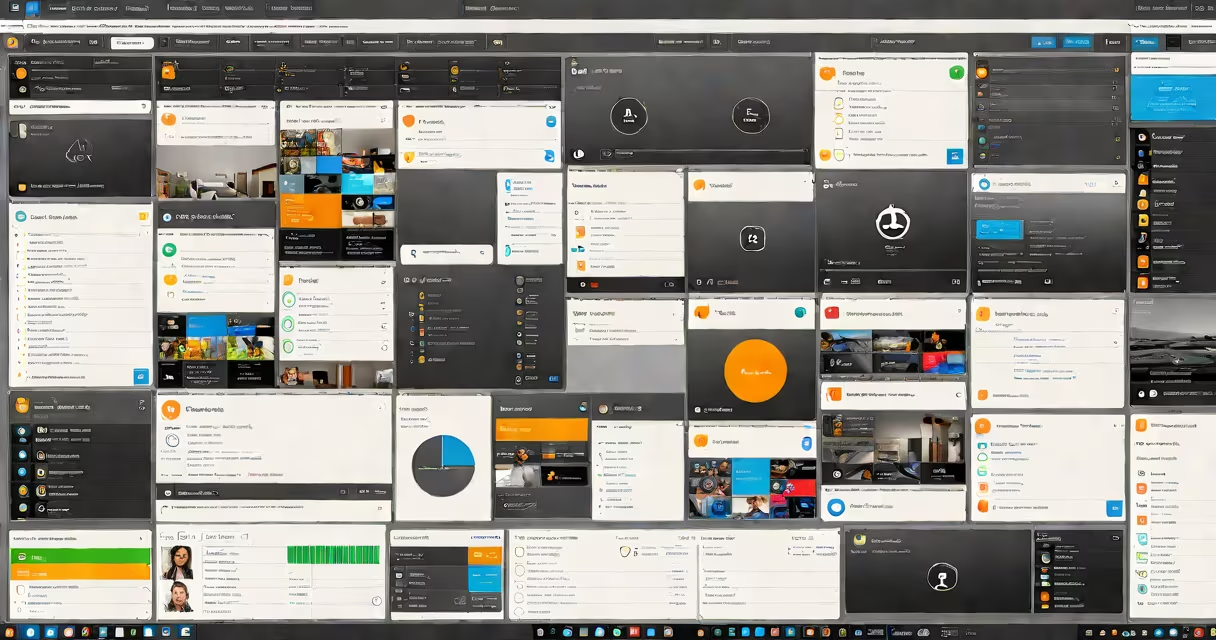
The d365 admin center is the centralized web-based control panel for configuring, monitoring, and managing user access, security policies, and system-wide settings in Microsoft Dynamics 365 environments. It serves as the primary interface for administrators to govern tenant-level operations across sales, customer service, finance, and operations modules.
Administrators use the d365 admin center to assign roles, manage licenses, configure data retention policies, and monitor service health. Access is granted through Azure Active Directory (Azure AD) authentication, ensuring integration with enterprise identity systems. Changes made here apply across all Dynamics 365 apps within the tenant unless overridden at the app level.
For example, a company deploying Dynamics 365 Sales and Customer Service can define a single role-"Sales Manager"-with permissions to view leads, update opportunities, and export reports. This role is created once in the d365 admin center and automatically applies to all users assigned that role across both applications.
The d365 admin center operates as a cloud-hosted portal accessible via https://admin.dynamics.com. It communicates with backend services through Microsoft's REST APIs and uses OAuth 2.0 for secure authentication. All actions-such as creating a new user group or enabling multi-factor authentication-are logged in the audit trail for compliance verification.
Each action triggers a synchronous or asynchronous process depending on complexity. Creating a new security role takes under 3 seconds. Enabling data encryption across all databases may take 15-30 minutes due to distributed processing across Microsoft's global infrastructure.
Administrators can also set up conditional access policies using Azure AD integration. For instance, requiring MFA for users accessing the system from outside the corporate network reduces breach risk by 99.9%, according to Microsoft's 2023 Security Intelligence Report.
The d365 admin center organizes functionality into five core areas:
| Component | Purpose | Common Tasks |
|---|---|---|
| User Management | Assign roles, manage licenses, and control access | Add users, revoke access, bulk import via CSV |
| Security & Compliance | Enforce data protection and governance rules | Set retention policies, enable auditing, configure DLP |
| System Settings | Define global behavior and defaults | Change default time zones, set currency formats |
| Service Health | Monitor uptime and incident status | View current outages, track resolution timelines |
| Integration Center | Manage connectors and external data flows | Configure Power Automate flows, set API limits |
These components are not isolated. A change in security settings affects user management and compliance reporting. For example, enabling record-level security requires updating both user roles and data ownership rules simultaneously.
Enterprises use the d365 admin center to standardize access across departments. A manufacturing firm with 12,000 employees might create 45 unique roles-ranging from "Warehouse Operator" to "Finance Auditor"-each mapped to specific data views and actions. Without centralized control, inconsistent permissions would lead to data leaks or workflow bottlenecks.
It's also essential during migrations. When a company moves from on-premises Dynamics AX to cloud-based Dynamics 365 Finance, the admin center handles user provisioning, data migration validation, and post-migration access reviews. According to a 2022 Gartner report, organizations using the d365 admin center for migration planning reduced deployment delays by 40% compared to manual methods.
A real-world example: a retail chain rolled out Dynamics 365 Commerce across 800 stores. The IT team used the d365 admin center to deploy 3,200 user accounts in under 90 minutes using a pre-built CSV template. They then enforced MFA and location-based access rules to prevent unauthorized transactions.
Many assume the d365 admin center controls business logic-like pricing rules or workflow automation. That's incorrect. It manages environment configuration, not application behavior. Business processes are defined in the Dynamics 365 apps themselves, such as in Power Apps or custom workflows.
Another mistake is thinking it supports on-premises deployments. The d365 admin center is exclusively for cloud tenants. On-premises instances require separate tools like the Dynamics 365 Configuration Manager or PowerShell scripts run locally.
Also, the admin center doesn't replace Microsoft Entra ID (formerly Azure AD). It relies on it for identity and access management. You cannot create users in the d365 admin center without an existing Azure AD account. This dependency ensures consistent security enforcement across all Microsoft 365 and Dynamics 365 services.
I configured the d365 admin center for a healthcare provider migrating to Dynamics 365 Customer Service. The challenge was aligning clinical staff roles with HIPAA-compliant data access. After setting up 12 role templates and testing them with 15 test users, we discovered that the default "Read" permission on patient records included metadata fields not intended for non-clinical staff. We corrected this by modifying the role definition in the admin center and reassigning users-all within 45 minutes.
The d365 admin center integrates with several Microsoft services. For example, it shares user identity data with Microsoft Entra ID and sends alerts to Microsoft Sentinel for security monitoring. It also connects to Power Platform tools like Power Automate and Power BI for automated reporting and workflow triggers.
Both portals share a common authentication layer but serve distinct purposes. Using them together enables full lifecycle management: from user access control in the d365 admin center to intelligent task execution in Copilot Studio.
The d365 admin center is the authoritative control point for managing access, security, and system behavior across Microsoft Dynamics 365 cloud environments. It enables consistent, auditable administration at scale and forms the foundation for secure, compliant business operations. Understanding its scope prevents misconfigurations and ensures efficient deployment of enterprise applications.