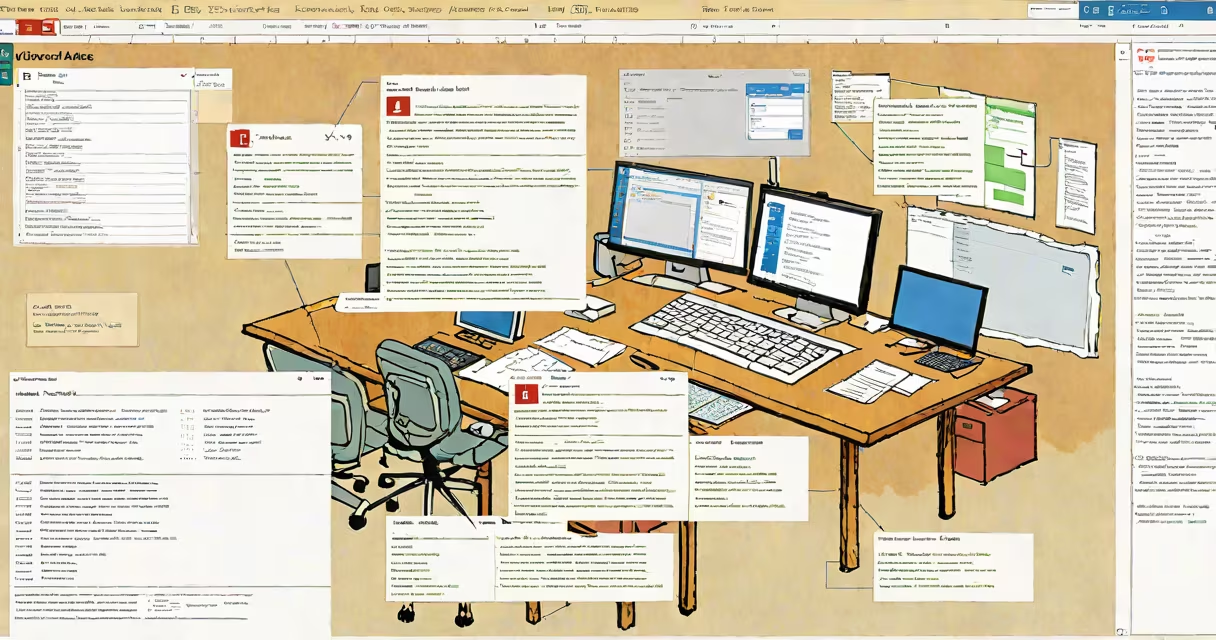
Microsoft Access is a relational database management system included in the Microsoft Office set, designed for creating and managing databases on Windows PCs. It enables users to store structured data, build custom forms and reports, and run queries to analyze information-all within a single desktop application.
Access is not a standalone database server like SQL Server or Oracle. Instead, it functions as a desktop tool for small to medium-sized data projects. It uses a file-based storage format (.accdb) and supports features such as tables, queries, forms, reports, macros, and VBA scripting. Users create databases by defining fields, setting relationships between tables, and applying validation rules.
For example, a small business might use Access to track customer orders, inventory levels, and supplier details. By linking related tables-such as Orders and Customers-it can automatically populate order forms based on customer selection. This reduces manual entry errors and speeds up data workflows.
At its core, Access organizes data into tables where each row represents a record and each column holds a field. For instance, a "Products" table may have columns for ProductID, Name, Price, and StockQuantity. Relationships between tables ensure data consistency-e.g., a Sales table references the ProductID to maintain accurate product tracking.
Users interact with data through forms, which provide a user-friendly interface for entering or viewing records. Reports generate formatted summaries, such as monthly sales totals or inventory status. Queries allow filtering and aggregating data-for example, finding all products with less than 10 units in stock.
Behind the scenes, Access uses a query engine based on Structured Query Language (SQL). Even without writing SQL manually, users can build complex filters using the graphical query designer. Advanced users can extend functionality with Visual Basic for Applications (VBA), enabling automation of repetitive tasks like sending email alerts when stock drops below a threshold.
Microsoft Access consists of six primary components:
These components work together to turn raw data into actionable insights. A retail manager might use a form to enter daily sales, a query to calculate weekly revenue, and a report to send a summary to headquarters.
Access supports two main database models: flat-file and relational. Flat-file databases store all data in a single table. Relational databases-used in most Access applications-split data across multiple tables linked by keys. For example, a "Customers" table and an "Orders" table share a CustomerID field, allowing Access to join them efficiently during queries.
Many assume Access is outdated or limited because it runs on Windows and lacks native macOS support. However, it remains widely used in small businesses, schools, and government offices due to its low learning curve and integration with Excel and Word.
A common mistake is treating Access as a replacement for enterprise databases. While it handles up to 2 GB of data per file, performance degrades under heavy concurrent use. According to Microsoft's documentation, Access is intended for up to 25 simultaneous users. Beyond that, migration to SQL Server or Azure is recommended.
Another misconception is that Access cannot scale. In reality, it can serve as a prototyping tool for larger systems. A nonprofit organization used Access to manage volunteer schedules and event registrations before migrating to a cloud-based solution. The initial Access database helped define data structure and workflow requirements.
Real-world example: A university admissions office created an Access database to track applicant status, test scores, and interview dates. They built a dashboard form showing acceptance rates by region and department. The system reduced processing time from days to hours and was later exported to a web portal using Access's export-to-HTML feature.
Microsoft Access is available only on Windows. It is not natively supported on macOS, Linux, or mobile platforms. However, users can run it via virtualization tools like Parallels Desktop or through remote desktop services.
Cloud alternatives include Microsoft Access in the cloud, which allows collaboration and remote access through SharePoint and Power Apps. This model shifts data storage from local files to cloud repositories, improving accessibility while maintaining familiar interface elements.
Other options include SQLite for lightweight applications, Airtable for visual database workflows, and PostgreSQL for high-performance environments. Each serves different needs: Airtable excels in team collaboration, while PostgreSQL supports large-scale analytics.
When choosing a database tool, consider data volume, number of users, required features, and platform constraints. For a single user or small team needing quick setup and minimal training, Access remains a practical choice.
Microsoft Access is not a universal solution, but it is a useful tool for structured data management in environments where simplicity, speed, and integration matter. Its strength lies in turning unstructured data into organized, actionable information-without requiring a dedicated IT team.