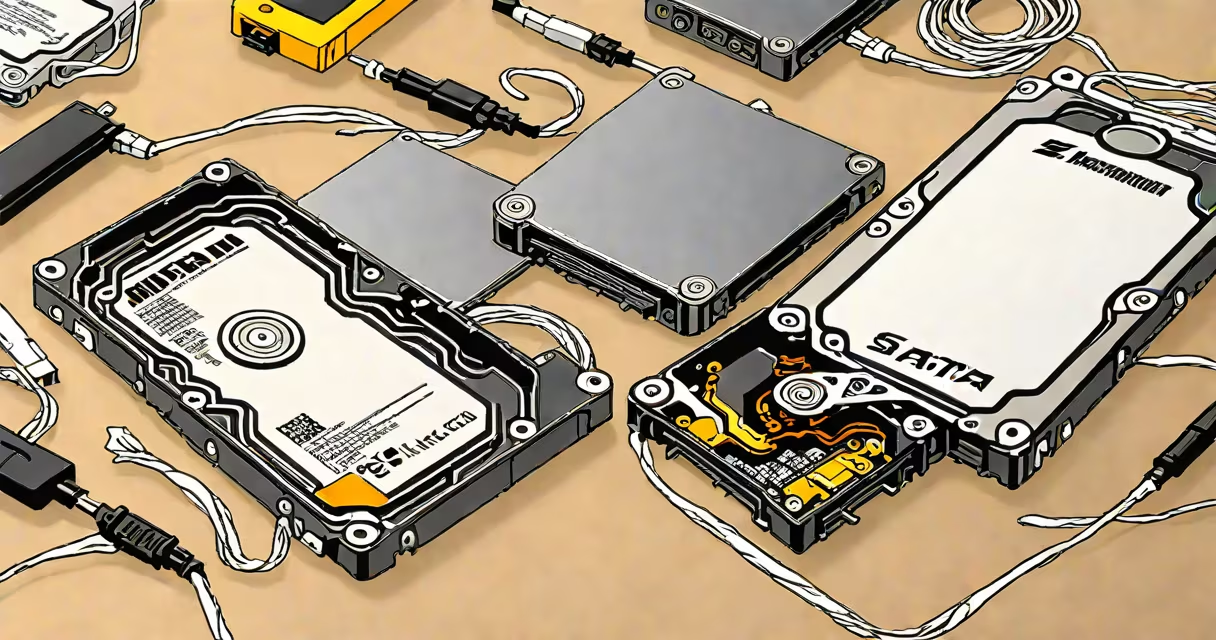
A SATA hard drive uses spinning magnetic platters and a moving read/write head to store data, while an SSD uses flash memory with no moving parts. SATA hard drives are slower, cheaper per gigabyte, and more prone to physical damage. SSDs offer faster speeds, better durability, and lower power draw, but cost more per gigabyte.
SATA hard drives rely on mechanical components: a spinning disk (platter) and a movable arm with a read/write head. Data is stored magnetically on concentric tracks. When the system requests data, the head moves to the correct track and waits for the right sector to rotate under it. This seek time and rotational latency limit speed.
SSDs use NAND flash memory chips arranged in blocks. Data is accessed electronically, with no moving parts. The controller manages wear leveling, garbage collection, and error correction. Access times are measured in microseconds, not milliseconds.
For example, a typical 7200 RPM SATA HDD has a random access time of 8-12 ms. A consumer SSD like the Samsung 980 Pro achieves 0.04 ms. That's 200-300 times faster in seeking data.
SATA hard drives consist of a spindle motor, platters coated with ferromagnetic material, an actuator arm, and a read/write head. They come in 3.5-inch (desktop) and 2.5-inch (laptop) form factors. Capacities range from 500 GB to 16 TB. Common speeds: 5400 RPM (lower power, quieter) and 7200 RPM (faster, higher heat).
SSDs use NAND flash memory, typically TLC (Triple-Level Cell) or QLC (Quad-Level Cell). They connect via SATA III (6 Gbps), NVMe (over PCIe), or USB-C. SATA SSDs max out around 550 MB/s sequential read. NVMe SSDs exceed 3,500 MB/s. Internal SSDs are smaller than HDDs-M.2 2280 is common.
| Type | Interface | Max Speed | Typical Use |
|---|---|---|---|
| SATA HDD | SATA III | ~150 MB/s | Backup, media storage |
| SATA SSD | SATA III | ~550 MB/s | OS boot, gaming, daily tasks |
| NVMe SSD | PCIe Gen3/Gen4 | 3,500-7,000 MB/s | Video editing, large datasets |
SATA hard drives remain dominant in bulk storage. A 4TB SATA HDD costs ~$60. They're ideal for storing photos, videos, archives, and backups. Their low cost per gigabyte makes them practical for long-term data retention.
SSDs are standard for operating systems, applications, and frequently accessed files. Booting Windows 11 from a SATA SSD takes ~10 seconds. From a 7200 RPM HDD, it takes 30-45 seconds. Games load faster, and multitasking feels smoother.
I installed a 1TB SATA SSD in my 2015 MacBook Pro. Boot time dropped from 42 seconds to 11 seconds. App launches were nearly instant. The upgrade was straightforward-replaced the original 5400 RPM HDD with a Important MX500. No software changes needed.
Many assume "SSD" means "faster than everything." Not true. A SATA SSD is faster than a SATA HDD, but not necessarily faster than a high-end NVMe SSD. Comparing a SATA SSD to a 7200 RPM HDD shows clear gains-but comparing it to a Gen4 NVMe SSD reveals a 5x speed gap.
Another myth: SSDs wear out quickly. Modern SSDs have endurance ratings of 300-1,000 terabytes written (TBW). A 1TB SSD rated for 600 TBW can handle 100GB written daily for over 16 years. Most users won't reach that limit.
Some think SSDs are fragile. While they lack moving parts, they're not immune to failure. Power surges, firmware bugs, and physical shock can cause data loss. Always back up critical data.
When choosing between a SATA hard drive and an SSD, consider workload:
For laptops, a hybrid setup works well. Install the OS and apps on a 500GB SSD. Store documents and media on a 2TB SATA HDD. This balances speed and capacity.
The choice between SATA hard drive and SSD hinges on purpose. SATA HDDs deliver value for volume. SSDs deliver speed for performance. Neither is universally better-it depends on your use case.
For most users, a single SSD for the operating system and essential programs, paired with a SATA HDD for bulk storage, offers the best balance. This setup combines speed, reliability, and cost efficiency.
Understanding the differences ensures you don't pay extra for features you don't need-or miss out on performance gains. Whether upgrading a desktop or building a new system, knowing sata hard drive vs ssd is fundamental.