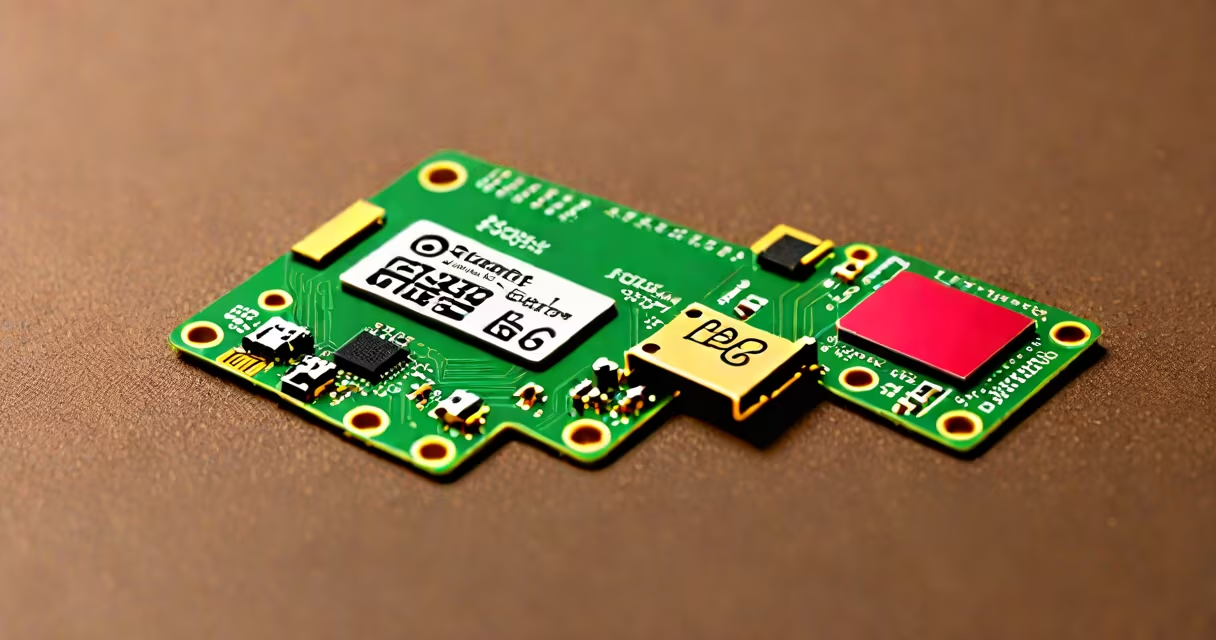
An sd card for raspberry pi is a micro SD card formatted with a compatible operating system, such as Raspberry Pi OS, that serves as the primary storage and boot device for the Raspberry Pi single-board computer.
Raspberry Pi devices lack internal storage. They rely entirely on a micro SD card to load the operating system at startup, store user files, and run applications. Without a properly configured sd card, the Pi cannot function. The card must meet minimum speed and capacity standards to ensure stable operation.
The most common failure mode occurs when users install a low-speed or insufficient-capacity card. A 16GB card rated Class 4 may cause boot delays, software freezes, or corrupted filesystems under load. A 32GB or 64GB card with UHS-I Speed Class 1 (U1) or higher is recommended for reliable performance.
The Raspberry Pi boots by reading the boot partition from the micro SD card. During startup, the Pi's processor loads the kernel from the card's root filesystem. All user data, installed software, and system logs are stored on the card unless external drives are added.
When powered on, the Pi checks the SD card for a valid boot sector. If missing or corrupted, the device displays a blinking red LED and fails to start. The card must contain a specific file structure: a boot partition with bootcode.bin, start.elf, and config.txt, and a root partition with the Linux kernel and system files.
After boot, the Pi accesses the card continuously for read/write operations. Frequent writes to the filesystem accelerate wear on the flash memory. This is why using a card with high endurance ratings reduces long-term failure risk.
Modern micro SD cards use NAND flash memory with a controller chip that manages wear leveling, error correction, and bad block mapping. The physical size is 15mm × 12mm × 1mm, with a removable plastic cover and metal contacts.
SD cards are categorized by speed class and capacity:
| Speed Class | Minimum Write Speed | Best For |
|---|---|---|
| Class 2 | 2 MB/s | Basic boot only - not recommended |
| Class 10 | 10 MB/s | Standard Raspberry Pi OS usage |
| UHS-I U1 | 10 MB/s | Recommended for most projects |
| UHS-I U3 | 30 MB/s | Video recording, intensive workloads |
For Raspberry Pi, UHS-I U1 or U3 cards are optimal. Cards labeled "for Raspberry Pi" often include firmware tuned for the Pi's boot sequence and reduced latency during initialization.
A non-obvious distinction: not all micro SD cards support the High-Speed mode required by newer Pi models. The Raspberry Pi 4 Model B requires a card that supports UHS-I (Ultra High Speed) mode. Using a card that only supports standard SD mode results in slower boot times and degraded performance.
Every Raspberry Pi model-from the original Model B to the latest Raspberry Pi 5-uses a micro SD card as its primary storage medium. The card holds the operating system, user files, configuration settings, and application data.
Common use cases include:
For example, a user building a weather station with a Raspberry Pi 4 and a DHT22 sensor uses a 64GB U3 card to store temperature logs, run the Python script, and host a web dashboard. The card must sustain continuous writes to a log file every 10 seconds-requiring sustained write speeds above 10 MB/s.
Using a lower-tier card causes the system to lag during data logging, leading to missed entries or corrupted files. A U3 card ensures consistent performance under sustained load.
Many assume any micro SD card will work. This is false. Cards below Class 10 or lacking UHS-I support fail to boot reliably. Some users report "frozen" Pis after installing a 16GB Class 2 card purchased from a discount retailer.
Another mistake is assuming SD card size correlates directly with speed. A 128GB card rated Class 10 may still have slow write speeds due to poor controller design. Always check both capacity and speed class.
Some confuse the SD card with the Raspberry Pi's RAM. The card stores the OS and data; RAM handles active processes. A 4GB Pi model with a 32GB card will still freeze if the RAM fills during a video rendering task-even with ample card space.
Firsthand experience: I once built a retro gaming console using a Raspberry Pi 4 and a 32GB Class 10 card. After six months, the system froze during game launches. Replacing the card with a 64GB U3 model resolved the issue. The old card had worn out flash cells and failed under repeated write cycles.
Use a micro SD card with:
Always format the card using Raspberry Pi Imager, available from the official site. This tool ensures correct partition layout and installs the latest version of Raspberry Pi OS with optimized boot parameters.
For users seeking alternatives to the official Pi, the raspberry pi equivalent category includes boards like the Orange Pi and Rock Pi, which also use micro SD cards-but may require different image formats or boot configurations.
The sd card for raspberry pi is not interchangeable. Its performance defines the entire system's stability, responsiveness, and longevity. Choose wisely based on speed, capacity, and manufacturer reputation.