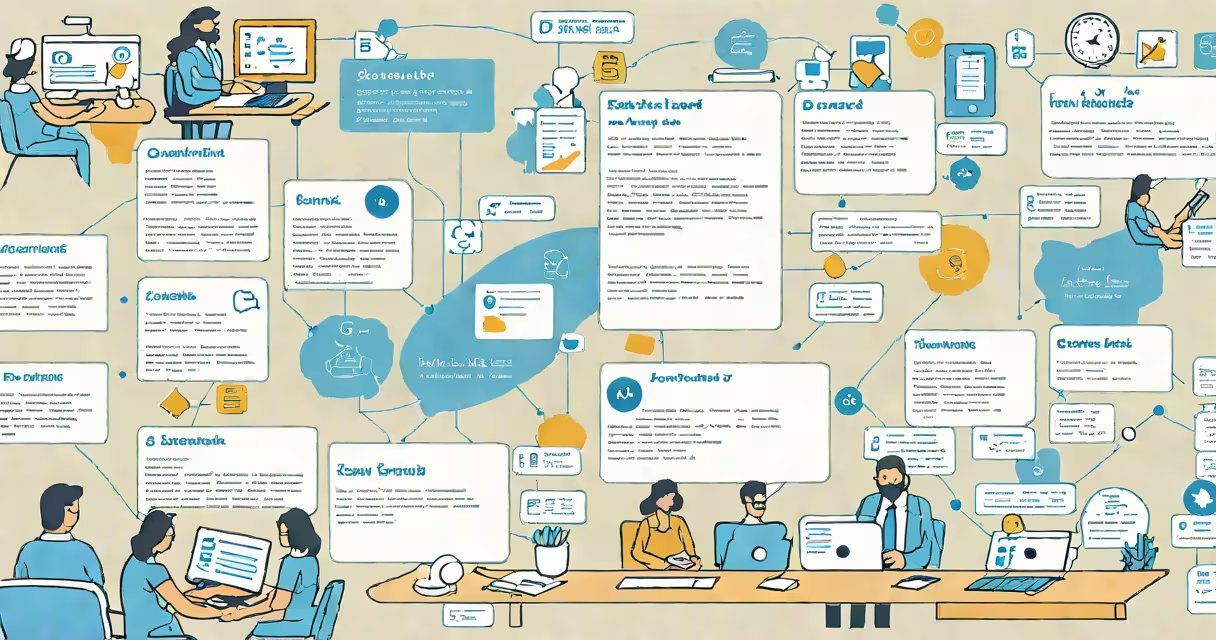
Zendesk is a cloud-based customer support platform that centralizes customer inquiries into a single ticketing system, enabling teams to track, assign, and resolve issues efficiently. It supports multiple channels-email, web forms, chat, phone, and social media-through a unified interface. The system routes incoming requests automatically based on predefined rules, assigns them to agents, and logs all interactions for audit and performance tracking.
At its core, Zendesk operates on a ticketing model. When a customer submits a request via email, website form, or live chat, Zendesk creates a unique ticket. This ticket contains metadata such as timestamp, source channel, priority level, and assigned agent. Agents access the ticket through a customizable dashboard, respond using canned replies or custom messages, and close the ticket once resolved. All communication is stored in a searchable history, ensuring continuity across interactions.
Zendesk integrates with over 1,000 third-party tools via APIs and native connectors, including CRM systems like Salesforce, analytics platforms like Google Analytics, and collaboration tools like Slack. These integrations allow teams to pull customer data into tickets, trigger workflows, and receive alerts without switching applications. For example, a support agent can view a customer's purchase history from Salesforce while responding to a billing inquiry, reducing resolution time.
When a request enters Zendesk, it passes through a series of automated steps. First, the system parses the input-email subject, message body, or chat transcript-and extracts key details like contact info, issue type, and urgency. It then applies routing rules set by administrators. A rule might send all "billing" queries to the finance team, or escalate high-priority tickets to senior agents.
After assignment, agents see the ticket in their queue. They can update status, add notes, attach files, and collaborate with teammates using internal comments. Once resolved, the ticket moves to "closed" status, and the customer receives a notification. Zendesk logs every action, creating a complete audit trail. This traceability is critical for compliance in regulated industries like healthcare and finance.
A real-world example: a SaaS company uses Zendesk to manage 1,200 monthly support tickets. Incoming emails from users reporting login failures are automatically tagged as "authentication" and routed to the IT team. An agent reviews the ticket, checks the user's account status via a connected API, identifies a password reset failure, and sends a pre-approved response with a reset link. The ticket closes after the user confirms access. The entire process takes under 15 minutes and leaves a record for future reference.
Zendesk offers several product tiers tailored to different business sizes and needs. The base plan, Support, includes core ticketing, basic automation, and limited reporting. Higher tiers-Set and Enterprise-add advanced features like AI-powered sentiment analysis, custom workflows, SLA tracking, and dedicated support engineers.
| Plan | Best for | Key features |
|---|---|---|
| Support | Small businesses, startups | Basic ticketing, 10 agents, standard reporting |
| Set | Growth-stage companies | Advanced automation, SLA management, multi-channel support |
| Enterprise | Larger organizations with complex needs | Custom branding, role-based permissions, API access, dedicated success manager |
Zendesk also provides specialized modules. Zendesk Talk adds call center functionality with IVR, call recording, and call queues. Zendesk Explore delivers analytics and dashboards for measuring agent performance, ticket volume, and customer satisfaction. Zendesk Sunshine is a customer data platform that unifies customer profiles across systems, enabling personalized support at scale.
One non-obvious distinction: Zendesk does not host the data itself-it relies on AWS and Google Cloud infrastructure. This means data resides in encrypted storage across global regions. Compliance standards like GDPR and HIPAA are met through configuration, not built-in enforcement. Teams must actively enable encryption, retention policies, and audit logging to meet regulatory requirements.
Many assume Zendesk is solely a ticketing system. It is, but it extends beyond that. Unlike basic email-to-ticket converters, Zendesk supports omnichannel workflows, allowing agents to switch between email, chat, and phone within the same interface. It also enables proactive support-agents can initiate conversations based on user behavior, such as sending a chat prompt when a user spends over five minutes on a checkout page.
Zendesk is often confused with Help Scout or Freshdesk. While all three offer ticketing, Zendesk scales better for large enterprises. Help Scout focuses on simplicity and speed, ideal for small teams with low volume. Freshdesk emphasizes automation and workflow customization, appealing to technical teams. Zendesk stands out in integration depth and enterprise-grade security.
I once observed a mid-sized e-commerce brand migrate from Freshdesk to Zendesk. Their support team handled 800 daily tickets across email, WhatsApp, and Facebook Messenger. After switching, they reduced average response time from 4.2 hours to 1.8 hours. The improvement came from Zendesk's changing routing and integrated CRM sync, which allowed agents to see order history instantly. The team reported fewer misrouted tickets and higher first-contact resolution rates.
Use Zendesk when you need centralized support across multiple departments and external partners. It excels in environments requiring strict compliance, such as financial services or healthcare providers. Its ability to integrate with legacy systems makes it suitable for organizations with existing databases and ERP software.
For smaller teams with limited budgets and simple needs, tools like Intercom or Crisp may be sufficient. They offer faster setup and lower learning curves. But if your team grows beyond 10 agents or handles complex workflows, Zendesk's scalability becomes essential.
Zendesk is not a one-size-fits-all solution. It requires configuration, training, and ongoing maintenance. But for teams handling high volumes of customer interactions across multiple touchpoints, it delivers structure, accountability, and measurable outcomes. Its strength lies in consistency-not just in resolving tickets, but in maintaining a clear record of every interaction.