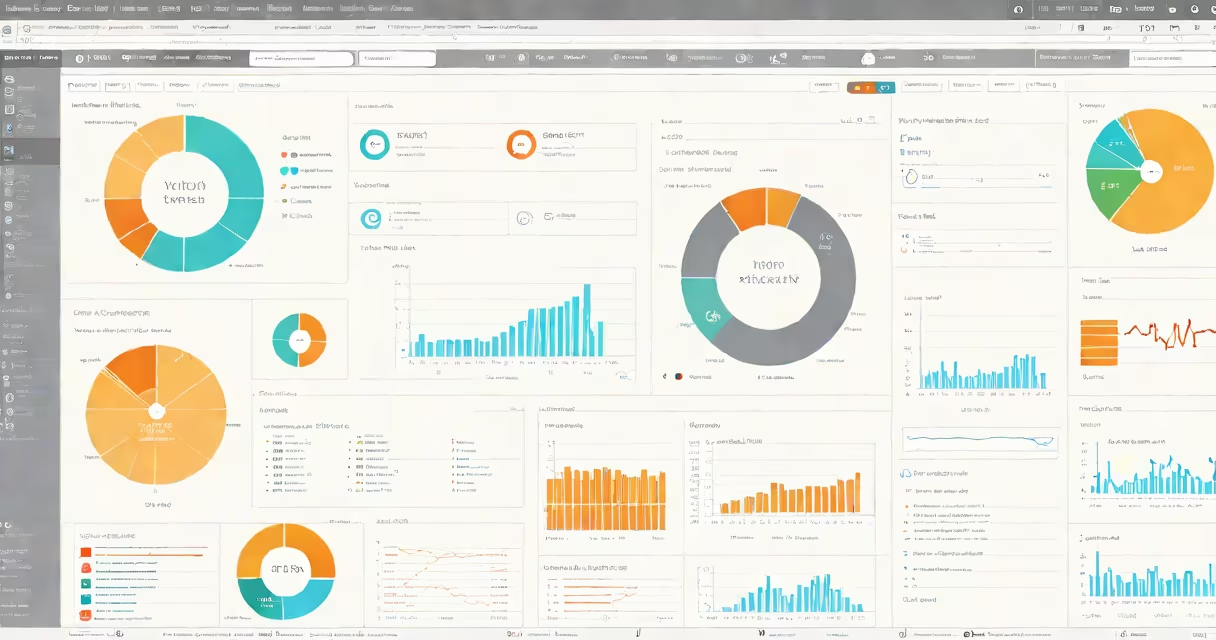
Web application GUI design is the process of creating visual layouts and interactive elements that enable users to effectively go through and perform tasks within a web-based application. It combines aesthetics, usability, and functionality to deliver a consistent and efficient user experience across devices.
GUI stands for graphical user interface-the visual components users see and interact with. In web applications, this includes buttons, menus, forms, data tables, navigation bars, and changing content areas. Design decisions affect how quickly users learn the system, how many errors they make, and whether they complete their goals.
Effective web application GUI design balances clarity, responsiveness, and accessibility. A poorly designed interface leads to confusion, dropped sessions, and lost productivity. According to the Nielsen Norman Group, users abandon websites after just 50 milliseconds of perceived delay-even if the actual load time is under one second.
Design begins with understanding user roles, workflows, and technical constraints. Designers create wireframes-low-fidelity sketches of screen layouts-to map out structure before adding visuals. These evolve into high-fidelity prototypes tested with real users.
Once approved, developers implement the design using HTML, CSS, and JavaScript frameworks like React or Vue.js. The interface responds to user actions through event listeners and state management. For example, clicking a "Submit" button triggers validation, sends data via API, and updates the screen with success feedback-all within 200 milliseconds.
Every element must serve a purpose. A dropdown menu should display options. A form field must show error messages in real time. A progress bar should reflect actual completion, not just animation. These details reduce cognitive load and prevent user frustration.
Web application GUIs consist of standardized building blocks. These include:
Modern applications often use component libraries such as Material UI or Tailwind CSS to maintain consistency. These provide pre-built, accessible UI elements that follow platform-specific guidelines-like Google's Material Design or Apple's Human Interface Guidelines.
| Type | Use Case | Example |
|---|---|---|
| Single-page application (SPA) | Real-time collaboration tools, dashboards | Google Docs, Figma, Trello |
| Multi-page application (MPA) | E-commerce sites, content-heavy platforms | Amazon, Wikipedia, WordPress admin |
| Progressive Web App (PWA) | Offline access, mobile-like behavior | Twitter Lite, Spotify PWA |
Each architecture affects GUI complexity. SPAs update content dynamically without reloading the page-ideal for responsive interactions. MPAs reload entire pages between views, which simplifies server-side rendering but increases perceived latency.
Web application GUI design is essential in industries requiring frequent user interaction: finance, healthcare, education, logistics, and SaaS (software-as-a-service).
A hospital's electronic health record (EHR) system must allow doctors to enter patient vitals in under 15 seconds. A banking portal must display account balances, transaction history, and transfer forms with minimal clicks. An e-learning platform needs to guide students through modules while tracking progress.
According to a 2023 report by Forrester Research, companies that invest in UX design see a 200% return on investment through reduced support costs and increased conversion rates. One client improved form completion rates from 62% to 89% after redesigning input fields and adding inline validation.
When designing for global audiences, cultural context matters. In Japan, users expect dense information layouts with small fonts and minimal whitespace. In the U.S., clean spacing and bold typography dominate. Designers must adapt layouts based on regional norms and device usage patterns.
Many assume that good GUI design means "looking flashy." This is false. A visually appealing interface with poor flow, unclear labels, or inconsistent navigation fails usability tests. The goal is not aesthetic appeal-it's task efficiency.
Another mistake is treating all users the same. A one-size-fits-all interface ignores differences in skill level, physical ability, or device preference. The Web Content Accessibility Guidelines (WCAG) 2.2 require that all interactive elements be operable via keyboard, have sufficient color contrast, and support screen readers.
For example, a form with a red border around invalid fields may not be visible to users with deuteranopia (red-green color blindness). Designers must test with simulated vision conditions and use additional cues like icons or text labels.
Some teams confuse GUI design with UI/UX. GUI refers specifically to visual elements. UI (user interface) includes both visual and interactive aspects. UX (user experience) covers the entire process-from first visit to long-term engagement. Confusing these terms leads to misaligned priorities and wasted effort.
Consider a SaaS company whose users were abandoning sign-up after failing to log in. Analytics showed 43% of failed attempts occurred at the password field. Users reported being unsure whether their caps lock was on or if the password was correct.
The team redesigned the login screen using these changes:
After deployment, login success rate rose from 58% to 87% within four weeks. Support tickets related to login issues dropped by 68%. The change required no backend modifications-only frontend adjustments.
This example shows that small, intentional design choices have measurable impact. It also illustrates the importance of testing with real users-not just designers or stakeholders.
Finally, remember that web application GUI design is not a one-time task. It evolves with user feedback, changing technologies, and business needs. Regular audits, A/B testing, and usability studies ensure the interface remains effective over time.
Understanding web application GUI design means seeing beyond pixels. It's about creating systems where people feel confident, informed, and in control-every time they click, type, or swipe.