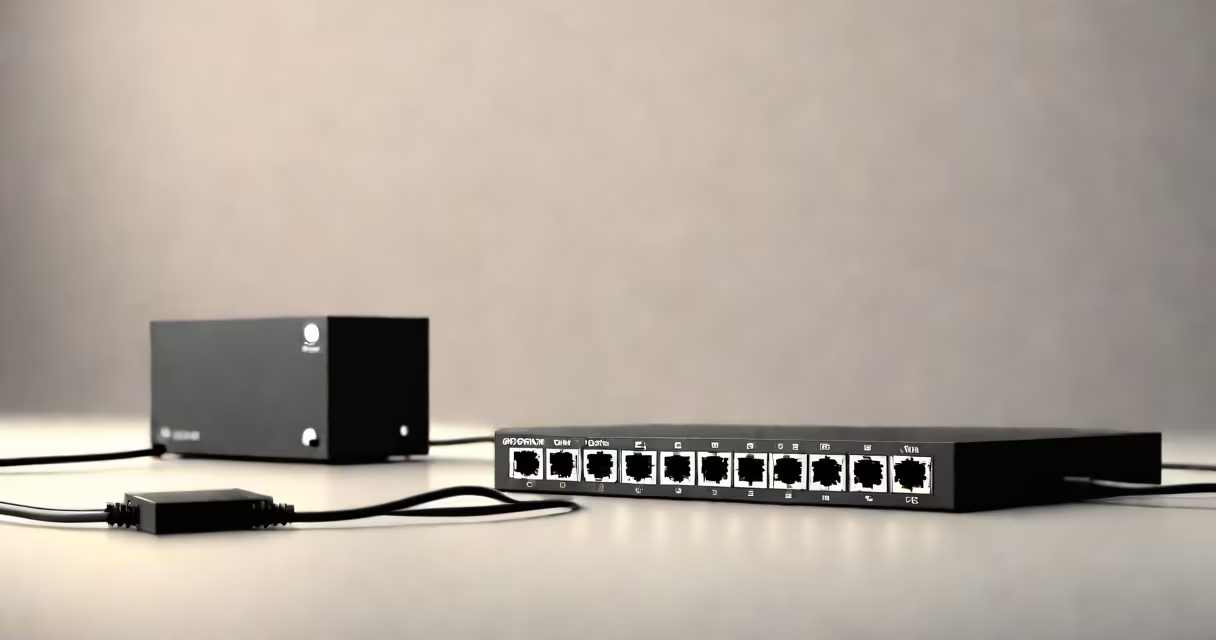
An unmanaged ethernet switch is a network device that connects multiple devices on a local area network (LAN) and forwards data automatically without requiring configuration or monitoring. It operates out of the box with no setup, making it ideal for users who need immediate connectivity.
Unlike managed switches, which allow control over traffic flow, port settings, and network security, unmanaged switches handle data routing based on predefined hardware logic. They do not support VLANs, QoS settings, or remote access. Their simplicity reduces cost and complexity, but limits customization.
These switches are commonly used in homes, small businesses, and environments where network performance is consistent and changes are rare. They function as transparent bridges, learning MAC addresses and forwarding packets based on destination addresses.
When a device connects to an unmanaged switch via an Ethernet cable, the switch assigns a unique identifier (MAC address) to that device. As data packets arrive, the switch examines the destination MAC address and sends the packet only to the port associated with that device.
This process happens instantly and relies on the switch's internal forwarding table. For example, if a computer sends a file to a printer connected to port 3, the switch learns the printer's MAC address and routes the data directly to port 3, avoiding unnecessary broadcasts.
Switches use a technique called store-and-forward switching. Data frames are received completely before being forwarded, reducing errors. This ensures reliability in standard office and home networks.
Unmanaged switches come in several configurations based on port count and speed:
| Port Count | Speed | Typical Use |
|---|---|---|
| 4 | 10/100 Mbps | Home office, single room setup |
| 8 | 1 Gbps | Small business, multiple workstations |
| 24 | 1 Gbps | Medium-sized office, centralized connections |
A 4-port 100 Mbps switch costs under $20 and powers a home office with a desktop, router, printer, and IP camera. A 24-port gigabit model supports dozens of devices in a small business environment, such as a retail store with POS systems, surveillance cameras, and employee laptops.
These switches are often deployed in environments where network uptime is critical but administrative overhead must be minimal. They're used in schools for classroom computers, in hotels for guest Wi-Fi access points, and in warehouses for barcode scanners and inventory systems.
Many assume unmanaged switches are "dumb" or low-quality. That's incorrect. While they lack advanced features, their design prioritizes reliability and ease of use. They don't require firmware updates, login credentials, or command-line interfaces.
Another misconception is that they cannot handle high traffic. In reality, a 1 Gbps unmanaged switch can sustain 125 megabytes per second of sustained throughput-enough for video conferencing, file transfers, and cloud backups in most small-to-medium deployments.
Some users confuse unmanaged switches with hubs. Hubs broadcast data to all ports and operate at Layer 1 (physical layer). Switches operate at Layer 2 (data link layer) and intelligently route traffic. Using a hub instead of a switch can cause network congestion and reduce performance.
Consider a graphic design studio with five employees. Each worker uses a laptop, a monitor, and a scanner. The office has a single internet connection from a modem.
Without a switch, each device would need a direct cable to the modem-impractical and expensive. Instead, the team installs a 16-port 1 Gbps unmanaged switch. The modem connects to one port, and each employee's workstation connects via Ethernet.
Data flows efficiently. When one designer uploads a 2 GB project to a shared drive, the switch directs the traffic only to the server port. No interference occurs between unrelated devices. The entire setup runs without configuration, power cycling, or IT staff involvement.
According to the IEEE 802.3 standard, Ethernet switches must support auto-negotiation of speed and duplex mode. All modern unmanaged switches comply, ensuring compatibility with older and newer devices.
Use an unmanaged switch when:
They are not suitable for networks requiring segmentation, security policies, or bandwidth allocation. If you plan to implement VLANs, prioritize traffic, or monitor usage, a managed switch is necessary.
Unmanaged ethernet switches are not outdated-they remain essential for straightforward network expansion. They deliver predictable performance without complexity. Their role is clear: connect devices, forward data, and stay silent.
Understanding what an unmanaged ethernet switch means helps avoid overbuying or misconfiguring network hardware. If you're setting up a home lab, a small office, or a temporary event network, this device meets your needs without compromise.