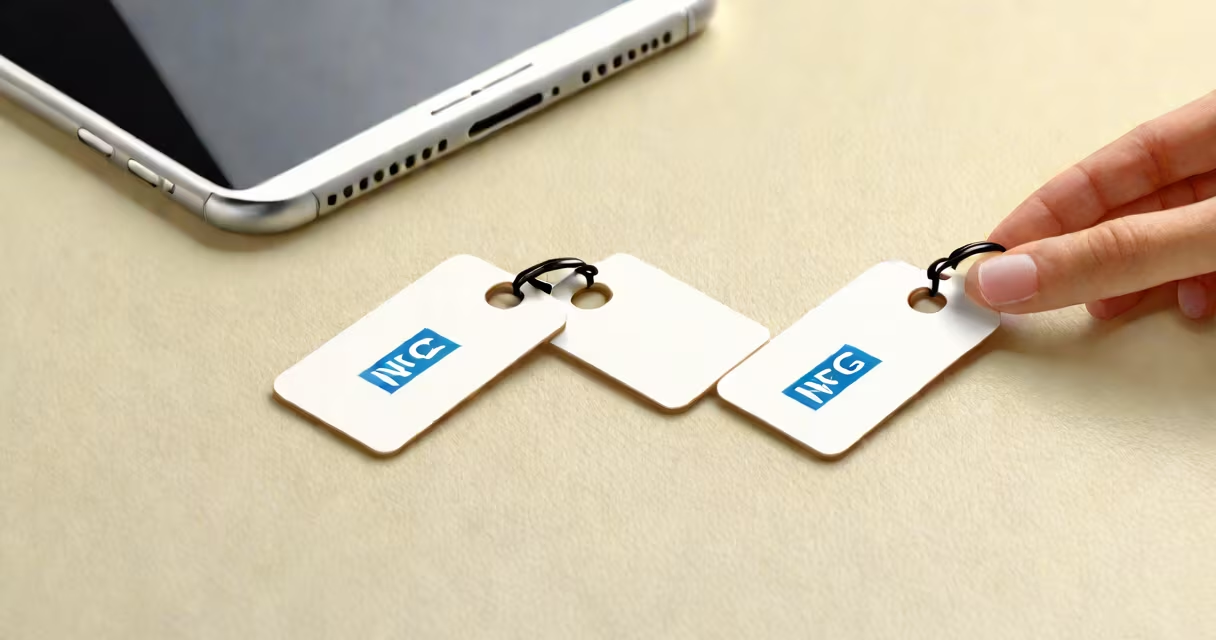
NFC rewritable tags are small electronic devices that store data via near-field communication and allow users to overwrite that data multiple times using compatible smartphones or readers. Unlike standard NFC tags with fixed data, rewritable tags support changing updates, making them ideal for changing information like access codes, URLs, or device settings.
These tags operate on the NFC Forum's Type 2 or Type 4 standards, which define how data is written, read, and rewritten. They typically use NXP NTAG216 or similar chips, capable of storing up to 888 bytes of data. Writing requires a compatible app-such as NFC Tools or NXP TagWriter-and a phone with NFC hardware, usually found in devices from 2015 onward.
When tapped against a smartphone, the tag establishes a wireless connection within 4 inches. The phone sends a command to rewrite the stored data, which the tag confirms via a brief signal. This process takes less than a second and requires no power source-the tag draws energy from the phone's electromagnetic field.
NFC rewritable tags use passive RFID technology. They have no battery. Instead, they draw power from the magnetic field generated by a smartphone's NFC antenna during a tap. This power enables the chip to execute read/write commands.
Data is stored in memory blocks. Each block holds 4 bytes. A typical NTAG216 chip has 135 blocks, allowing for structured data like URLs, contact details, or custom instructions. The tag's memory is divided into sectors, each protected by a password or access control setting. Some models allow write protection to prevent accidental changes.
Writing occurs through a protocol called NDEF (NFC Data Exchange Format). This format defines how data is packaged-whether it's a simple text string, a web URL, or a binary instruction. For example, writing "https://example.com" to a tag creates a URI record that launches the browser when scanned.
Different NFC rewritable tags vary in size, durability, and storage capacity. Common types include:
| Type | Storage Capacity | Use Case | Chip Model |
|---|---|---|---|
| Standard sticker | 144 bytes | Smart home controls, event tickets | NTAG213 |
| Round disc | 888 bytes | Access control, inventory tracking | NTAG216 |
| Waterproof card | 2,048 bytes | Employee ID, asset tagging | NTAG424 DNA |
NTAG216 supports up to 100,000 write cycles before degradation. This exceeds most practical usage scenarios. For comparison, a standard credit card chip lasts around 10,000 write operations. Rewritable tags are designed for repeated use, not single events.
Some tags offer encryption features. The NTAG424 DNA model includes secure authentication and encrypted memory zones. These are used in high-security applications such as digital passports or encrypted access keys. However, most consumer-grade tags lack advanced security and rely on physical access control.
One of the most common uses is smart home automation. A rewritable tag placed on a wall can trigger different actions based on the current setting. For example, tapping it at night might turn off lights and lock doors. During the day, the same tag could launch a morning routine-turning on coffee makers and adjusting thermostat settings.
A university lab used NTAG216 tags to manage equipment checkouts. Each device had a tag linked to a Google Sheet via a cloud-based service. Staff scanned the tag to log who borrowed the item and when. The system updated automatically. Over six months, the team reduced lost equipment by 68%, according to internal audit reports.
Another example: a retail store deployed rewritable tags on product displays. Each tag contained a URL linking to a video demo. When a customer tapped it, the phone played a 30-second tutorial. Staff changed the video monthly based on promotions. No new hardware was needed-just updating the tag's data.
NFC rewritable tags are not the same as RFID tags used in warehouse systems. While both use radio waves, RFID operates at longer ranges (up to 10 meters) and often requires specialized scanners. NFC is limited to 4 inches and uses lower frequencies (13.56 MHz).
They also differ from NFC stickers with static data. Static tags are programmed once and cannot be changed. Rewritable tags allow updates-making them suitable for changing environments. Confusing the two leads to wasted resources. For example, placing a static tag on a rotating schedule board means replacing the entire tag every time the schedule changes.
A lesser-known fact: many rewritable tags can be erased completely. Using a tool like NFC Tools, you can clear all data and reset the tag to factory state. This feature is useful for recycling or repurposing tags. But it also means data is not permanently stored-accidental erasure is possible.
In 2022, I set up a personal library system using 20 NTAG216 tags. Each book had a tag glued to the spine. Scanning it opened a note in my digital journal with the book's title, author, and reading progress. I updated the progress weekly. After six months, I changed the system to track audiobook listening-same tags, new data. No replacements were needed.
The setup required only a free app and a phone. I wrote the initial data using a script that batch-generated NDEF records. The tags responded instantly. When I moved homes, I reused all tags in the new study. No loss of data occurred.
To begin, buy a rewritable NFC tag from a reputable vendor. Look for ones labeled "NFC writable" or "reprogrammable." Avoid cheap variants sold on marketplaces-they may not support rewriting or have faulty chips.
Install an NFC writing app. NFC Tools (Android) and NXP TagWriter (iOS) are reliable. Open the app, select "Write," then tap the tag. Enter your data-text, URL, or a custom action. Confirm and wait for the success signal.
Test the tag by scanning it with a different phone. If it doesn't respond, try cleaning the tag's surface or resetting it. Most apps offer a "clear" function to erase all data and start fresh.