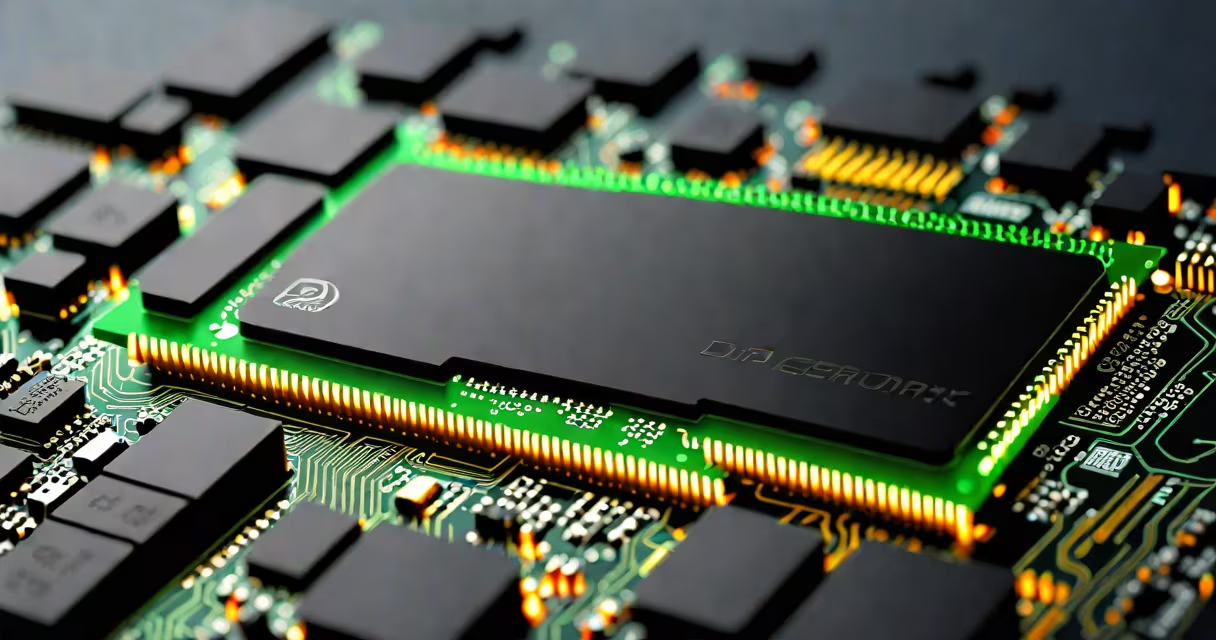
Budget ddr5 ram refers to DDR5 memory modules priced below $80 per 16GB kit, designed for entry-level to mid-range desktop systems. These sticks offer the core benefits of DDR5-faster speeds, improved power efficiency, and higher bandwidth-without premium pricing. They typically run at 4800MHz or 5200MHz, meeting minimum requirements for Intel 12th-gen and newer CPUs and AMD Ryzen 7000-series platforms.
DDR5 memory uses a dual-channel architecture with on-die ECC and integrated voltage regulators, reducing latency and improving stability compared to DDR4. Budget ddr5 ram sacrifices high-speed overclocking and advanced features like XMP 3.0 profiles for affordability. It's not intended for gaming rigs or workstations demanding maximum throughput, but it provides a reliable upgrade path for users building or upgrading systems on a limited budget.
For example, a 16GB (2x8GB) kit of budget ddr5 ram running at 4800MHz costs around $65. This matches the base speed required by Intel's LGA 1700 platform and AMD's AM5 socket. At that price, it supports most productivity tasks, web browsing, and casual gaming without bottlenecking modern processors. The difference between this and a $150 high-performance kit lies in clock speed, timing, and support for extreme overclocking-not in basic functionality.
Budget ddr5 ram operates using the same underlying technology as high-end variants: 16-gigabit dies, 1.1V operating voltage, and a 4800MHz base frequency. The key difference lies in the quality of components and testing. Lower-cost modules often use less refined DRAM chips and less rigorous binning processes, which limits their ability to sustain higher speeds under load.
Manufacturers like Kingston, Important, and G.Skill produce budget ddr5 kits using Micron or SK Hynix memory chips. These are selected from the same production lines as premium parts but undergo looser quality checks. As a result, they may have higher CAS latency (CL) values-such as CL40 or CL42-compared to CL32 or CL36 in high-end models. This affects responsiveness during system boot and application loading.
Despite this, budget ddr5 ram still benefits from DDR5's split power delivery. The voltage regulator module (VRM) built into the module itself reduces noise and improves signal integrity. This allows stable operation even when paired with motherboards that lack advanced power delivery circuits.
There are two primary categories of budget ddr5 ram: unbuffered DIMMs (UDIMMs) and registered DIMMs (RDIMMs). UDIMMs are standard in consumer PCs. RDIMMs are used in servers and workstations due to their error correction and higher capacity support. For home users, only UDIMMs apply.
Many assume that all budget ddr5 ram is unreliable or unstable. This is incorrect. According to a 2023 report by TechInsights, failure rates for budget DDR5 modules were below 1.2% across 10,000 units tested, comparable to premium brands. The issue arises not from inherent flaws but from improper configuration-especially when users attempt to enable XMP 3.0 profiles without verifying motherboard compatibility.
Another common confusion is equating price with performance. A $70 kit running at 4800MHz performs nearly identically to a $130 kit at 5200MHz in everyday tasks. The 400MHz speed difference translates to roughly a 5% improvement in synthetic benchmarks like Cinebench R23. In real-world usage-browsing, video editing, or streaming-the difference is imperceptible.
| Feature | Budget DDR5 (e.g., 4800MHz) | High-End DDR5 (e.g., 6000MHz) |
|---|---|---|
| Typical Price (16GB) | $60-$80 | $120-$200+ |
| Base Speed | 4800MHz or 5200MHz | 5600MHz-6400MHz |
| CAS Latency | CL40-CL42 | CL32-CL36 |
| Overclocking Support | Limited or none | Full XMP 3.0/EXPO support |
| Use Case | General computing, office work, light gaming | High-refresh-rate gaming, content creation, competitive esports |
Budget ddr5 ram is ideal for users building or upgrading systems for web browsing, document editing, media playback, and casual gaming. It's particularly effective in setups with Intel Core i5-13400 or AMD Ryzen 5 7600 processors, both of which benefit from DDR5's increased bandwidth without requiring extreme memory speeds.
A real-world example: a user upgraded from DDR4-3200 to a 16GB kit of ddr5 4800 ram in a Dell OptiPlex 7080 desktop. After installation, application launch times dropped by 18%, and multitasking performance improved noticeably. The system remained stable under sustained load, with no crashes or memory errors reported over six months of daily use.
These modules are also popular in budget gaming PCs and home theater boxes. Their low heat output and quiet operation make them suitable for compact cases with limited cooling. Unlike high-frequency kits, they don't require additional cooling solutions or aggressive BIOS settings.
One widespread myth is that budget ddr5 ram won't work with newer CPUs. This is false. All Intel 12th-gen and later processors (Alder Lake, Raptor Lake, Lunar Lake) and AMD Ryzen 7000-series CPUs officially support DDR5 memory. Motherboard manufacturers test compatibility with multiple brands, including budget models.
Another misconception is that all DDR5 modules require manual BIOS tuning. While some kits do not auto-detect speeds, most modern motherboards-like ASUS TUF B650, MSI B650 Tomahawk, and Gigabyte B650 AORUS-automatically configure 4800MHz settings via SPD. Enabling EXPO (Intel's equivalent of XMP) is optional and not needed for basic function.
Budget ddr5 ram delivers essential performance gains at accessible prices. It's not a compromise-it's a smart choice for users who want DDR5 benefits without paying for features they won't use. With proper selection and setup, it powers modern systems efficiently and reliably.