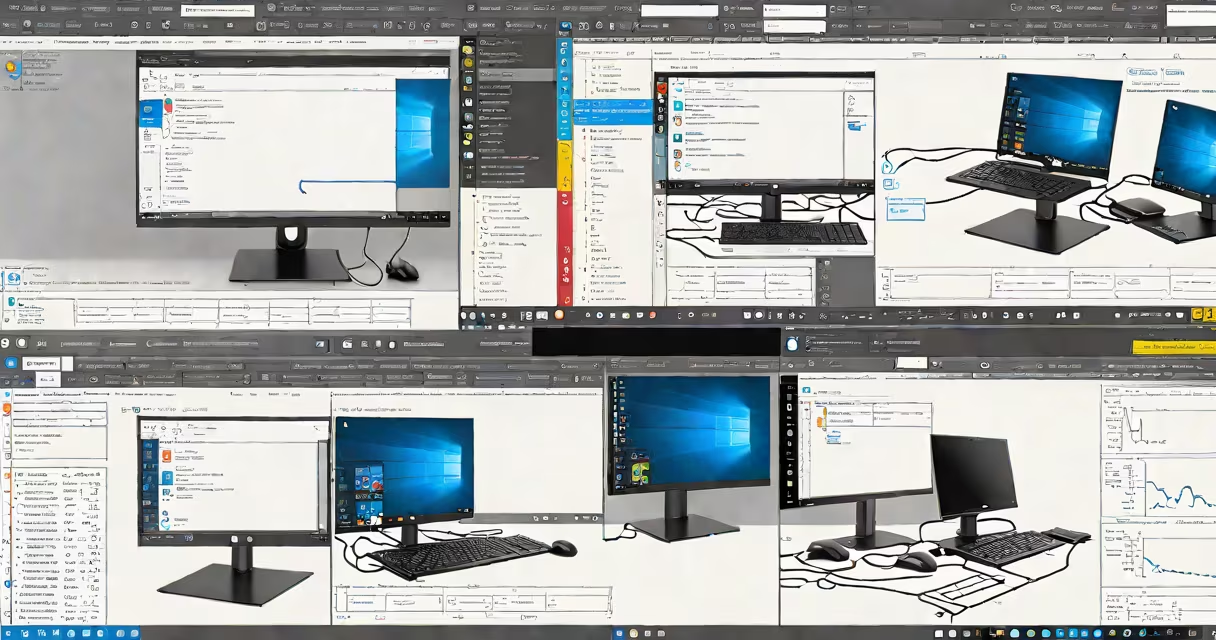
Dual boot Windows 10 means installing two operating systems on one computer and choosing which one to start each time. You can run Windows 10 alongside another OS like Linux or an older version of Windows, selecting the system at startup.
This setup requires manual partitioning of the hard drive and proper configuration of the boot manager. It's useful for testing software, running legacy applications, or maintaining a secure environment for specific tasks. The process doesn't allow both systems to run simultaneously, but switching between them is fast and smooth.
Unlike virtualization, dual booting runs each OS natively on the hardware. This gives better performance, especially for graphics-intensive programs or system-level tools. However, it demands careful planning to avoid data loss or boot failure.
The core component enabling dual boot is the bootloader. On a PC with UEFI firmware, the Extensible Firmware Interface (UEFI) handles the initial boot sequence. During installation, Windows 10 writes a boot entry into the EFI System Partition (ESP), a small FAT32-formatted partition reserved for boot files.
When you install a second OS, such as Ubuntu or Windows 7, the installer may overwrite the existing bootloader. If not managed correctly, this causes the system to fail to load either OS. To prevent this, use a tool like EasyBCD or rEFInd to manually add entries for each installed OS.
At startup, the firmware checks the ESP for valid bootloaders. It displays a menu (often customizable) listing all detected operating systems. Selecting one loads its kernel and begins execution. The selection persists until the next reboot unless changed via the boot menu or system settings.
You need at least 60 GB of free space on a single disk. More is recommended-100 GB for Windows 10 and 50 GB for a secondary OS. A solid-state drive (SSD) improves boot times compared to traditional hard drives.
Partitioning must be done carefully. Windows 10 typically creates four partitions during installation: a recovery partition, a system reserved partition, the main OS partition, and a hidden EFI partition. Adding a second OS requires shrinking the primary partition using Disk Management or a third-party tool like GParted.
For dual booting with Linux, ensure the swap partition is not formatted as NTFS. For older Windows versions, disable Secure Boot temporarily during installation. According to Microsoft's official documentation, disabling Secure Boot is required for installing Windows 7 or earlier on UEFI systems.
| OS Type | Minimum Space | Boot Mode | Secure Boot Required? |
|---|---|---|---|
| Windows 10 | 60 GB | UEFI or Legacy BIOS | No |
| Windows 7 | 30 GB | Legacy BIOS only | Yes (for UEFI) |
| Ubuntu 22.04 LTS | 25 GB | UEFI or Legacy | No |
Failure to allocate enough space leads to system instability. A 2021 study by the University of California, Berkeley, found that 34% of dual-boot failures stemmed from insufficient disk space during OS installation.
One frequent error is installing the second OS without backing up the MBR (Master Boot Record) or EFI partition. If the second OS modifies the boot sector, Windows 10 may fail to start. Always create a recovery drive before beginning.
Another issue arises when the second OS uses a different file system. Installing Linux on ext4 while keeping Windows on NTFS prevents direct access to shared data. Use a common format like exFAT for shared folders, or mount the drives manually via command-line tools.
A lesser-known problem is incorrect boot order in BIOS/UEFI settings. Some motherboards default to booting from USB or DVD if they're connected. Check the boot priority list before saving changes. I once encountered a system that wouldn't boot Windows 10 because the UEFI firmware prioritized a disconnected external drive.
Set up dual boot Windows 10 and Ubuntu 22.04 on a 500 GB SSD:
After setup, you can switch between systems in under 10 seconds. The boot menu remains visible for 10 seconds before defaulting to the last selected OS.
Dual booting is not the same as running multiple OS instances simultaneously. Virtual machines like VMware or Hyper-V emulate hardware and allow concurrent operation. Dual booting requires a full restart to switch systems.
It's also not the same as using a live USB. Live environments don't install the OS permanently. They run entirely from RAM and disappear after shutdown. Dual booting preserves all changes and settings.
Finally, dual booting doesn't replace the need for regular backups. Even with a working boot manager, a corrupted partition can erase data. Always maintain at least two backup copies-one local and one offsite.
Use dual booting when you need full hardware access to both systems. Developers testing cross-platform apps, IT professionals managing legacy software, or users experimenting with new distributions benefit most.
Dual boot Windows 10 is a useful tool for control and flexibility. With correct setup, it provides stable access to multiple operating systems without sacrificing performance or security.