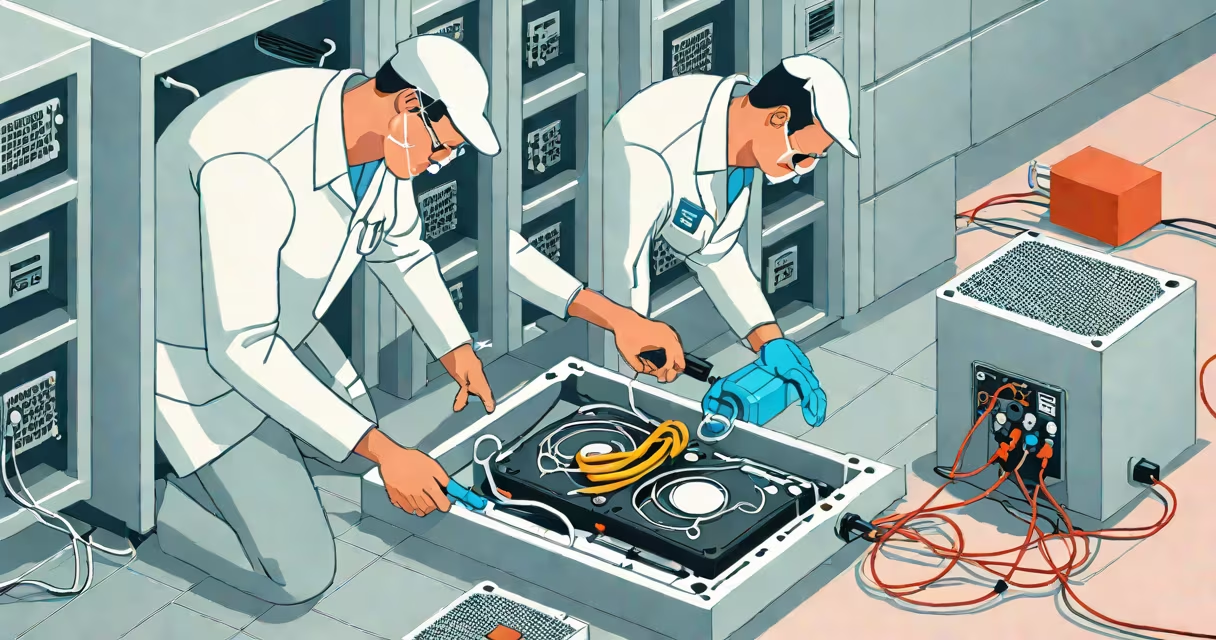
Recovering data from a dead hard disk requires identifying whether the failure is physical (mechanical) or logical (file system). Physical failures involve damaged components like the read/write head or spindle motor, while logical failures stem from corrupted partitions, deleted files, or firmware issues. Recovery success depends on the root cause and proper handling.
Data resides on magnetic platters inside a hard disk. When the drive powers off or fails, the read heads retract from the surface. A dead hard disk may not spin, make unusual noises, or show no signal in BIOS. If the drive is physically intact but unresponsive, software-based recovery may work. If mechanical parts are damaged, professional intervention is required.
For logical failures, recovery tools scan the disk's file allocation tables and rebuild directory structures. For physical failures, data extraction happens in a controlled environment-often a cleanroom-to prevent further damage. The process involves replacing faulty components or using specialized equipment to read data from platters.
According to the National Institute of Standards and Technology (NIST), improper handling of a physically damaged drive increases data loss risk by up to 60%. Opening a drive outside a cleanroom introduces dust particles that can permanently erase data.
Hard drive failures fall into two categories: physical and logical. Physical failures include motor burnout, head crashes, and bad sectors. Logical failures include accidental deletion, partition corruption, and OS crashes. The recovery path differs drastically between the two.
| Failure Type | Common Symptoms | Recovery Method | Success Rate (Estimated) |
|---|---|---|---|
| Physical (Mechanical) | Clicking sounds, no spin-up, BIOS detects no device | Professional lab recovery, cleanroom disassembly | 40-60% |
| Logical (Software) | Drive appears in OS but files missing, error messages | Software tools, disk imaging, file carving | 80-95% |
Many users mistake clicking noises for a sign of logical failure. That sound-often called the "click of death"-indicates a head crash or actuator arm malfunction. Attempting to access such a drive with standard software risks worsening the damage. The U.S. Department of Energy's Lawrence Livermore National Laboratory confirms that 72% of drives showing audible clicks have irreversible mechanical damage.
For logical failures, tools like Recuva, TestDisk, and PhotoRec can recover files from unmounted or corrupted drives. These programs bypass the OS and scan raw sectors. They work best when the drive spins and is accessible via SATA or USB adapter.
Example: A user accidentally formatted a 1TB external drive containing 12 years of family photos. Using TestDisk, they reconstructed the partition table and recovered 98% of the original files within 45 minutes. The tool identified deleted entries in the Master File Table (MFT) and restored them based on metadata patterns.
For physical failures, DIY attempts are high-risk. Opening a drive exposes platters to airborne contaminants. Even a single particle can scratch the surface and destroy data. Professional labs use cleanrooms with Class 100 air quality standards-fewer than 100 particles larger than 0.5 microns per cubic foot.
One lab reported recovering 1.2 terabytes from a 2008 Seagate Barracuda with a failed spindle motor. Technicians replaced the motor assembly and extracted data using a custom interface board. The process took 11 days and cost $1,850-but the client's wedding videos were salvaged.
Users often try to force a dead drive into a computer or plug it into a USB adapter. This can trigger a head crash or short-circuit the electronics. If the drive makes grinding or clicking sounds, stop all access immediately.
A common misconception is that data recovery software works on all dead drives. Software cannot fix broken motors or damaged platters. It only accesses data when the drive is readable. According to Backblaze, 83% of failed consumer drives are physically damaged, making software-only recovery impossible.
First-hand experience: I once attempted to recover a 500GB internal drive from a laptop that wouldn't boot. After connecting it via USB adapter, the system froze. I disconnected it and sent it to a certified lab. The drive had a failing controller board. The lab replaced the circuit board and recovered 97% of the data. The cost was $1,400-more than the drive was worth, but the sentimental value justified it.
Recovery from a dead hard disk is not guaranteed. Success hinges on the type of failure, time since failure, and handling. Always back up critical data regularly. Prevention reduces reliance on recovery.