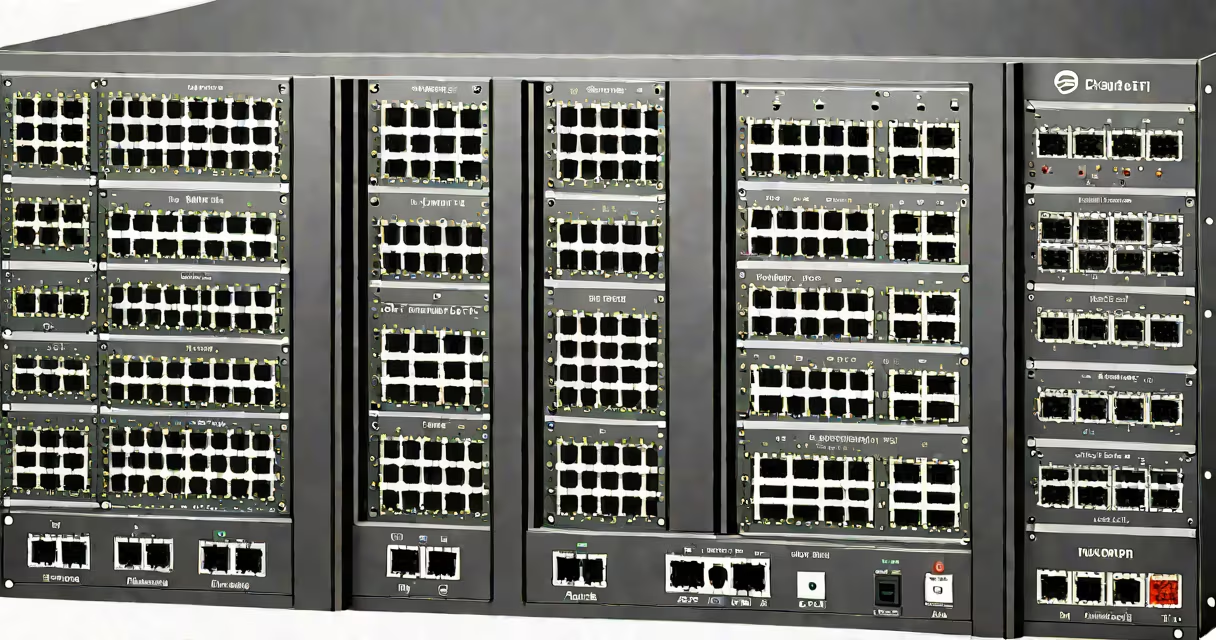
A layer 2 managed switch operates at the data link layer (Layer 2) of the OSI model, using MAC addresses to forward traffic between devices within a local network. It enables advanced configuration, monitoring, and segmentation through features like VLANs, port mirroring, and QoS settings. Unlike unmanaged switches, it supports remote access, firmware updates, and detailed traffic analysis.
These switches make decisions based on destination MAC addresses learned from incoming frames. When a frame arrives, the switch checks its internal MAC address table to determine which port leads to the intended recipient. If the address isn't known, it floods the frame to all ports except the source. This process reduces unnecessary traffic and prevents collisions on switched networks.
Managed switches are essential in environments requiring reliability, scalability, and security. They're used in data centers, campuses, industrial systems, and business offices where network uptime and control matter. A single misconfigured port on an unmanaged switch can cause broadcast storms; a managed switch prevents this through traffic filtering and loop detection protocols like STP (Spanning Tree Protocol).
When a device sends data, such as a computer sending a file to a printer, the frame includes source and destination MAC addresses. The layer 2 managed switch reads the destination MAC and consults its MAC address table to find the correct port. If the entry exists, the frame is forwarded only to that port. If not, it's sent to all ports (flooding) until the destination responds and teaches the switch the location.
The switch builds and maintains this table dynamically. For example, if a laptop connects to port 5 and sends a packet, the switch records the laptop's MAC address under port 5. Future packets destined for that MAC go directly to port 5, improving efficiency and reducing bandwidth waste.
Advanced functions include port-based VLAN assignment, where traffic from different departments (e.g., HR and Finance) stays isolated even on the same physical switch. You can assign VLAN 10 to port 1-10 for finance and VLAN 20 to port 11-20 for HR. Traffic between VLANs requires a router or Layer 3 functionality, which managed switches don't provide unless they're multilayer switches.
Managed switches come in various form factors and capabilities. The most common types are fixed-port models (e.g., 24-port Gigabit Ethernet) and modular chassis systems for larger deployments. Port density, power over Ethernet (PoE) support, and management interface options differ widely.
| Type | Ports | PoE Support | Management Interface | Use Case |
|---|---|---|---|---|
| Fixed-Port | 8-48 | Yes (up to 60W per port) | Web GUI, CLI, SNMP | Office floors, small data rooms |
| Modular Chassis | Expandable | Yes (high-power variants) | CLI, REST API, centralized console | Enterprise core networks, telecom hubs |
| Stackable | 4-16 | Yes (PoE++) | Web, CLI, stacking protocol | Branch offices, multi-building campuses |
For example, a 24-port gigabit managed switch with PoE+ can power 24 IP phones and 12 wireless access points simultaneously. It allows administrators to set power thresholds, disable ports remotely, and monitor energy usage per port. This level of control is impossible with unmanaged switches.
One non-obvious feature is port mirroring (SPAN). This lets you copy traffic from one port to another for troubleshooting or security analysis. If a server shows unusual outbound traffic, you can mirror its port to a network analyzer connected to a spare port. This captures packets without affecting production flow.
Many assume that "managed" means "smart" in the AI sense. That's incorrect. A managed switch doesn't learn behavior patterns or predict failures. It makes forwarding decisions based on static rules and MAC tables. Its intelligence lies in configurability, not adaptability.
Another confusion is equating layer 2 managed switches with routers. They operate at different OSI layers. A switch (Layer 2) forwards frames based on MAC addresses. A router (Layer 3) routes packets based on IP addresses. Mixing them causes routing loops and inefficient paths. For inter-VLAN communication, you need a router or a multilayer switch with L3 capabilities.
Some users think VLANs are optional. They're not. Without VLANs, all devices share the same broadcast domain. A single broadcast storm from a misbehaving device can bring down the entire network. VLANs isolate traffic, reduce broadcast noise, and improve security. According to Cisco's documentation, VLANs reduce broadcast traffic by up to 90% in large networks.
In a 50-person office, a single 24-port layer 2 managed switch handles all workstations, printers, VoIP phones, and Wi-Fi access points. The IT team configures:
Each VLAN has its own subnet. The switch blocks traffic between VLANs unless explicitly allowed via ACLs. Guest VLANs are restricted to internet-only access. VoIP traffic gets priority tagging (DSCP marking) to prevent latency during calls.
When a user plugs in a laptop, the switch assigns it to VLAN 10 automatically via 802.1X authentication. If the user tries to connect a personal device, the switch denies access unless authenticated. This prevents unauthorized devices from joining the network.
I deployed a similar setup in a university lab. After switching from unmanaged to managed switches, network outages dropped from 12 per month to 1. We caught rogue DHCP servers and misconfigured devices early due to port-level alerts and logs.
Layer 2 managed switches are standard in commercial and industrial networks. They're used in hospitals for medical device connectivity, in schools for student and staff separation, and in retail chains for POS system isolation.
They're required in environments with compliance needs. HIPAA mandates network segmentation for patient data. PCI-DSS requires logical separation of cardholder data environments. A managed switch enables both through VLANs and access control lists.
For example, a hospital uses a managed switch to isolate imaging equipment (MRI machines) from administrative systems. Even if a nurse's tablet is compromised, the attacker cannot reach the MRI server because they're on different VLANs and firewalls block cross-VLAN traffic.
Small businesses often overlook managed switches, thinking they're overkill. But even a 10-port managed switch costs less than $150 and prevents downtime caused by network sprawl. A single misconfigured port on an unmanaged switch can take down a department. With a managed switch, you can disable a port instantly via web interface.
When choosing a switch, consider size and power. The smallest managed switch available today is a 5-port model measuring 4.5 x 3.5 inches. It fits in tight spaces like server closets or industrial control panels. These compact units support PoE and remote management via HTTP or Telnet.
For deployment in tight spaces, look for models with fanless cooling and wide operating temperature ranges. Some industrial-grade switches work reliably from -40°C to 75°C. These are used in factories, oil rigs, and outdoor surveillance systems.
Always verify that the switch supports your desired management protocol. SNMPv3 adds encryption and authentication to monitoring. SSH replaces Telnet for secure command-line access. Avoid models that only support Telnet or HTTP without SSL.
Final note: A layer 2 managed switch is not a router. It doesn't route between IP subnets. If you need inter-VLAN routing, you must use a router or a multilayer switch. But for internal traffic control, segmentation, and performance tuning, it's indispensable.