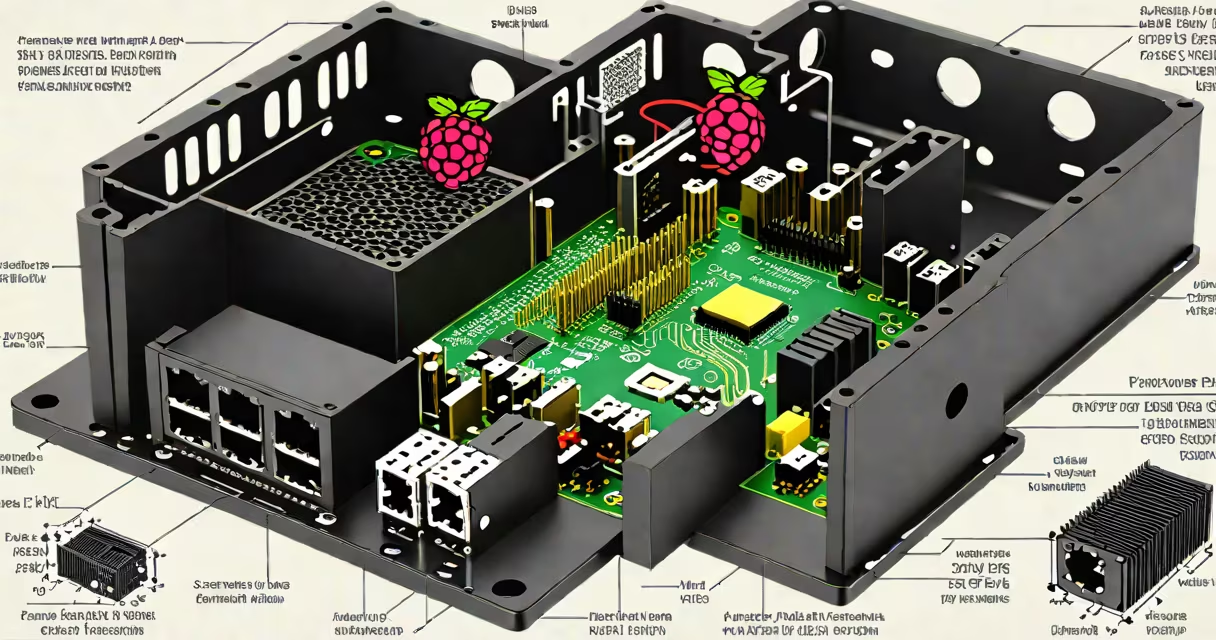
A raspberry pi pc case is a protective enclosure designed specifically to house a Raspberry Pi board, its power supply, and associated peripherals. It provides structural support, heat dissipation, and aesthetic finish for DIY computing projects.
These cases fit standard Raspberry Pi models (3B+, 4B, Zero 2 W) and often include cutouts for USB ports, HDMI, audio jack, microSD slot, and GPIO pins. Most cases are made from plastic, metal, or wood, each offering different trade-offs in durability, weight, and thermal performance.
For example, the official Raspberry Pi 4 case uses a two-part ABS plastic design with a removable top for easy access to internal components. The case includes a built-in heatsink for the processor and supports passive cooling. Metal cases like the Pimoroni HyperPixel case offer better heat transfer and electromagnetic shielding but are heavier and more expensive.
The primary function of a raspberry pi pc case is physical protection. It shields the delicate circuitry from dust, accidental contact, and mechanical stress during handling or transport. A well-designed case also manages thermal output by incorporating vents, heat sinks, or fans.
Cases with integrated heat sinks reduce CPU throttling under sustained load. For instance, the Raspberry Pi 4 can reach 80°C under heavy GPU workloads. A case with a copper heat sink and aluminum fins can lower operating temperature by up to 15°C compared to an unenclosed board, according to tests by the Raspberry Pi Foundation.
Some cases include mounting points for external devices like cameras, sensors, or displays. The Pimoroni Case for Raspberry Pi 4 includes a built-in stand and space for a camera module, making it ideal for kiosk or media center applications.
Different materials affect performance, cost, and ease of assembly. Plastic cases are lightweight and inexpensive. Aluminum cases offer superior heat dissipation and durability but increase weight and price. Wood cases provide a minimalist look and good insulation but require careful sealing against moisture.
| Material | Pros | Cons | Best For |
|---|---|---|---|
| ABS Plastic | Lightweight, low cost, easy to machine | Less effective at heat dissipation, prone to warping under high temps | Beginner builds, temporary setups |
| Aluminum | Excellent thermal conductivity, durable, sleek look | Heavier, more expensive, requires precision machining | High-performance projects, permanent installations |
| Wood | Unique aesthetic, insulates against electrical noise | Not waterproof, susceptible to warping and rot | Art installations, home automation displays |
Many cases come in modular designs. The Raspberry Pi Compute Module 4 case, for example, allows users to swap out the core board while keeping the casing intact. This modularity extends device lifespan and simplifies upgrades.
People often mistake a raspberry pi pc case for a full desktop computer case. While both enclose electronics, a PC case is engineered for ATX motherboards, high-wattage GPUs, and multiple drives. A raspberry pi pc case is tailored to a single-board computer with limited power draw and no need for drive bays.
Another misconception is that all cases are universal. Not all cases fit every Raspberry Pi model. The Raspberry Pi 4 has a larger footprint than the 3B+. Using a 3B+ case on a 4B may result in misaligned ports or insufficient clearance for the PCIe connector. Always verify compatibility using the manufacturer's specifications.
A lesser-known fact: some cases include grounding features. The Raspberry Pi 4's official case has a metal shield that connects to the ground plane on the board. This reduces electromagnetic interference, improving signal integrity for connected peripherals like USB devices and HDMI displays.
In a classroom setting, a teacher built a weather station using a Raspberry Pi 4, a BMP280 sensor, and a solar panel. They chose a custom aluminum case with a transparent lid to display the internal wiring. The case included a fan and a mesh vent to prevent overheating during summer months.
After three weeks of continuous operation in 35°C ambient temperatures, the system maintained stable readings. Without the case, the Pi had throttled twice daily due to thermal overload. The case reduced peak CPU temperature from 86°C to 69°C, preventing crashes during data logging.
This setup demonstrates how a properly selected case enhances reliability. The teacher later upgraded to a case with a built-in battery backup, allowing the station to continue recording during power outages.
Popular suppliers include Adafruit, SparkFun, and Pimoroni. These companies offer detailed product specs, including dimensions, weight, and material composition. Always compare the case's internal volume to the size of your Pi and any additional boards or cables.
Consider cable management. A case with internal routing channels prevents wire clutter and improves airflow. The Pimoroni Case includes a dedicated slot for the power cable, reducing strain on the micro-USB port.
If you're building a custom solution, consider 3D printing a case. Open-source designs on platforms like Thingiverse allow precise customization. One user printed a case with a magnetic door for quick access to the SD card, saving time during firmware updates.
When selecting a case, prioritize fit, cooling, and accessibility. A case that blocks the GPIO header limits expansion options. One that doesn't allow for easy removal of the microSD card increases downtime during troubleshooting.
A raspberry pi pc case is not just a shell-it's a functional extension of the system. It affects performance, longevity, and usability. Choosing the right one ensures your project runs reliably, whether in a lab, a home, or a public installation.