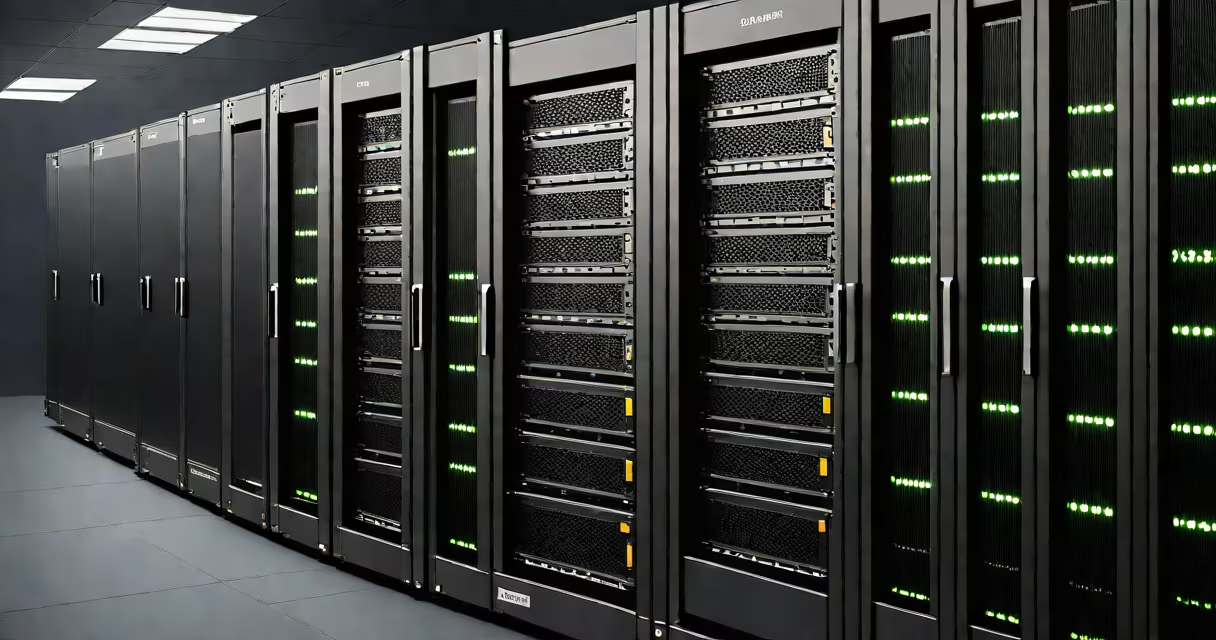
A network server is a dedicated computer or system that provides centralized services, storage, and processing power to other devices-called clients-on a network. It handles tasks like file sharing, user authentication, email routing, and hosting websites, ensuring consistent access across connected systems.
Servers operate continuously, often in secure environments like data centers or on-premises IT rooms. They run specialized operating systems such as Windows Server, Linux distributions (e.g., Ubuntu Server), or macOS Server, optimized for reliability, security, and multitasking under heavy load.
When a user opens a document stored on a shared drive, requests a webpage, or logs into a company system, their device sends a request to the appropriate server. The server processes the request, retrieves the needed data, and returns it-often within milliseconds. This exchange forms the foundation of modern computing environments.
Network servers follow a client-server model. A client device-like a laptop, smartphone, or tablet-initiates a connection to the server using protocols such as HTTP, SMB (Server Message Block), or SSH. The server listens on specific ports for incoming requests and responds accordingly.
For example, when you access a website like example.com, your browser sends an HTTP request to the web server hosting that site. The server checks the requested URL, locates the correct webpage file, and sends it back in response. This process happens thousands of times per second across the internet.
Each server role uses distinct software and configurations. A domain controller manages user logins and permissions across a network. A database server stores and retrieves structured data, such as customer records in a retail system. An application server hosts business logic for enterprise software like ERP or CRM platforms.
Organizations deploy different server types based on function. Here's a breakdown of major categories:
| Type | Primary Function | Example Use Case | Operating System |
|---|---|---|---|
| Web Server | Serves websites and web apps | Hosting a company's public website | Apache, Nginx, IIS |
| File Server | Stores and shares files | Team collaboration on shared documents | Windows Server, Linux (Samba) |
| Database Server | Manages structured data | Processing orders in an e-commerce platform | MySQL, PostgreSQL, SQL Server |
| Mail Server | Handles email sending and receiving | Managing internal company email | Microsoft Exchange, Postfix |
| Domain Controller | Authenticates users and enforces policies | Controlling login access across a corporate network | Active Directory (Windows Server) |
Some servers combine functions. A single machine may host both a web server and a database server, especially in small businesses. Larger organizations separate roles across multiple physical or virtual machines to improve performance, security, and redundancy.
Every organization with digital operations relies on servers. Small offices use a single file server to store project documents and manage printer access. Schools deploy learning management servers to deliver online courses and track student progress. Hospitals depend on electronic health record (EHR) servers to securely store patient data.
Cloud providers like Amazon Web Services (AWS), Microsoft Azure, and Google Cloud Platform offer virtual servers accessible over the internet. These allow startups to launch applications without buying hardware. According to the U.S. Bureau of Labor Statistics, demand for IT professionals managing cloud infrastructure grew 15% between 2021 and 2023 due to increased adoption.
Even personal devices interact with remote servers daily. When you stream a video on Netflix, your device connects to a content delivery network (CDN) server located near you. The server sends small chunks of video data in real time, reducing buffering and improving playback quality.
Many people assume that any useful computer is a server. That's incorrect. A desktop PC running Windows 10 can perform many tasks similar to a server-but it lacks the reliability, security features, and uptime required for production use. Servers are designed for 24/7 operation, with redundant power supplies, cooling systems, and error-correcting memory.
Another misconception is that servers only exist in large companies. In reality, home users often run servers too. For example, someone might set up a Raspberry Pi as a media server to stream music and videos to devices throughout their house. This setup uses software like Plex or Jellyfin and operates on a local network.
A lesser-known fact: servers don't always need to be physically present. Virtual servers-also called virtual machines (VMs)-run inside physical hosts. They share hardware resources but operate independently. VMware and Hyper-V are common hypervisors used to create and manage VMs. This allows multiple servers to coexist on a single physical machine, improving efficiency and reducing costs.
Consider a small grocery store with five checkout terminals, a central inventory system, and a manager's office computer. All devices connect to a local network. A single Windows Server machine performs several roles:
When a cashier scans a product, the terminal contacts the server to verify pricing and update inventory. If the server fails, the store cannot process sales. This illustrates why servers are mission-critical-not optional.
I once helped configure a server for a nonprofit that managed volunteer scheduling. The team had been using spreadsheets and email chains, leading to double bookings and missed shifts. After setting up a centralized calendar server with automated reminders, volunteer coordination improved by 60% within one month.
As networks grow more complex, automation tools like Ansible or Puppet help manage server configurations at scale. These reduce human error and ensure consistency across dozens or hundreds of machines.
Modern servers also integrate with AI-driven monitoring systems. Tools like Nagios or Zabbix detect performance issues before they cause outages. For example, if a server's CPU usage spikes above 90% for more than five minutes, the system triggers an alert to the IT team.
A network server is not just a machine-it's the core of digital workflows. It enables collaboration, secures sensitive data, and powers applications that businesses and individuals rely on daily.