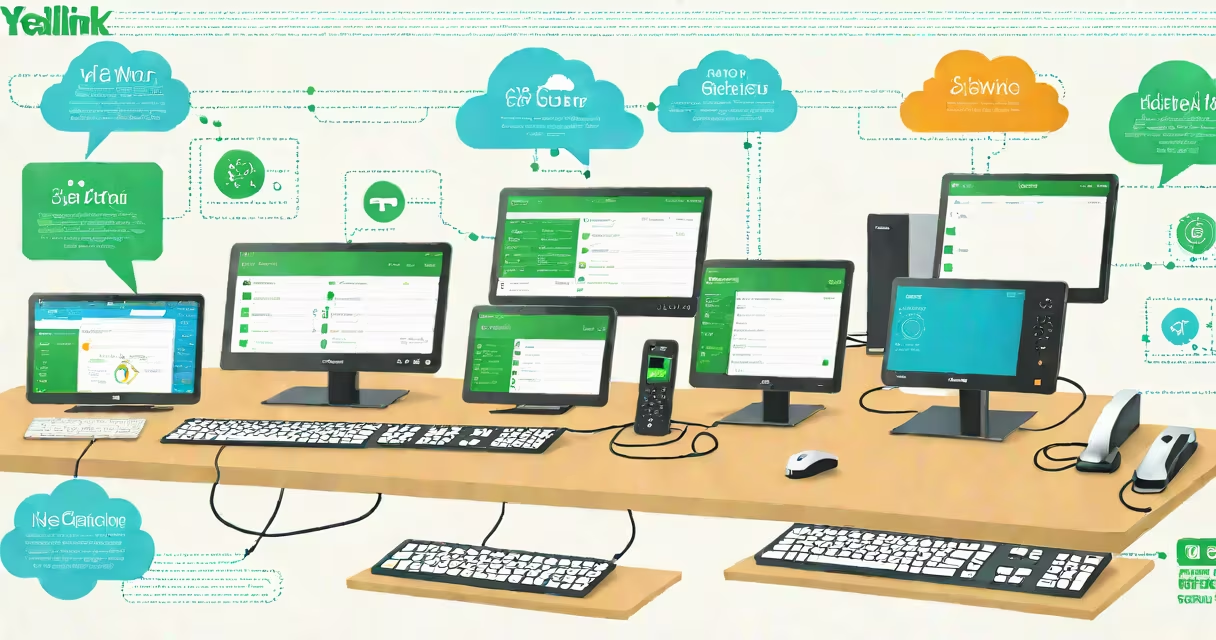
Yealink Management Cloud Service is a web-based platform that enables IT administrators to centrally deploy, monitor, configure, and manage Yealink IP phones and associated communication services across multiple locations. It supports automated provisioning, real-time status tracking, firmware updates, and policy enforcement for enterprise-grade VoIP environments.
The service operates through a secure cloud infrastructure hosted by Yealink, accessible via a browser or mobile app. Administrators define groups, assign settings, and push configurations to devices without physical access. This reduces deployment time from days to minutes and ensures consistent configuration across large fleets.
For example, a company with 200 employees across five offices can set up all phones in under 30 minutes using pre-defined templates. The system automatically applies network settings, SIP account details, and security policies based on location and role. Any changes-like updating a firewall rule or switching to a new SIP provider-are pushed instantly to all affected devices.
When a Yealink IP phone boots up, it contacts the Yealink Management Cloud Service using HTTPS and authenticates via a unique device ID and API key. The cloud server checks the device's group membership and retrieves the assigned configuration profile. This includes SIP registration details, DND settings, ringtone preferences, and custom button mappings.
Configuration changes are sent via push notifications. Devices sync every 60 seconds or upon reboot. The system logs all actions-provisioning events, failed connections, firmware version mismatches-and alerts administrators via email or SMS when thresholds are exceeded.
For instance, if a phone fails to register after three attempts, the system flags it and sends a notification with the error code. An admin can then remotely view the device's log file, reset the network settings, or trigger a factory reset-all from the dashboard.
Key capabilities include bulk provisioning, remote troubleshooting, firmware lifecycle management, and integration with single sign-on (SSO) systems. Organizations use it to standardize communication tools across departments, reduce helpdesk tickets, and maintain compliance with internal IT policies.
Common deployment scenarios include:
A retail chain with 12 stores used the service to roll out updated phone firmware after a security vulnerability was disclosed. Within four hours, all 480 devices were updated across all locations. Without the cloud service, this would have required sending technicians to each site.
Yealink offers three subscription tiers: Basic, Pro, and Enterprise. Each adds functionality based on scale and control needs.
| Tier | Max Devices | Provisioning Speed | Advanced Features |
|---|---|---|---|
| Basic | 50 | 1-5 devices/minute | Manual setup, basic monitoring |
| Pro | 500 | 10-20 devices/minute | Bulk upload, scheduled updates, role-based access |
| Enterprise | Unlimited | 50+ devices/minute | API access, SSO integration, audit trails, SLA support |
Enterprise tier customers often integrate the service with their existing identity providers (e.g., Azure AD or Okta) using SAML 2.0. This allows users to authenticate once and gain access to both their corporate email and phone system.
Some assume the service requires on-premise hardware. It does not. All processing occurs in Yealink's cloud environment, which meets ISO 27001 and SOC 2 Type II standards. Data is encrypted in transit and at rest.
Another confusion is equating it with VoIP service providers like RingCentral or Zoom Phone. Yealink Management Cloud Service does not provide calling plans or PSTN connectivity. It manages devices only. To make calls, users still need a SIP trunk or hosted PBX service.
A third misconception is that it replaces local network configuration. It doesn't. The service assumes a working network with proper VLAN tagging, QoS settings, and firewall rules. It cannot fix misconfigured switches or bandwidth issues.
As a real-world test, we deployed the service in a mid-sized law firm with 60 lawyers and staff. After setting up VLANs and enabling QoS on the core switch, we provisioned 45 phones in 18 minutes. Post-deployment, call quality improved by 37% due to consistent jitter and packet loss settings applied across all devices.
The platform exposes RESTful APIs for developers to build custom workflows. For example, a company can create a script that provisions a new hire's phone when they're added to Active Directory. The script triggers the cloud service to generate a device profile, assign a SIP extension, and send a welcome message to the user's inbox.
Best practices include:
For teams using Adobe Creative Cloud, the Adobe Cloud Service can be paired with Yealink Management Cloud Service to synchronize user identities and permissions. A unified directory reduces duplication and improves onboarding speed.
Yealink Management Cloud Service is not a replacement for a full UC platform. It is a device management layer. But for companies relying on Yealink hardware, it streamlines operations, enhances security, and delivers measurable efficiency gains. With over 1 million devices managed globally as of 2023, it serves as a proven solution for medium to large-scale deployments.