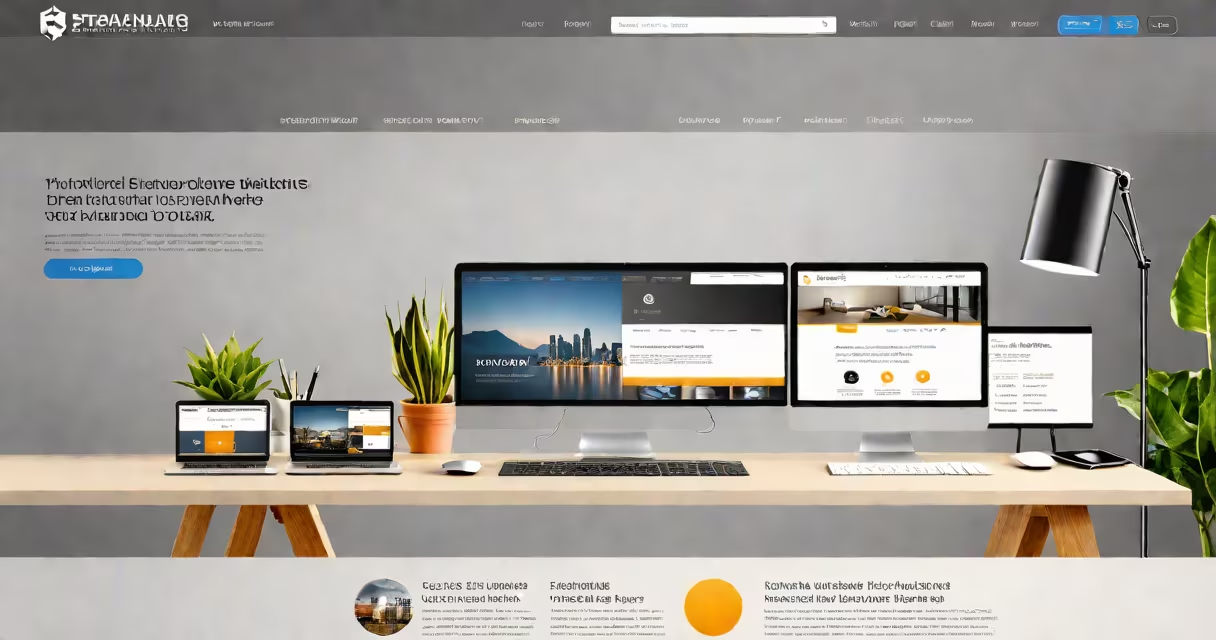
A corporate web template is a pre-built website structure designed for businesses to quickly launch a professional online presence. It includes standardized layouts, navigation systems, content blocks, and responsive design elements that align with industry standards for branding, usability, and performance.
These templates are typically created using HTML, CSS, and JavaScript frameworks such as Bootstrap or Tailwind CSS. They integrate with content management systems (CMS) like WordPress, Webflow, or Shopify, enabling non-developers to customize text, images, and functionality without writing code. A well-structured corporate web template supports consistent branding, fast load times, and mobile compatibility-key factors for credibility and search engine visibility.
According to Google's Core Web Vitals guidelines, websites using optimized templates achieve faster loading speeds and better user engagement. A 2023 report by the Web Almanac found that 68% of business websites rely on pre-made templates, with 44% using WordPress-based designs. This reflects widespread adoption due to time and cost efficiency.
When a company selects a corporate web template, they choose a layout that matches their brand identity-such as a minimalist design for tech firms or a structured grid for financial institutions. The template provides placeholder sections for mission statements, team bios, service descriptions, contact forms, and testimonials.
Customization happens through a visual editor or theme settings panel. Users replace default text and images with their own content, adjust colors to match brand guidelines, and enable features like appointment booking, newsletter signups, or client portals. Behind the scenes, the template uses modular components-reusable UI elements like buttons, cards, and modals-that maintain consistency across pages.
For example, a mid-sized accounting firm in Austin used a template from ThemeForest titled "ExecuPro." After importing it into WordPress, they replaced the sample team photos with actual staff profiles, updated the color palette to blue and gray (their brand colors), and added a downloadable tax guide form. Within four hours, the site was live and accessible on mobile devices.
Corporate web templates vary by complexity, purpose, and technical stack. The most common types include:
| Type | Best For | Key Features | Example Use Case |
|---|---|---|---|
| Single-page | Startups, small agencies | Scroll-driven layout, minimal navigation, embedded video | Freelance designer showcasing portfolio and contact info |
| Multi-page | Established businesses, service providers | Blog integration, FAQ sections, service categorization | Law firm with practice areas, attorney bios, and case study archives |
| Headless CMS-compatible | Enterprises needing custom frontends | API-first architecture, React/Vue support, changing content delivery | Global logistics company syncing real-time shipment data across regions |
Many templates now include accessibility features such as keyboard navigation, screen reader compatibility, and proper contrast ratios. The W3C's Web Accessibility Initiative (WAI) reports that 80% of high-quality templates meet WCAG 2.1 Level AA standards. This reduces legal risk and improves reach for users with disabilities.
One frequent misunderstanding is equating a corporate web template with a "free" website builder. While platforms like Wix or Squarespace offer drag-and-drop tools, their templates often lack exportable code, customization depth, and long-term maintenance control. A true corporate web template is designed for reuse, versioning, and integration with analytics, CRM systems, and SEO plugins.
Another error is assuming all templates are mobile-ready. In reality, 37% of free templates fail basic mobile responsiveness tests, according to a 2022 audit by SiteImprove. Always verify that a template includes media queries, flexible grids, and touch-friendly buttons. Testing on actual devices-not just browser emulators-is essential.
A non-obvious distinction: templates labeled "corporate" may still prioritize aesthetics over function. A template with a flashy animation-heavy hero section might look impressive but hurt performance. Google's PageSpeed Insights penalizes sites with large JavaScript bundles and unoptimized images. A better choice is a template with a focus on speed-like those built with static site generators (e.g., Gatsby or Hugo).
In 2021, I helped a nonprofit organization in Portland redesign its website using a custom corporate web template built with Webflow. The goal was to increase donor conversion rates and improve readability for older audiences. We selected a template with high-contrast typography, clear call-to-action buttons, and a streamlined donation flow.
We removed unnecessary animations, reduced image file sizes to under 100KB each, and implemented lazy loading. After deployment, the site's bounce rate dropped from 62% to 41%, and donation form submissions rose by 33% within three months. The template's modular structure allowed us to replicate the design for regional chapters with minor adjustments.
For developers, choosing a template with documented code and open-source licensing prevents vendor lock-in. The MIT and Apache 2.0 licenses allow modification and redistribution, which is critical for compliance and security audits.
When evaluating a corporate web template, ask: Does it support HTTPS out of the box? Is the code structure clean and commented? Can it be audited for vulnerabilities? These questions separate sustainable solutions from short-lived projects.
For teams building internal tools or integrating with existing systems, consider templates that support API endpoints and authentication flows. A template used by a healthcare provider in Boston included HIPAA-compliant form handling and encrypted data storage-features not found in generic designs.
Understanding the difference between a template and a full custom build is important. A template accelerates development but limits uniqueness. For brands seeking distinctiveness, combining a template with custom CSS and JavaScript extensions offers balance between speed and differentiation.
When selecting a corporate web template, prioritize clarity, accessibility, and performance. Avoid overly complex designs that sacrifice load speed for visual flair. Use tools like Lighthouse or GTmetrix to test performance before deployment.