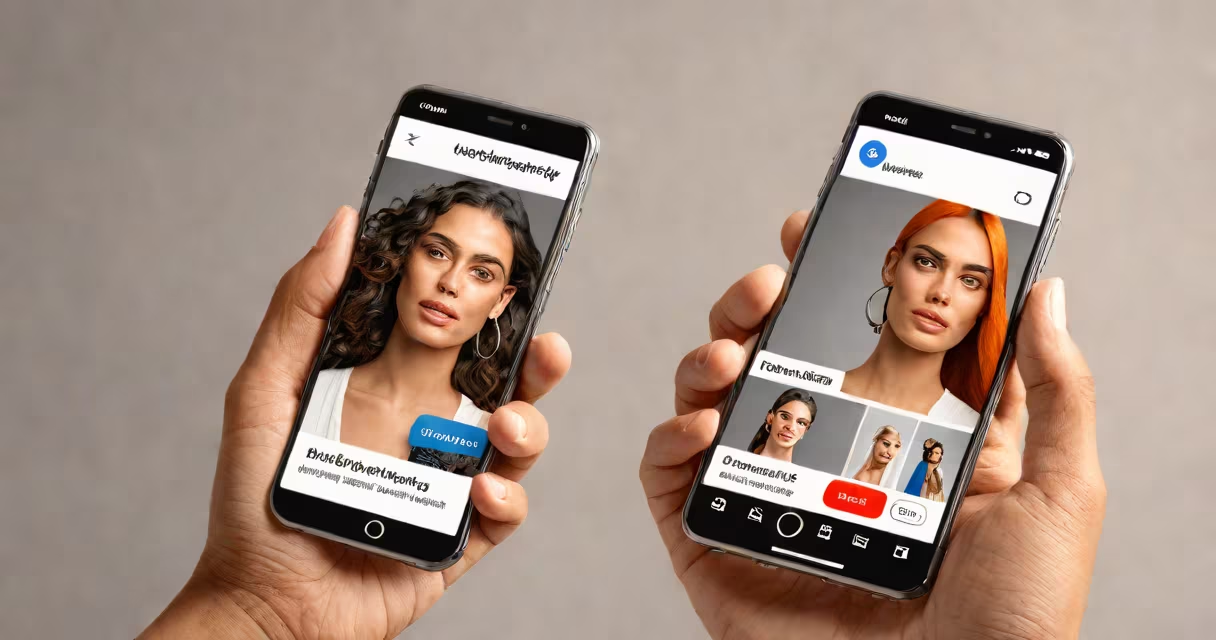
Photoshop free mobile is Adobe's limited version of its professional image editing software, available at no cost on iOS and Android devices. It provides core tools like cropping, resizing, color correction, and basic filters, but excludes advanced features such as layer masks, complex selections, and AI-powered enhancements.
The free mobile version runs on the same engine as desktop Photoshop but restricts access to premium workflows. Users can open JPEG, PNG, and PSD files, apply adjustments, and save edits locally or to cloud storage. However, actions requiring high computational power-like content-aware fill or neural filters-are disabled unless the user subscribes to Adobe Creative Cloud.
Adobe released this mobile iteration in 2020 to meet demand for on-device photo editing among casual users and content creators. It supports touch gestures, split-screen editing, and integration with Adobe Express for quick social media graphics. Despite being free, it requires an Adobe ID and internet connection for activation and syncing.
Photoshop free mobile operates through a simplified interface optimized for touchscreen navigation. Tools appear in a collapsible toolbar at the bottom of the screen. Users tap to select functions like "Crop," "Adjustments," or "Filters." Each tool opens a panel with sliders and presets.
Editing happens in real time. Changes apply instantly to the preview window. For example, adjusting brightness by dragging a slider shifts the image's luminosity within milliseconds. The app uses device GPU acceleration to maintain responsiveness on supported hardware.
When a user finishes editing, they can export the file in standard formats or share it directly to apps like Instagram, WhatsApp, or Google Drive. Files saved to the device remain accessible offline, though syncing with Adobe's cloud service requires Wi-Fi.
The free mobile version includes essential editing capabilities:
Advanced features are locked behind a subscription:
| Feature | Free Mobile Access | Paid Plan Access |
|---|---|---|
| Content-Aware Fill | No | Yes |
| Neural Filters (AI) | No | Yes |
| Layer Masks | Partial (basic) | Full |
| Export to PDF | No | Yes |
| Cloud Storage (100GB) | 5GB | 100GB |
Adobe does not offer a permanent free tier with full functionality. All advanced tools require a paid Creative Cloud membership. The free version is not a standalone replacement for desktop Photoshop-it's designed for quick fixes, not production work.
Many assume Photoshop free mobile is equivalent to the desktop version. It is not. While both use the same underlying engine, the mobile app lacks precision controls and workflow automation. For example, selecting a subject using the "Select Subject" tool takes longer and yields less accurate results than on a desktop with a mouse.
Another misconception is that the app is entirely free forever. Adobe reserves the right to change access policies. In 2022, Adobe removed the ability to create new projects in the free mobile version for users who hadn't signed into a Creative Cloud account within six months. This policy change reduced long-term usability for casual users.
A lesser-known fact: the free mobile app doesn't support batch processing. You cannot apply the same filter to 50 photos at once. That feature remains exclusive to paid plans and desktop versions.
I edited a vacation photo taken in New York City using Photoshop free mobile. The original image had uneven lighting and a distracting background element-a parked delivery van. I opened the file in the app, tapped "Auto Tone" under Adjustments, which improved contrast and color balance automatically. Then I used the "Spot Healing" brush to remove the van's reflection in a puddle. After cropping to focus on the skyline, I exported the image as a PNG at 1080x1920 resolution for Instagram.
The entire process took under five minutes. I didn't need to download anything beyond the app itself. But when I tried to use the "Remove Object" tool later, the app blocked it with a prompt saying "This feature is only available with a Creative Cloud subscription." I had to switch to a different app for that task.
Photoshop free mobile does not come bundled with T-Mobile's free offerings. You cannot access it through T-Mobile's network or billing system. However, T-Mobile customers do get benefits that indirectly support mobile photo editing.
T-Mobile subscribers can access streaming services like Netflix at no extra cost. While this doesn't include Photoshop, it complements mobile creativity. I used my T-Mobile plan to stream tutorials on YouTube while editing a photo collage during a weekend trip. The stable connection kept the video buffer-free, helping me learn how to blend layers properly.
Photoshop free mobile delivers foundational editing tools for smartphone users who need quick fixes. It's ideal for cropping, adjusting exposure, and applying filters. But it lacks the depth required for professional design work. Full functionality demands a paid Creative Cloud subscription. If you rely on mobile editing, pair it with T-Mobile's free data plan to avoid overage fees, but don't expect Adobe tools to be included at no cost.